6
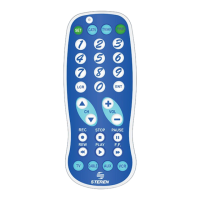
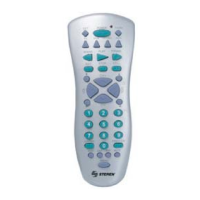
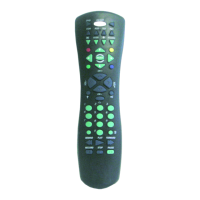
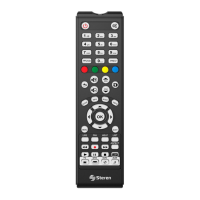
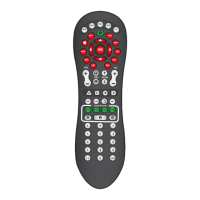
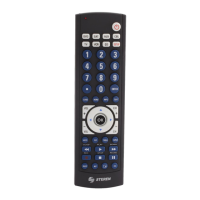
12. CH +/-: Select next or previous channel.
13. These keys are used to navigate on the menus (right ►, left ◄, up ▲, down ▼). The
central key ( O ) input channel number entries on some TV models or make a selection on
a device’s menu.
14. MUTE: Turn the sound off/on.
15. PIP: TV´s Picture-in- Picture control.
16. TOGGLE: Swaps the PIP screens
17. REPEAT: Recall the last-viewed channel.
18. These keys control the SAT, VCR, CD, AUX or DVD and SAT player. In SAT mode works
correctly if your cable/satellite provider has this service. Also you can use the ● key to make
recordings.
19. SLEEP: Turns off the TV after a period of minutes. Brings up DVD Subtitle Menu.
20. AV: Switch the TV or video mode.
21. Selects the input video.
22. CC: Activates the Closed Caption funtion.


 To Next Page