3 Operation
6
days of chart remaining is equal to the
number of divisions counted.
The pen is a replaceable cartridge pen,
which should be replaced periodically, as
the chart line begins to dim. Simply slide
the pen out of its holder and replace it with
a new unit.
2.6 Positioning the Pen
Turn the float pulley shaft to raise the float
a short distance. Check that the pen is
moving in the desired direction. If it does
not, disengage the float line or tape from
the pulley, and rotate the pulley until the
pen is moving in the desired direction.
Then re-engage the float line or tape.
Loosen the right-and left-hand threaded
pulley clamp screws. Move the pen
carriage until the pen indicates the correct
water level, or head (do not go through a
reversal). This should be determined from
a staff gage water level reading, or by use
of a contact meter to determine well depth
at the time of installation. Retighten the
float pulley clamp screws and re-check that
nothing has slipped during tightening.
Because this sets the starting point for the
instrument, any error would affect the
complete recording.
It is good practice to write on the chart the
location, date, time scale and any other
pertinent data. These notations become
invaluable later when it comes time to
"read" the chart record.
Your recorder is now properly set up, and
recording can begin. All that is needed is
to start the clock and, if appropriate, set the
desired chart speed. Quartz Multispeed
Timer-drive units have switch selectable
chart speeds.
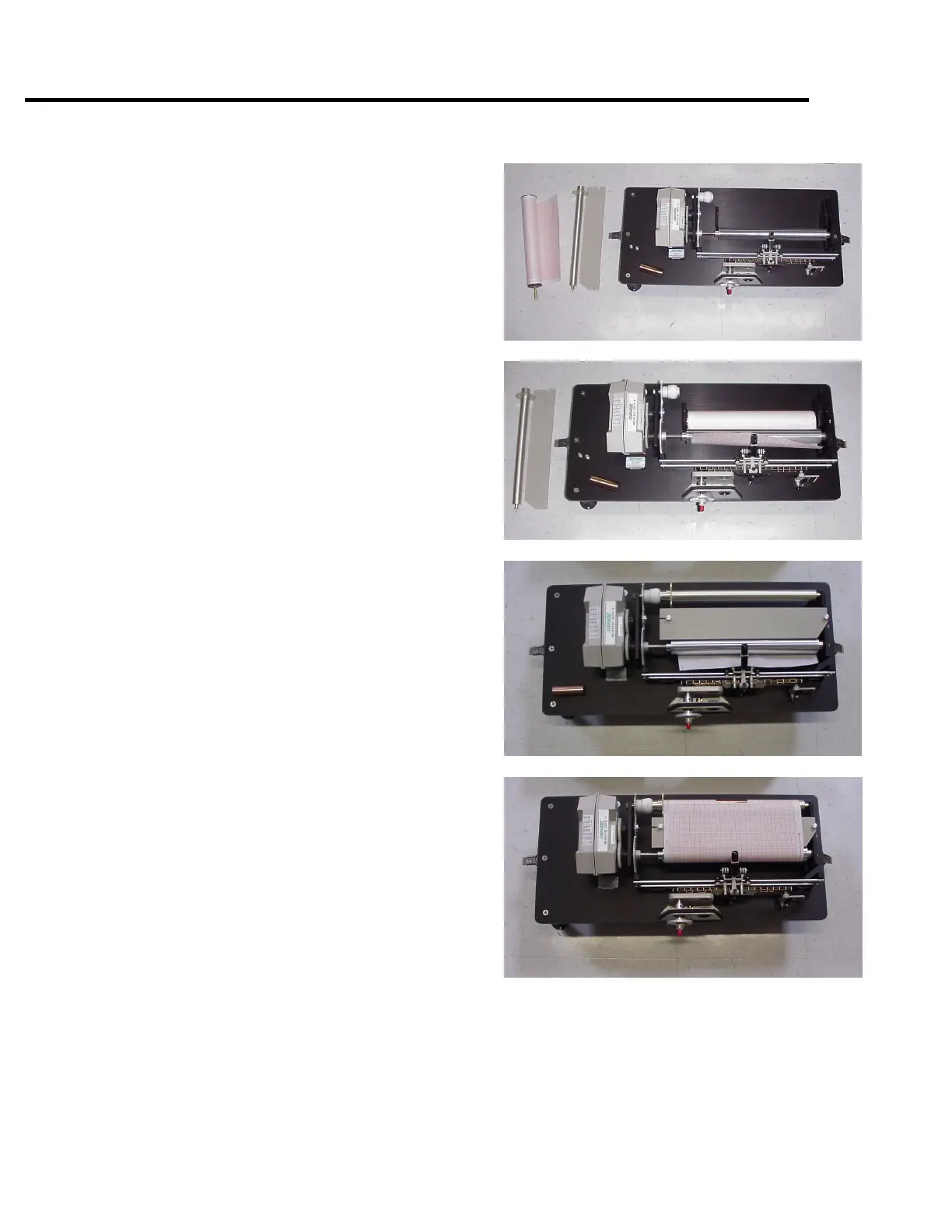
Sequence for chart installation


 To Next Page