EasyManua.ls Logo

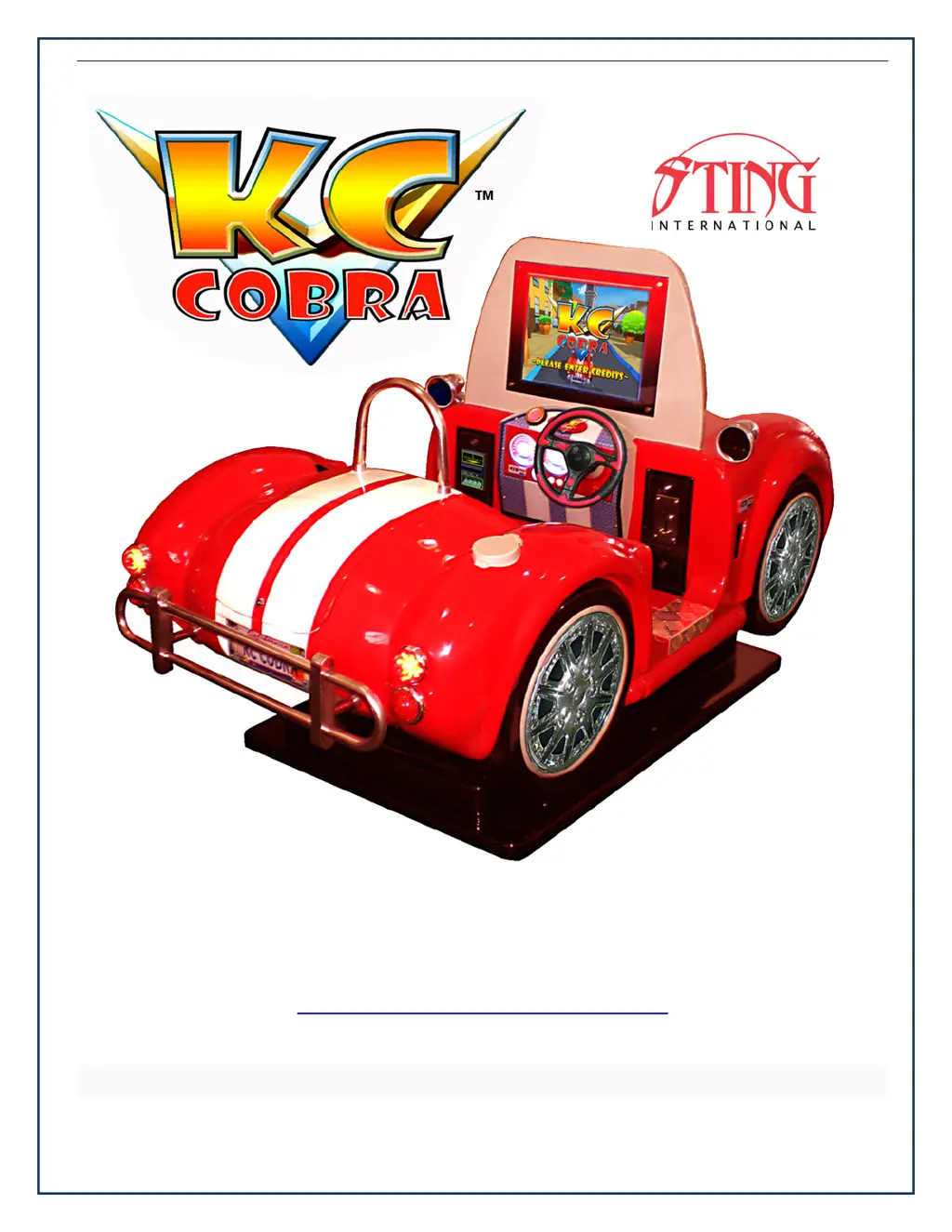
Sting KC Cobra - User Manual

Sting KC Cobra
37 pages
Print Icon
To Next Page IconTo Next Page
Loading...
SERVICE AND TECHNICAL SUPPORT CALL: FAMILY FUN COMPANIES (708) 598-7320 WWW.FAMILYFUNCOMPANIES.COM
GAME OPERATION & INSTRUCTION MANUAL
FOR ALL PARTS, SERVICE, AND TECHNICAL SUPPORT
PHONE: 708-598-3720 FAX: 708-598-3720
WWW.FAMILYFUNCOMPANIES.COM
STING INTERNATIONAL, © 2013 ALL RIGHTS RESERVED

Questions and Answers

  • S
    Seth WolfAug 3, 2025
    How to fix bill jammed in Sting Arcade Game Machines?
    • J
      Jacob BautistaAug 4, 2025
      To resolve a bill jam in your Sting Arcade Game Machine, remove the bill box by sliding the top button and the bill path unit. Then, carefully remove the jammed bill.
  • S
    stephanie25Aug 8, 2025
    What to do if Sting KC Cobra Arcade Game Machines shows stacker error or stacker full?
    • D
      Denise GravesAug 8, 2025
      If your Sting Arcade Game Machine displays a stacker error or indicates that the stacker is full, you should empty the bill box.
  • A
    Anthony AndersonAug 13, 2025
    Why does my Sting KC Cobra show motor error?
    • R
      Robin MorrisonAug 13, 2025
      If you encounter a motor error with your Sting Arcade Game Machine, check the bill path for any foreign objects and clean it thoroughly.
  • J
    jonesaustinAug 18, 2025
    What to do if Sting Arcade Game Machines says bill box has been removed?
    • B
      Brett RiceAug 18, 2025
      If the bill box has been removed from your Sting Arcade Game Machine, replace it to restore normal operation.
  • T
    Timothy DominguezAug 23, 2025
    How to fix recognition sensor error in Sting KC Cobra Arcade Game Machines?
    • D
      David VaughnAug 23, 2025
      If your Sting Arcade Game Machine displays a recognition sensor error, inspect the sensor and bill path for any foreign objects. Clean them if necessary.
  • J
    jillhoweAug 28, 2025
    What to do if Sting KC Cobra Arcade Game Machines shows out sensor error?
    • B
      Brian LewisAug 28, 2025
      If your Sting Arcade Game Machine is showing an out sensor error, inspect the sensor and the bill path for any foreign objects. Clean them to ensure proper function.

Summary

Specification

Introduction

Safety Guidelines

Instructions for safe usage, including understanding warning displays and handling the product appropriately.

Important Safety Information

Set Up

Installation

On-Site Installation Procedure

Details the process of installing the machine on a level surface, adjusting adjusters for stability.

Connecting the Power Cord

Bill Acceptor (DBV) Option

Bill Acceptor Diagnostics

Provides diagnostic information for the bill acceptor, listing LED flashes, status, and corrective actions.

Servicing Procedures

Control Signals and Instructions

PCB Layout Diagram

Diagram showing the layout of the main Printed Circuit Board (PCB) and its various ports and connectors.

Accessing Game Menus

Game Play Instructions

General Troubleshooting Guide

Sting KC Cobra Specifications

General IconGeneral
BrandSting
ModelKC Cobra
CategoryArcade Game Machines
LanguageEnglish