SERVICE AND TECHNICAL SUPPORT CALL: FAMILY FUN COMPANIES (708) 598-7320 WWW.FAMILYFUNCOMPANIES.COM
19
8-2 HOW TO ENTER INTO MENUS
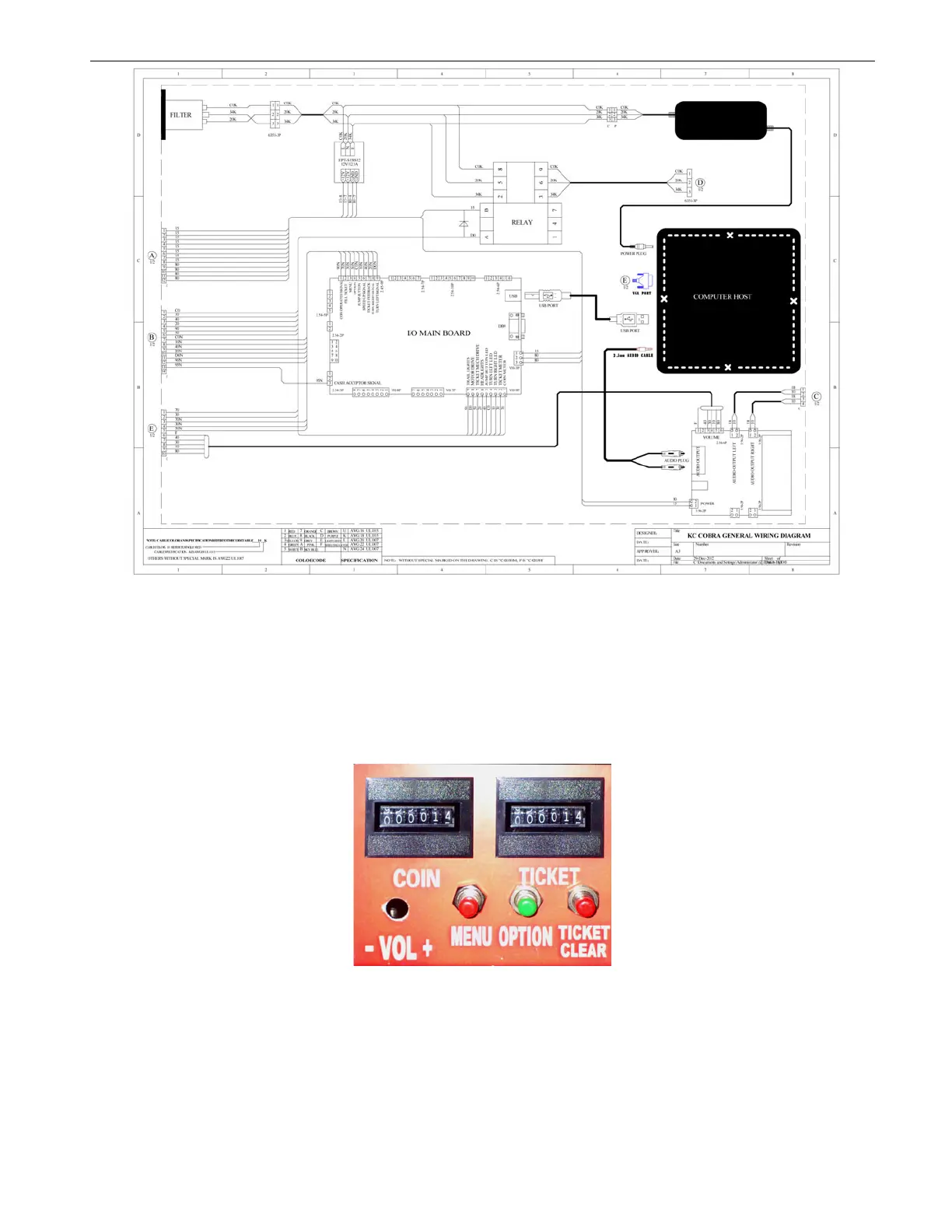
Open the coin door and you will see the Setting/Meter Panel at the top of coin box;
To enter the Menu state on screen- Press: “MENU” inside the door on this Setting/Meter
panel, then you will see the screen as below. Continue to press “MENU” until you
highlight the word: “ENTER”. To enter the Menu state, then press “OPTION”. In the event
you accidentally change the password, please enter the default password (default
password is 0000).
CONTINUED ON THE FOLLOWING PAGES;



 To Next Page