16
Microwave cooking
Microwave cooking allows you to customise cooking power and time. First,
select a power level by pressing the Micro Power button a number of times (see
the table below). Then set the cooking time (maximum 60 minutes), using the
Function Dial, before pressing the Instant Start button.
After the set time has elapsed, the buzzer will beep every 3 minutes and [ End ]
will be displayed. Press the Pause/Cancel button to clear the [ End ] display
before starting another cooking function.
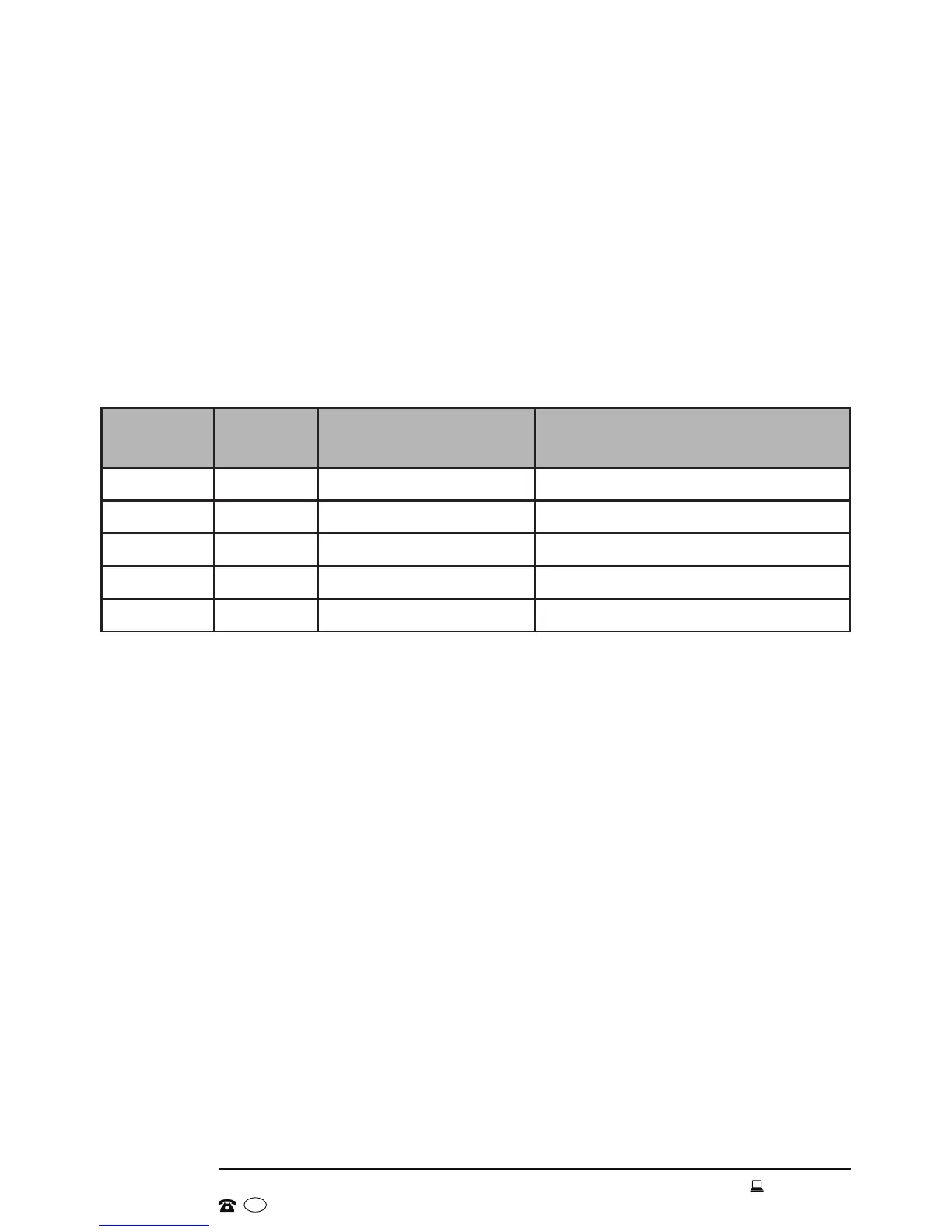
Power levels
Press
Button
Power
Level
Cooking Power Application
1 x 100P High: 100% Quick and thorough cooking
2 x 80P Medium High: 80% Medium express cooking
3 x 60P Medium: 60% Steaming food
4 x 40P Medium Low: 40% Defrosting food
5 x 20P Low: 20% Keeping warm
Example
To cook food for 10 minutes with medium high microwave (80%) power:
• Place food into the microwave and close the door.
• Press the Micro Power button twice to set the power level to 80%.
• Rotate the Function Dial until the cooking time [ 10:00 ] is displayed.
• Press the Instant Start button to start cooking. The countdown will start and
the LED will display the remaining cooking time.
Important notes
• Never operate the oven empty.
• The lower the cooking power, the slower the cooking.
• The maximum time that can be set is 60 minutes.
• At maximum microwave power, the oven will automatically lower the power
after a certain time of cooking to lengthen the service life.
• If you want to turn the food during operation, press the Pause/Cancel button
to stop operation, turn the food over, and then press the Instant Start button
to continue the preset cooking procedure.
• If you intend to remove the food before the preset time, you must press the
Pause/Cancel button twice to clear the preset procedure in order to avoid
unintended operation when using the oven next time.
Instructions


 To Next Page