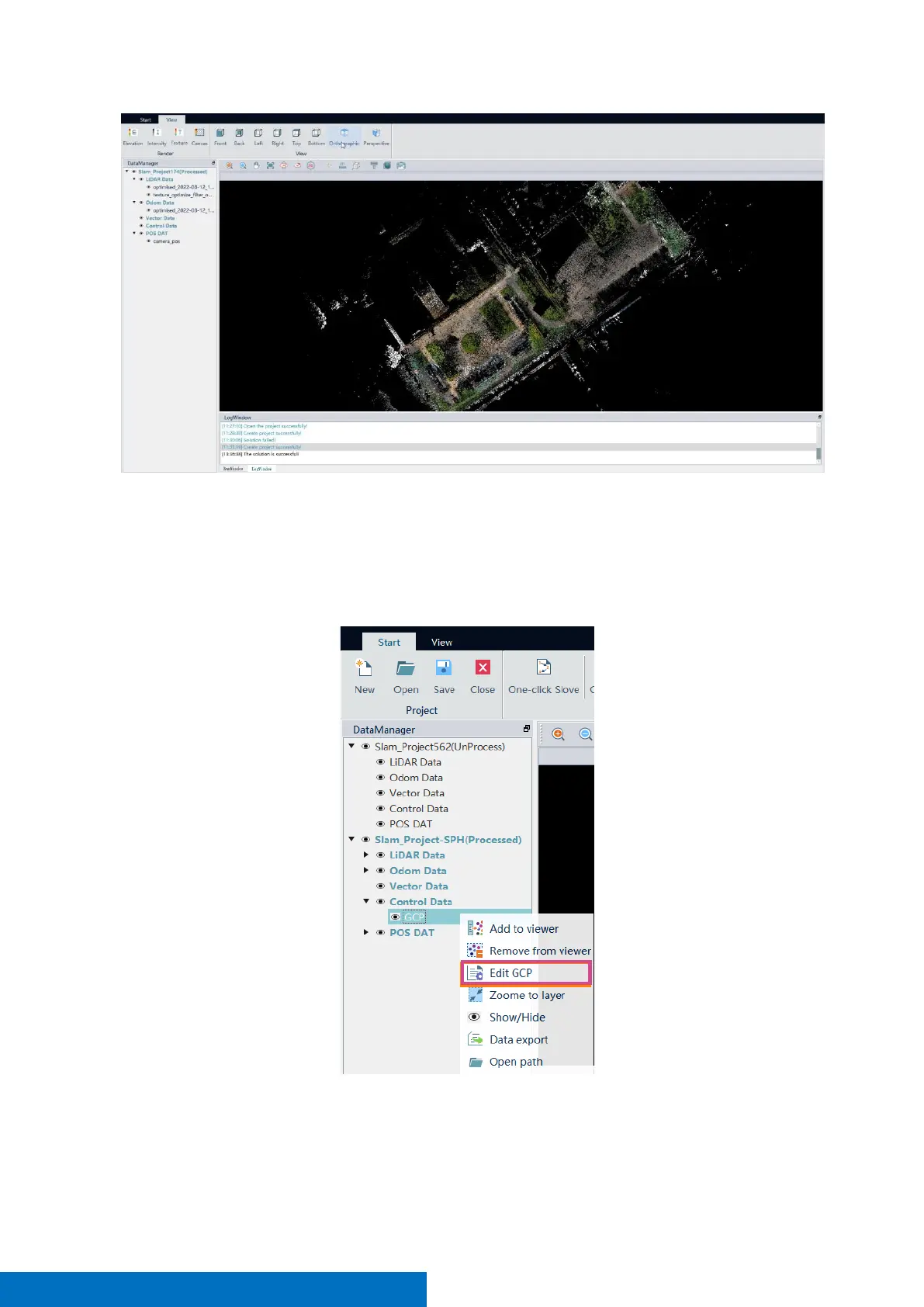
6.4 GCP Edit
If you import GCP when the project is created, and the point cloud is not orientated after data processing, you
need to use the GCP edit function. There are two situations result in not-orientated points. We will explain them
respectively. Right-click Edit GCP to enter the control point editing interface.
CASE 1: matching points are more than the control points. You can click the control point to be edited, modify
the matching point sequence number at the upper toolbar, correspond the control point to the correct
matching point, so that the excess matching point can be ignored at the end, and it will not participate in any
calculation. Take figure below as an example, The correspondence between “GCP3” and “Matching point3” is



 To Next Page