• Zoom in: Zoom in on the point cloud
• Zoom out: Zoom out on the point cloud
• Pan: Pan the point cloud
• Extent: Zoom to layer
• Rotation: rotate point cloud
• Rotation center: change rotation center for easy browsing
• 2D: Lock the plan view
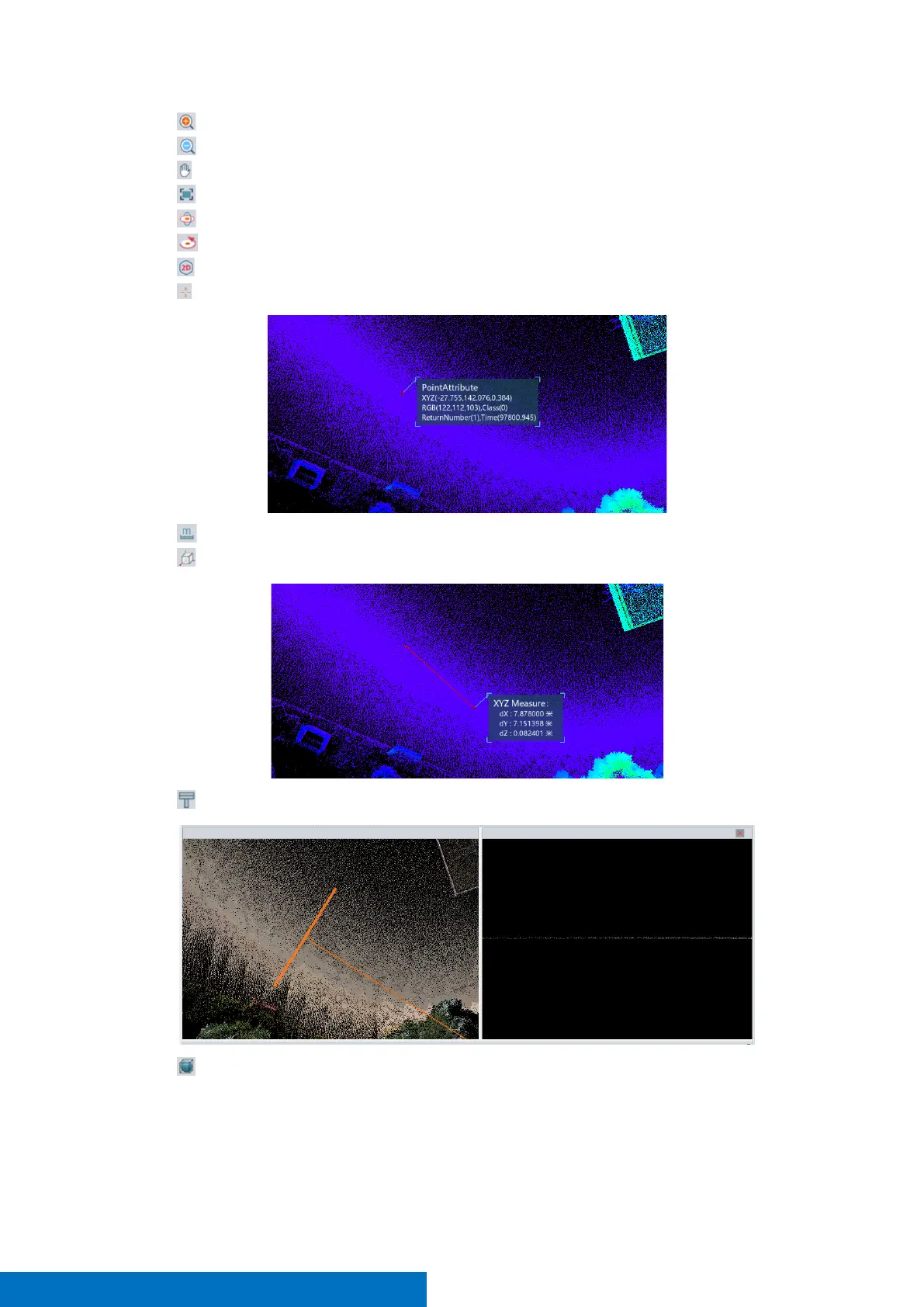
• Pick point: pick single point to show its information
• Measure distance: measure 3D distance between two points
• Measure XYZ: measure distance between two points in XYZ Axis.
• Profile: Show point cloud details in a cross-sectional view
• Plan cut: Show point cloud details by change box boundary



 To Next Page