4. Remove the adhesive strip from the power and data connectors on the SSD.
5. Unplug these connectors.
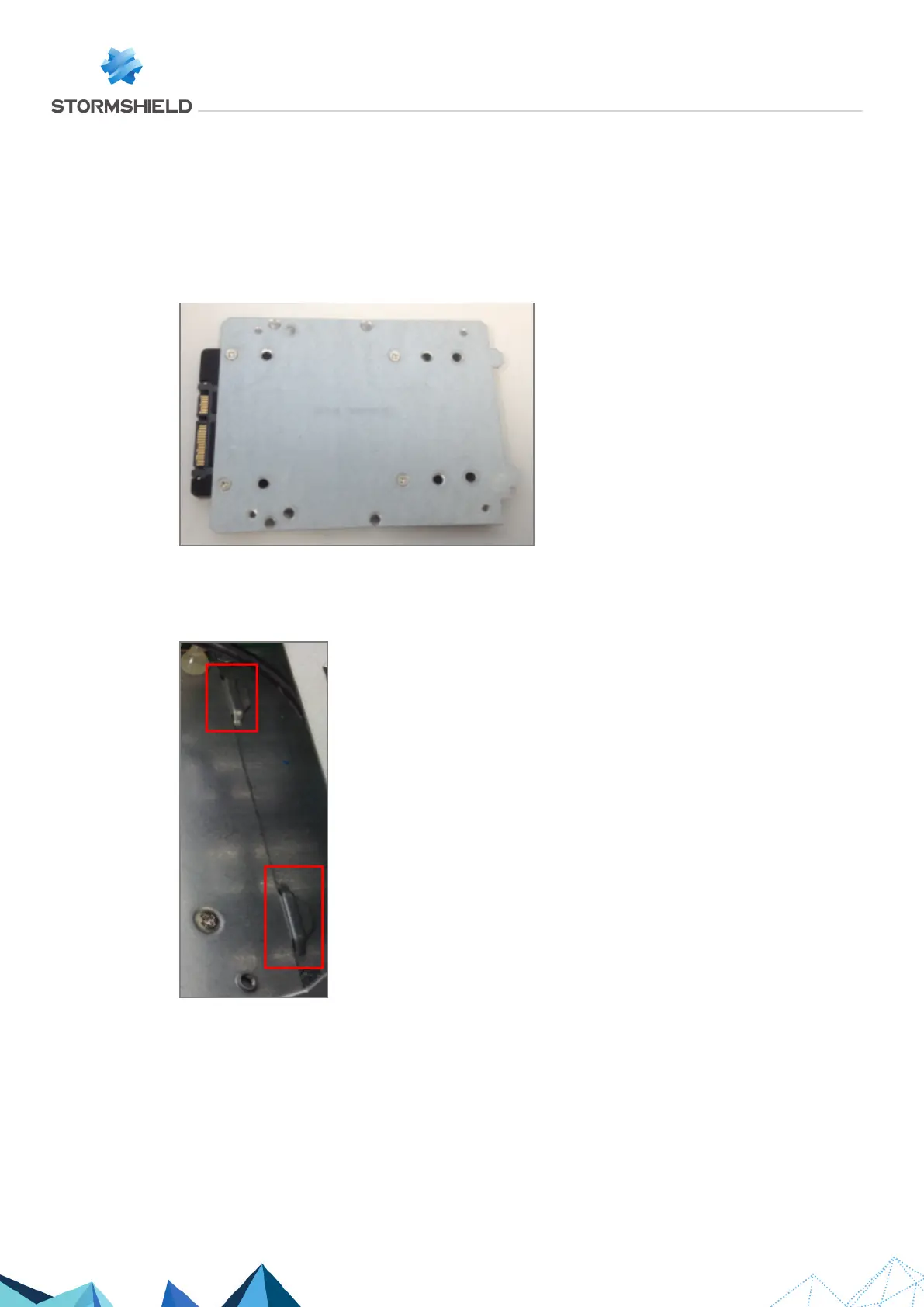
6. The SSD is mounted on a metal plate, fastened by 4 countersunk screws: remove these 4
screws.
7. Lightly lift the back of the metal plate, and pressing against the front part of the SSD, extract
the whole setup by pushing towards the back of the chassis.
8. Extract the SSD by removing the 4 countersunk screws under the SSD:
Assembling
1. Place the metal plate back into its notches:
2. Push it towards the front of the chassis.
3. Fasten it using the 4 screws.
4. Ensure that the 4 fastening screws of the SSD remain outside the chassis.
5. Put the cover back in place and push it forward.
6. Close the chassis back up using the 4 screws.
SNS - TECHNICAL NOTE
SECURE RETURN OPTION
Page 18/29 sns-en-secure_return_option_technical_note - 08/01/2022



 To Next Page