General Use -
once the scanner is set up
Scanner status light signals
The status light at the back of the scanner keeps you informed about the state of the scanner. For more detailed
information regarding the scanner and its status, please refer to the user interface on the screen.
Scanner status light What it means - scanner state
Blue Scanner is on and attempting to connect
Yellow Battery is 5% or lower. Change the battery now. The scanner will continue
to scan until the battery is completely exhausted
Green Scanner is on, connected to the PC and ready to scan
No light Scanner is off
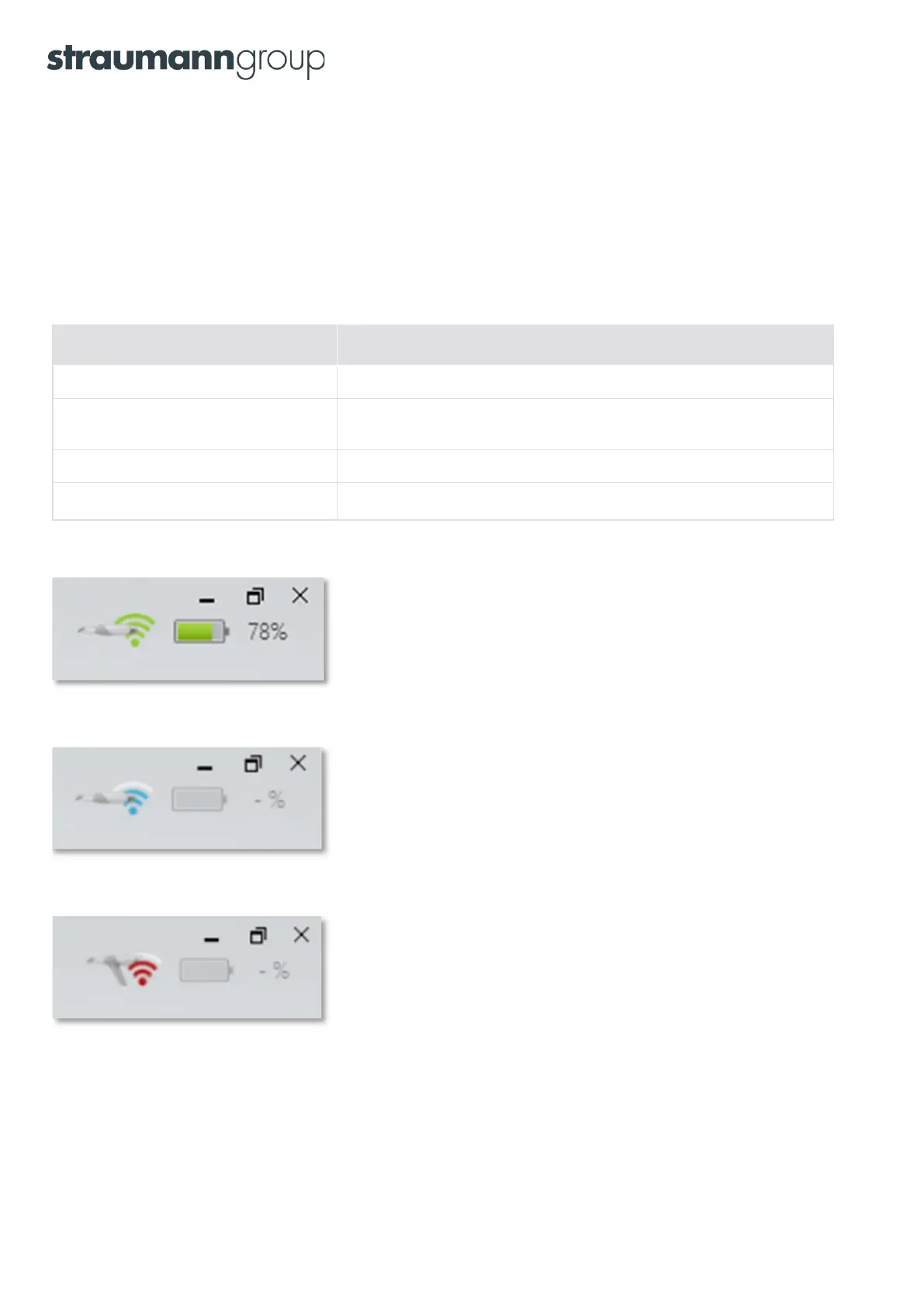
The scanner is ready to scan when you see the
battery level icon in the upper right corner of the screen.
The following image will be displayed
If there is no connection to the scanner.
If no scanner has been paired to the PC,
the following image will be displayed.
11



 To Next Page