Wireless Setup
Charging batteries
Connect power to the battery charger. Then insert all 3 batteries and leave them to charge fully. Batteries are fully
charged when the charge indicators on the charger are steady and green.
Inserting the battery
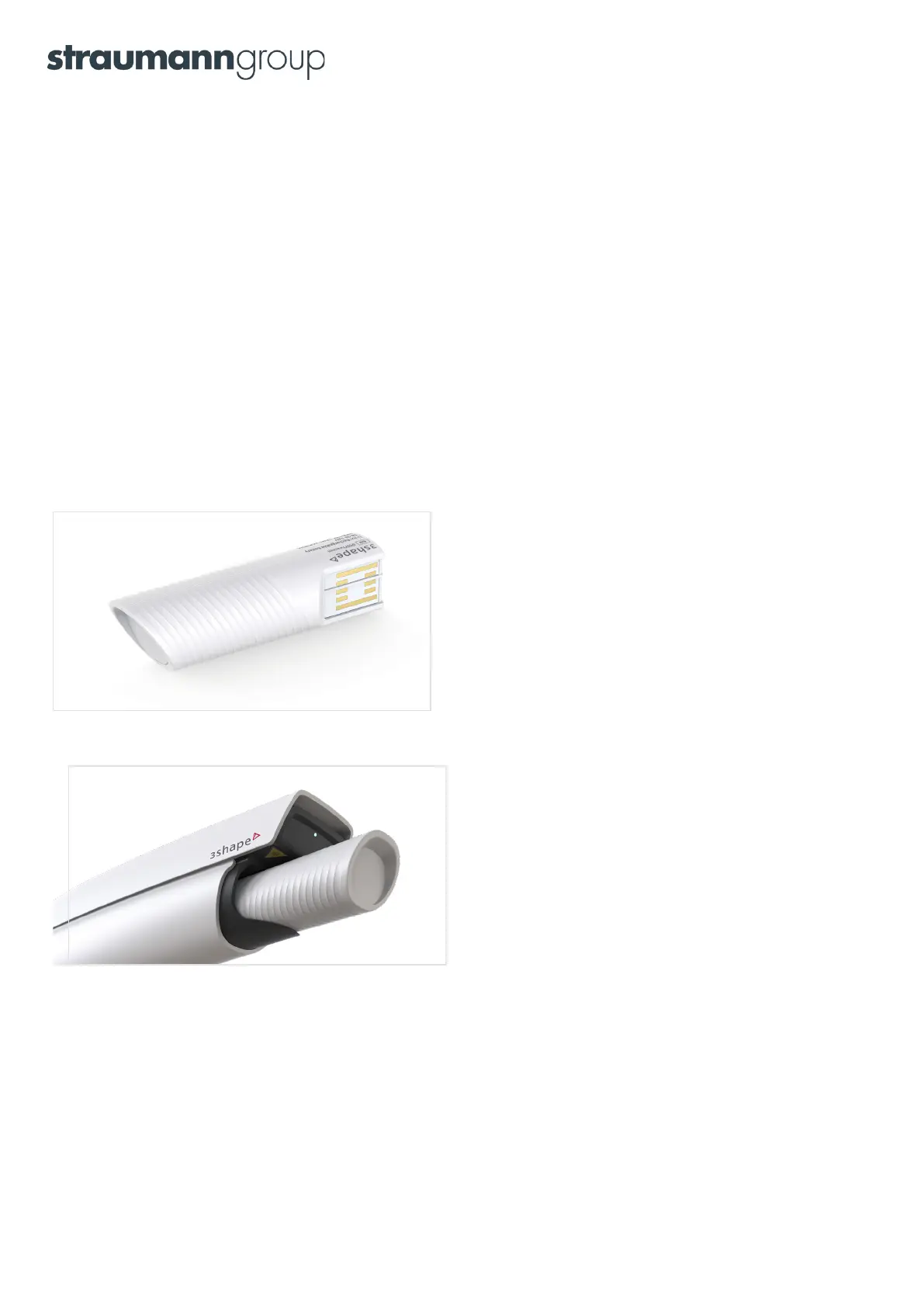
Batteries are delivered in a semi-charged state. Please charge fully before first use. Once fully charged, insert
a battery in the 3Shape TRIOS
®
4 wireless setup. Make sure to rotate the battery correctly before inserting.
No excessive force is required when inserting correctly. Attempting to insert incorrectly may cause permanent
damage to the scanner.
Please refer to the Safety & Setup Guide for full instructions on how to install the batteries. The information below
is for guidance only. If in doubt, follow the instructions in the Safety & Setup Guide.
Step 1: Make sure that the battery edge is aligned as shown in
the picture above.
Step 2: Gently press the battery into the back of the scanner until
it clicks and thereby is locked into the correct position.
Taking out the battery
Remove the battery by gently pulling the battery in a straight line from the scanner. Take out the battery to turn
the scanner off or because you wish to replace it with a fresh battery.
6



 To Next Page