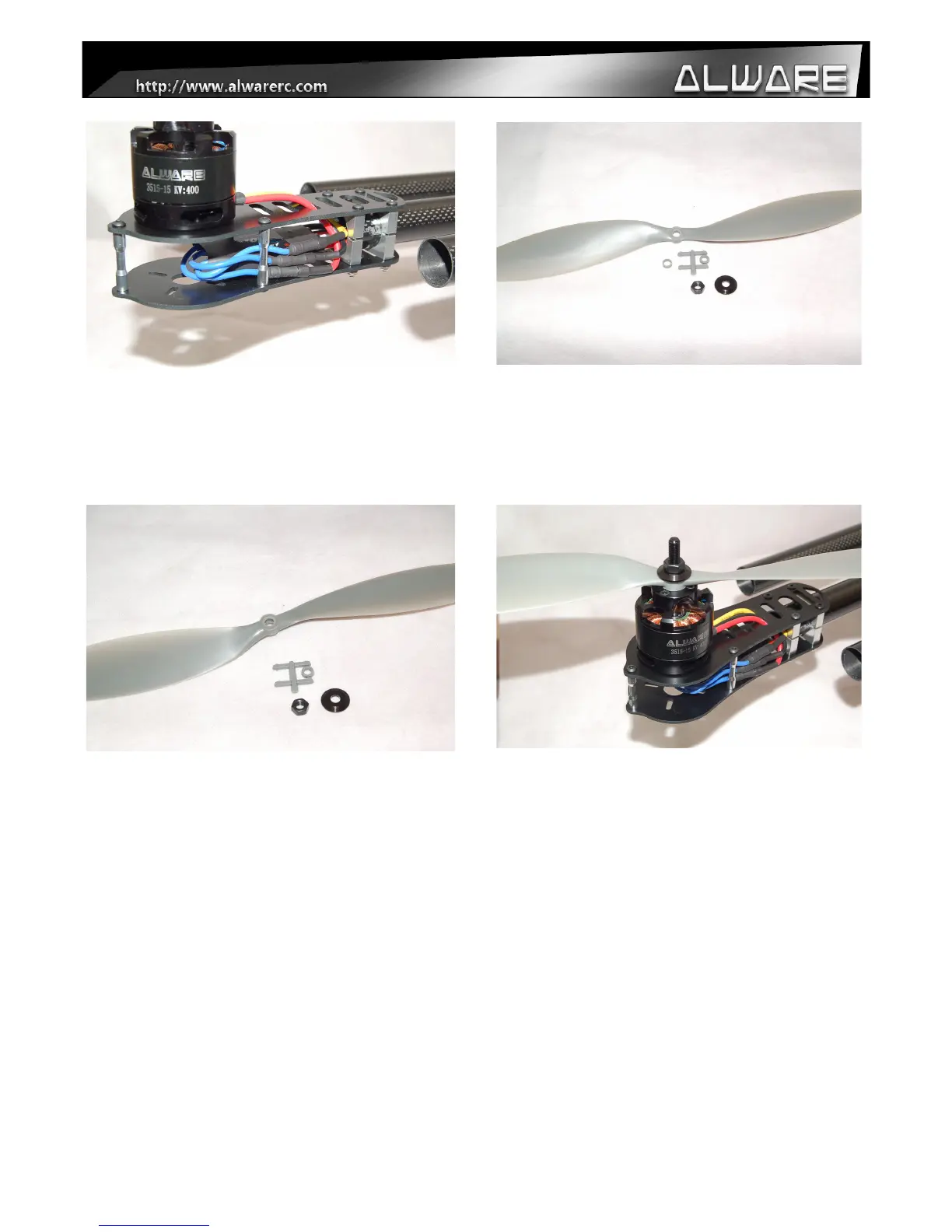
Step 5.
Repeat Step 1 to 4 for other 5 motors. Test the
motor first without propellers as to ensure the
rotating direction is correct. Exchange any two
motor wires to the ESC as to reverse the
direction if needed.
Step 6.
After ensuring the motors are running in the
correct direction, prepare the APC Props and
Prop mounting screw and washer from the
motors.
Step 7.
Insert the Root Hole Adapter (with 6mm inner
diameter) to the bottom side of APC Prop.
Step 8.
Install the Propeller to the motors and secure it
with Prop mount Screw and Washer. (Please
refer to your Multicopter Controller Manual to
install the CCW & CW Props in the correct
direction.)
15


 To Next Page