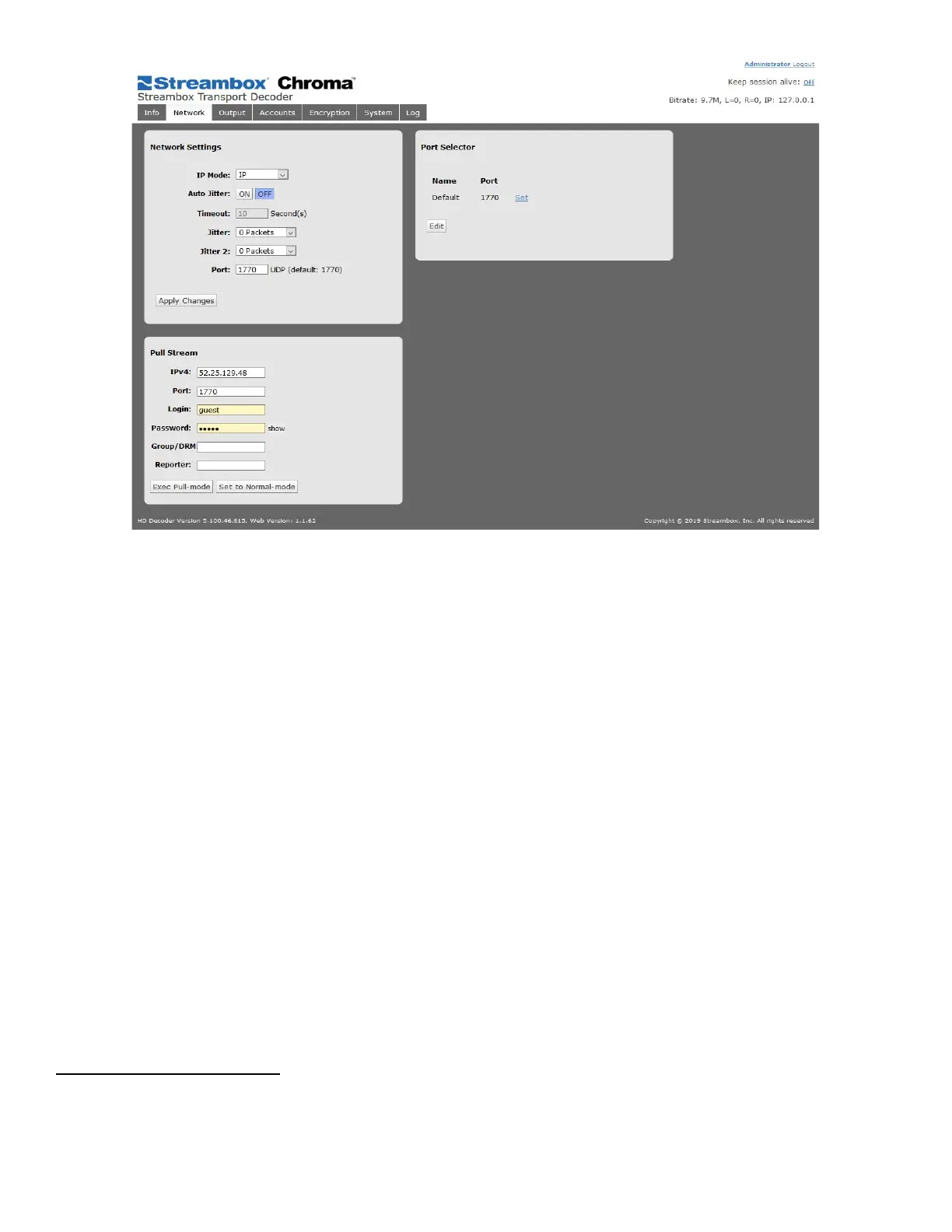
Figure 17 Decoder Web UI Network Page
Network Settings
IP Mode: selects the IP mode in which the Decoder interface is set to listen. Options are “IP” and “IP
Multicast”.
IP mode sets the Decoder to receive a Unicast ACT-L3/L5 stream. (default)
IP Multicast mode sets the Decoder to receive a multicast ACT-L3/L5 stream. (rare)
2
Auto Jitter: When enabled, Auto-Jitter will spend a period of time defined by the Timeout (in seconds),
increasing the Jitter settings as needed by the connection. During the Auto-Jitter period, an on-screen overlay
will appear, indicating the time remaining and the metadata. This overlay indicates that the stream is still
adjusting its jitter settings, which results in skips during the stream.
NOTE: Auto-Jitter feature should only be used for non-LDMP wireless streams.
Jitter: sets the number of packets to use in the primary jitter buffer. The primary jitter buffer on the receiver
(Decoder) is used to compensate for packets received out-of-order due to network congestion
Jitter 2: sets the number of packets to use in the secondary jitter buffer. The secondary jitter buffer is used to
buffer packets that arrive out of time sequence, or packets arriving in bursts.
Port: sets the IP port that the Decoder will listen for the incoming ACT-L3/L5 stream
2
The use of IP Multicast can be useful where a stream needs to be shared within a closed network; e.g., multiroom lectures or
sermons. The Multicast mode must be used within a single network. A Streambox Encoder must be setup for multicasting with
matching settings; IP and Port. The IP address must be in the range reserved for multicast use: 224.0.0.1 to 239.255.255.255. The
Streambox Decoder/Media Players must also be set to connect to that multicast IP.



 To Next Page