Force RGB Output: Enable this to force the output to RGB even if the incoming stream was sent with a
different color gamut.
Output HDR metadata over HDMI: Enables the HDR Metadata over HDMI
Genlock Settings
Genlock: Enable two modes of genlock, Reference or Input 1, or disable genlock with the Free Run setting.
Dolby Settings
DolbyVision Output: Enables DolbyVision metadata in Tunneling or CMU modes.
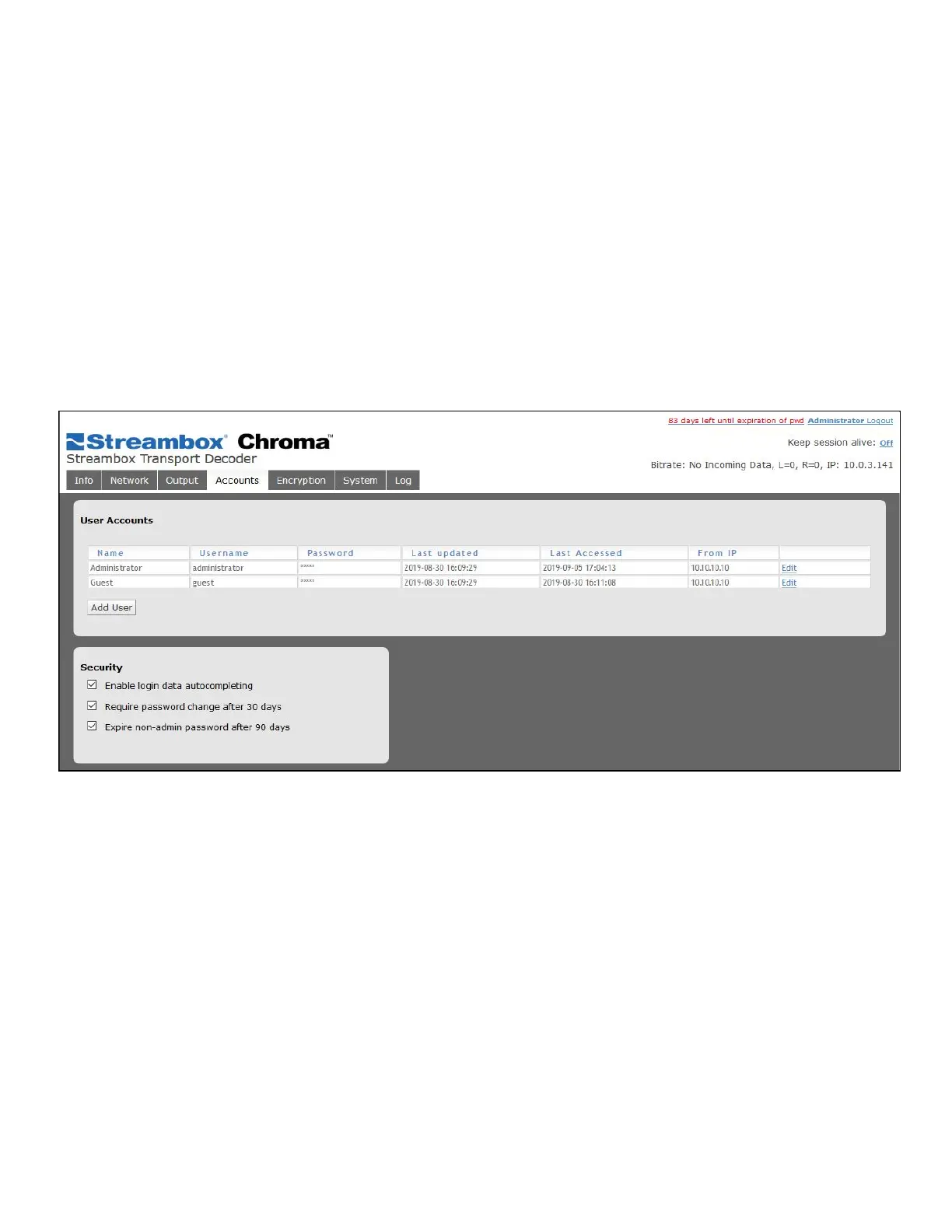
6.6 Accounts Page
This page shows user accounts for Web UI users.
Figure 19 Decoder Web UI Accounts Page
User Accounts
Use the Add User button to add additional users. There are 3 types of users:
● Administrator: All-access. Next to each user, there are buttons to Edit or Delete users.
● Operator: Can access all features and make changes, but cannot create or delete users. Operators can
edit their own accounts to change their passwords.
● Guest: Can view all status and settings but cannot make changes.



 To Next Page