10
DELIVERING THE POWER
STROM LIMITED
PROGRAMMING YOUR THERMOSTAT
Your new Strom Thermostat is extremely simple to program if you should
nd that the controller presets do not suit your lifestyle. Should you ever
need to return the controller to its preset timing proles please follow the
reset procedure on pages 14.
Reviewing the current schedule:
To check the current settings being used by your controller please follow
this simple procedure.
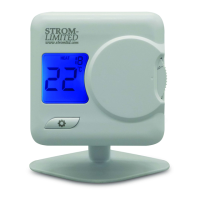
1. Move the “FUNCTION SLIDER” to “PROG”.
2. The controller will show the programming mode of the controller:
• 5/2 Day: The controller will alternate between ashing “MO”
“TU” “WE” “TH” and “FR” and then ashing “SA” and “SU”.
• 7 Day: The controller will ash only one day at a time.
• 24 Hour: All 7 days will ash at the same time.
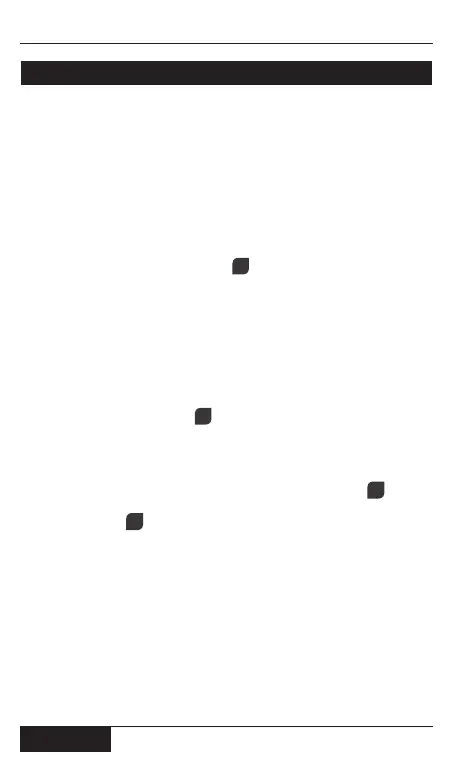
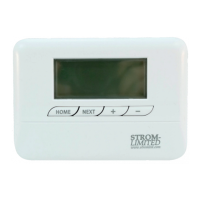
3. Press the “NEXT” button .
4. The controller responds by showing you the rst time event and
temperature for the day/s highlighted at the top of the screen.
Pressing “Next” again will keep cycling you through the time events
and temperatures for the day/s highlighted.
5. To change the day/s highlighted simply press the “DAY” button.
6. Once you have cycled through all the options press the “HOME
SELECTOR” and return the “FUNCTION SLIDER” to the “AUTO”
position.
9
3
2
USER GUIDE
5


 To Next Page