12
Press [OK]/[▶] to enter DVR List.
z Media Browser for playback of media files.
Files supported- mpg,ts, trp, wmv, mp4, mkv, flv, avi, mov, vob, mp3, wav format.
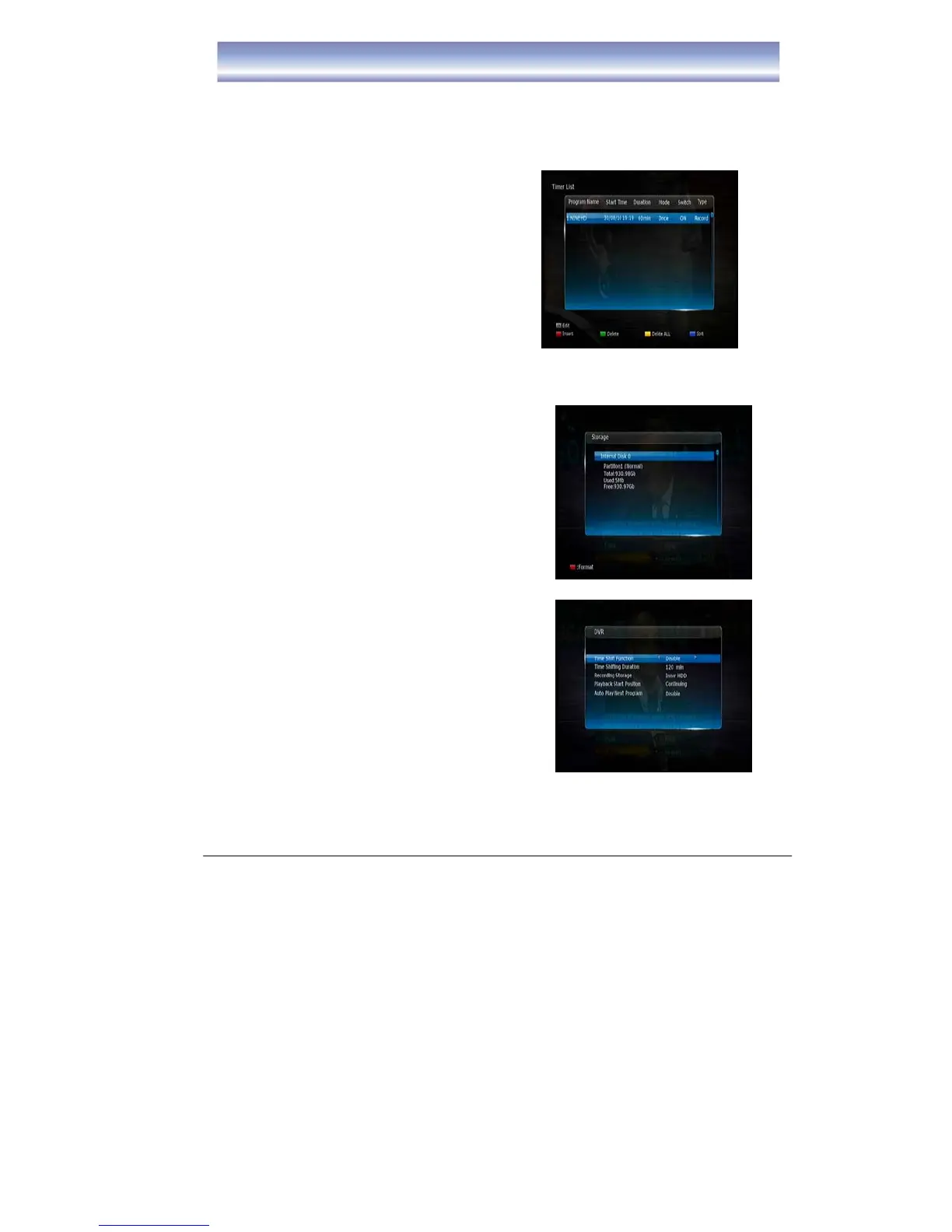
z Timer List
To manage your timer recordings
z Storage
z To view the status of the Hard disk
z Format the HDD (this will delete all files)
z DVR Setting
z Time Shift Function
-Enable or Disable Timeshift
z Time Shift Duration
-To set the desired Time Shift time, 30
minutes to 2 hours is available.



 To Next Page