28
*Please note- to play the files on your PC we recommend using GOM
Media Player. This media player can be downloaded free form the GOM
Lab website www.gomlab.com
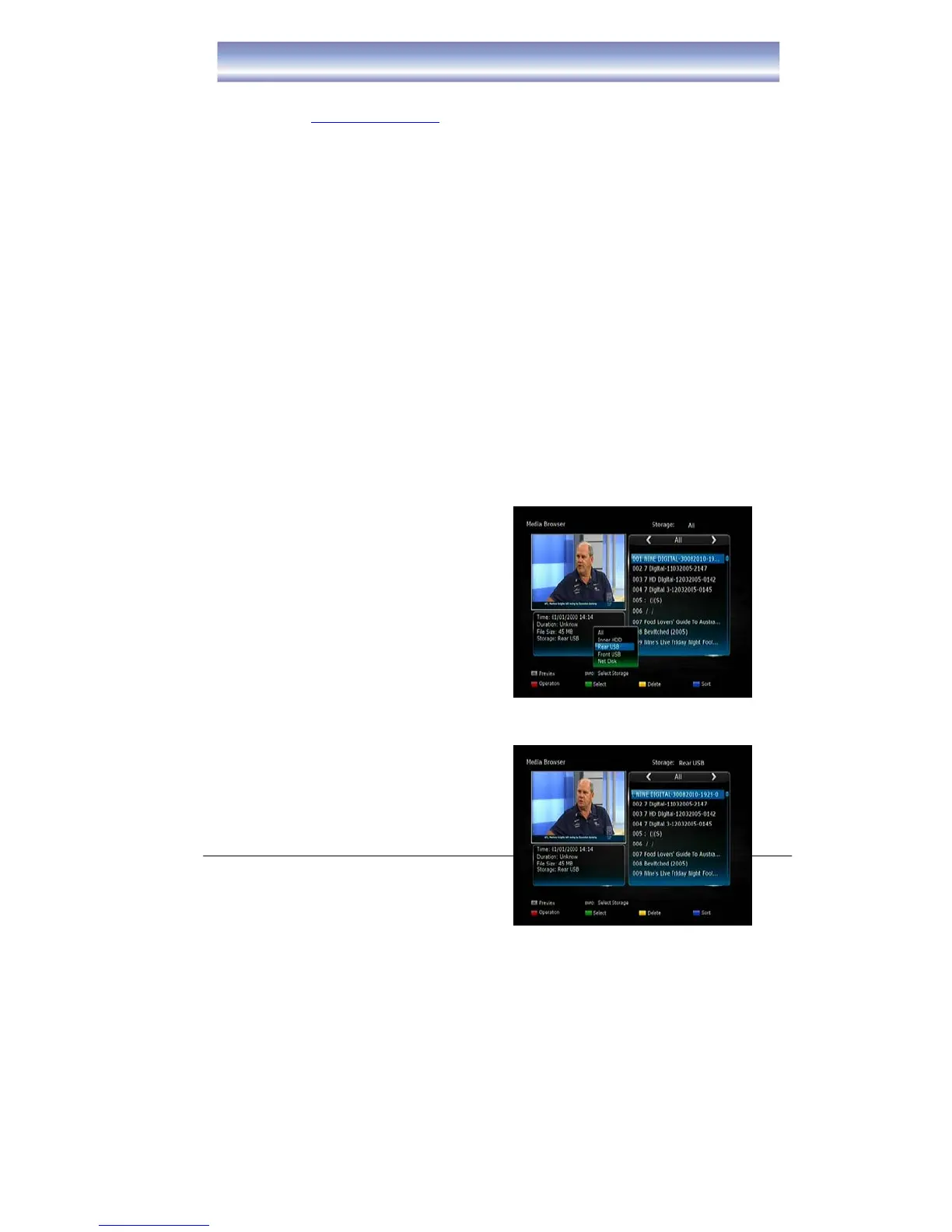
DVR Storage Filter Function
1. Open DVR Menu by pressing [DVR]
in Live TV Mode.
2. Press [INFO] to pop the storage
filter options list and press [OK]
select one you wish to view (Such
as : Inner HDD, Rear USB, Front
USB and Net Disk ).



 To Next Page