32
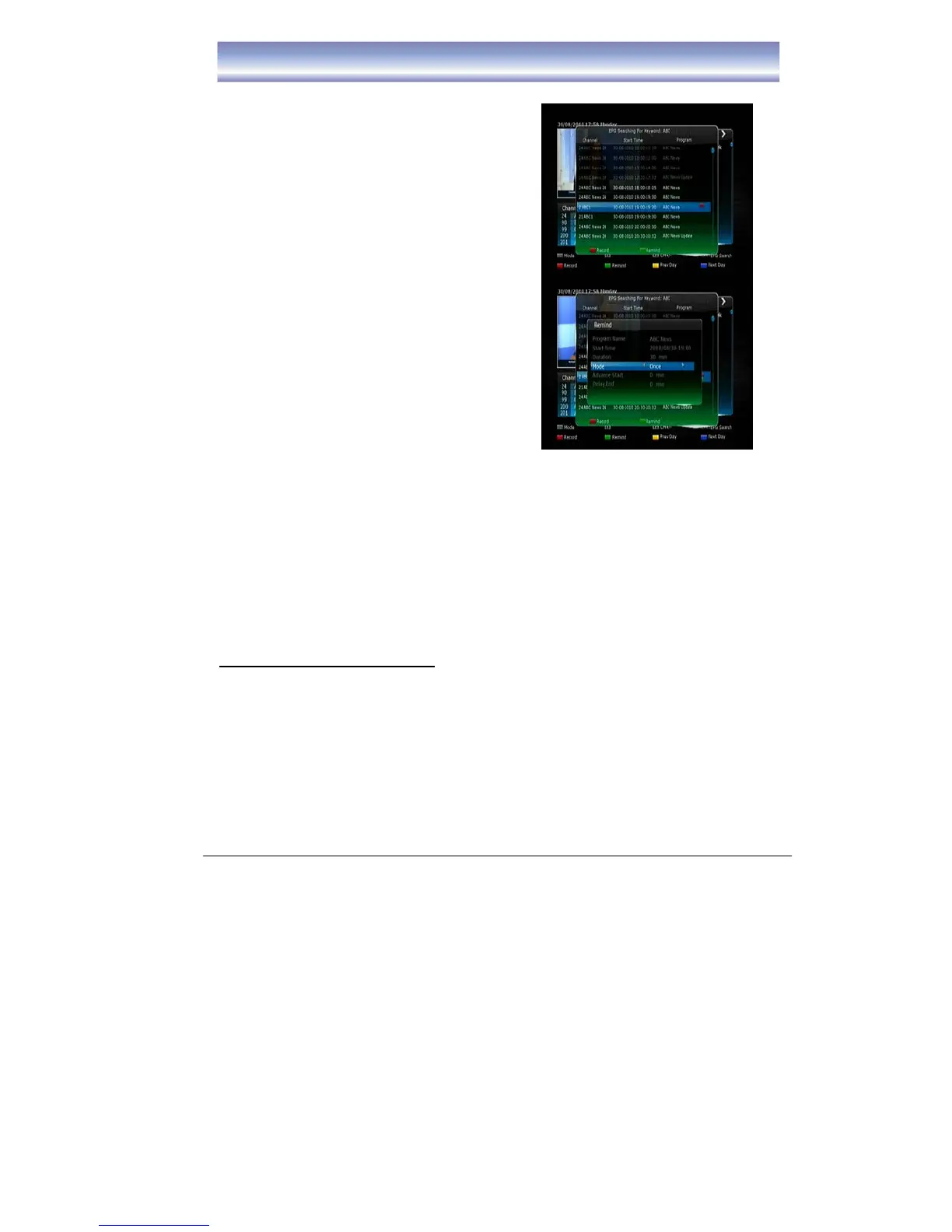
z Pressing the [GREEN] button once will place , a “green square” icon next to
the selected program
z Pressing the [GREEN] button after setting the reminder will allow you to edit
the reminder frequency from Once,
Daily, Weekly, Weekday).
z Pressing the [GREEN] button a third
time will cancel the remind function.
16. Press [RED] button to set the recording
function, the receiver will switch to selected
channel when the selected program begins.
z Pressing the [RED] button once will
place , a “red square” icon next to the
selected program
z Pressing the [RED] button after setting
the recording will allow you to edit the
recording settings (such as:
Mode/Advance Start/Delay and End
times).
z Pressing the [RED] button a third time
will cancel the recording function.
17. You can also press the [S.REC] button to
set series recording
.
18.
Press [EXIT] button to quit.
Network
In the Network menu you can listen to internet radio stations, access media files you
have stored on your PC and view weather information.
Please ensure you have the receiver connected to your internet connection via
the Ethernet port on the rear panel. Once connected the receiver will detect your
network settings automatically. To ensure that your receiver is connected to the
internet via your network select “Network state” in Network menu. Here the
status will state “Enable” and your networks IP Address will be displayed.
Listen to Internet Radio Stations
1. Press [MENU] key in Live TV mode.
2. Select Network Æ Internet Radio and press the OK button.
3. Unit will scan the internet radio frequencies automatically.
4. Once autoscan is complete a list of Genre’s will be displayed on the left hand
side of the screen. Select Genre by pressing the [OK] button. A list of stations
from that genre will be displayed on the right hand side of the screen.
Press the [▶] button, the cursor will switch to right hand side of the screen.
5. Using the [▲][▼] buttons select the station you wish to listen to and press [OK]
to play
6. To change the genre press the Menu button to select a new genre by pressing



 To Next Page