17
Changing Channels
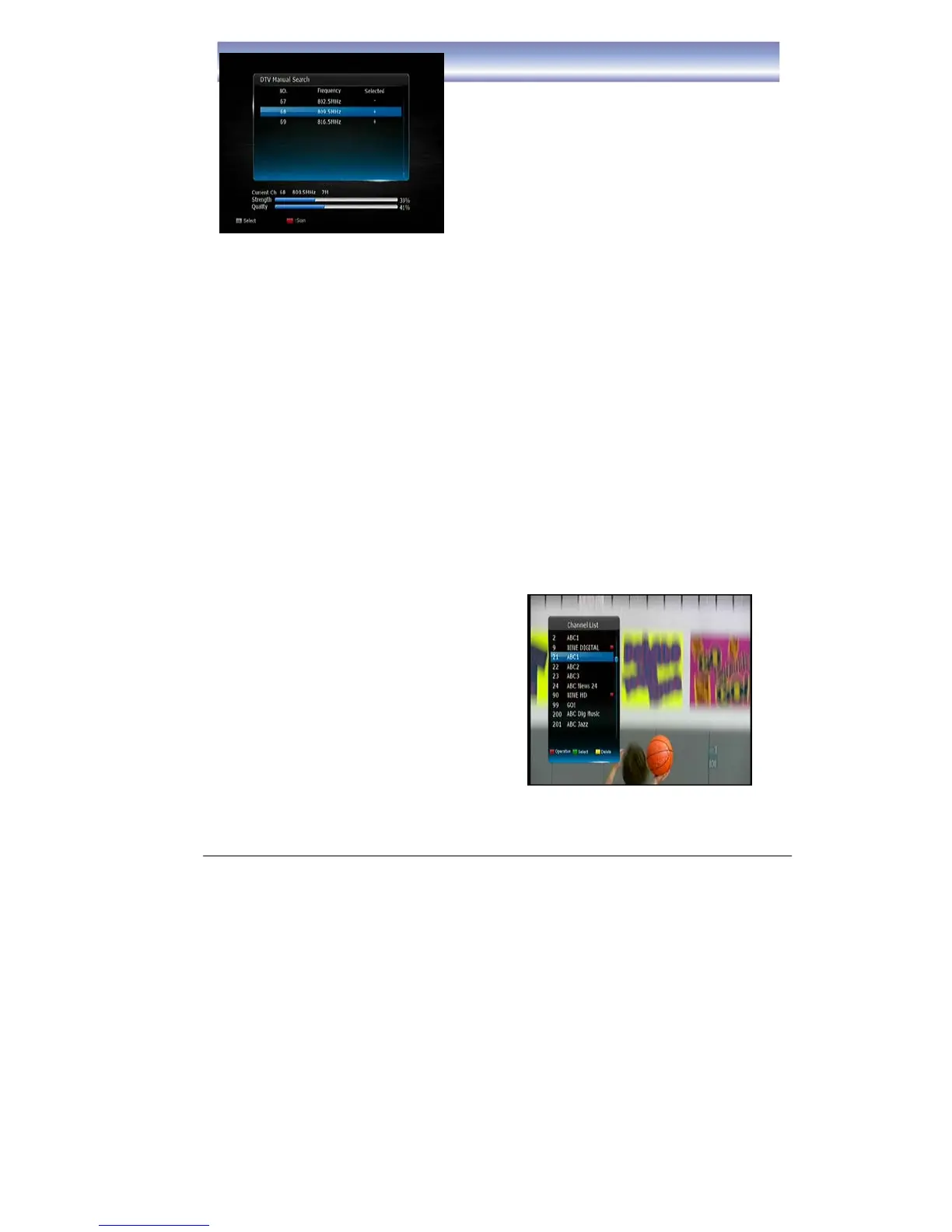
1. Open Channel List menu by pressing [OK]
in Live TV Mode.
2. Press [UP]/ [DOWN] key to navigate
through available channels.
3. Press [OK] key to view the selected
channel.
4. Channel Change can also be done by:
z Press [CH+][CH-] in Live TV Mode.
z Input the Channel number using the
numeric keypad in Live TV Mode.



 To Next Page