14
INSTALLATION Menu
Press [OK]/[▶] to enter Installation Menu.
z Auto Channel Search (please refer to page 15 for detailed instructions)
z Manual Channel Search (please refer to page 15 for detailed instructions).
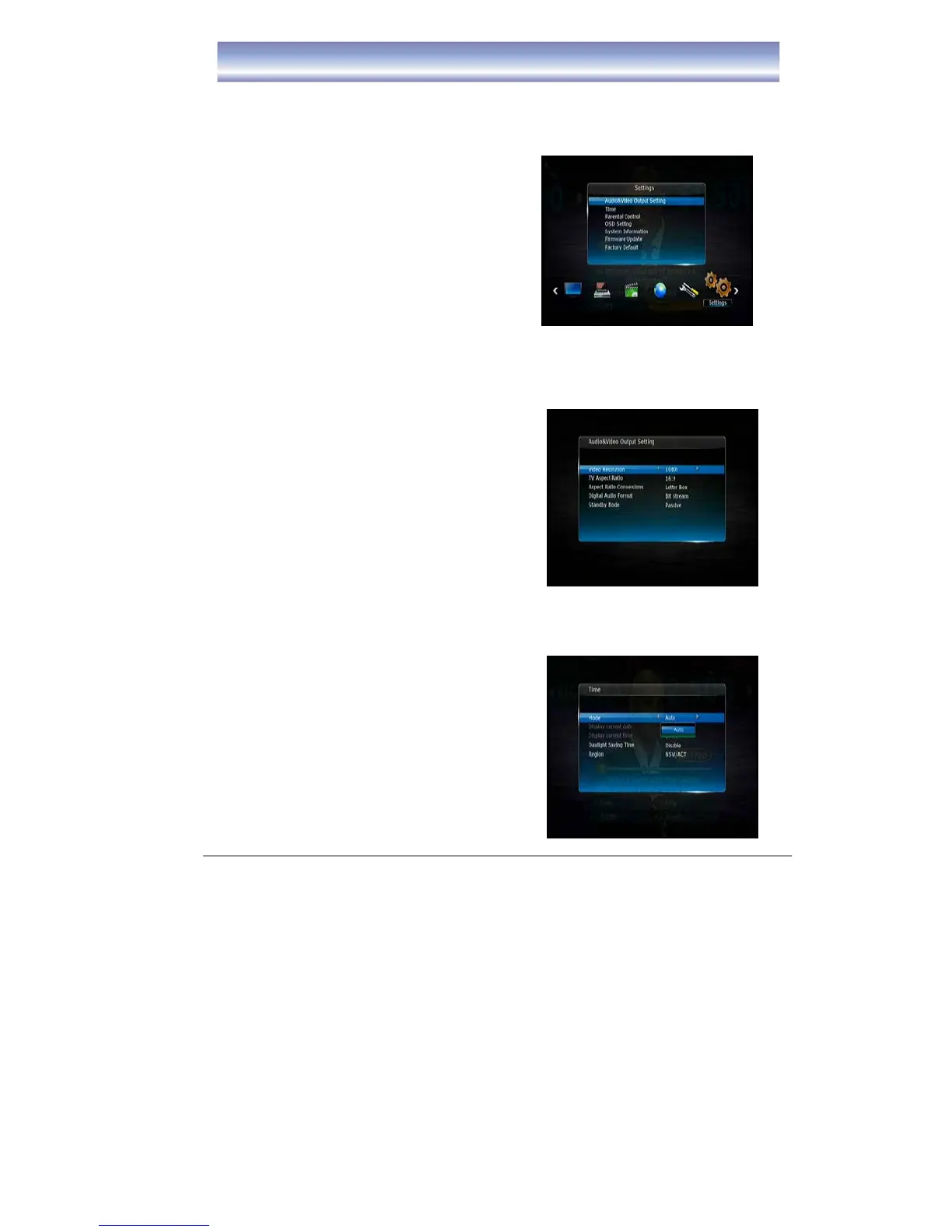
SETTINGS Menu
Press [OK]/[▶] to enter Setting Menu.
MAIN MENU
Audio & Video Output Setting
z Video Resolution: Select video output
resolution
Available options: 1080p, 1080i, 720p,
576p and 576i
z TV Aspect Ratio: Select the suitable
aspect ratio for your TV
Available options: 16:9, 4:3
z Aspect Ratio Conversions:
Available options: Full, Letter Box, Pan
Scan
z Digital Audio Format
Available options: PCM, Bit Stream
z Standby Mode
Available options: Passive, Active
z Time
z Mode
z Display current date
z Display current Time
z Daylight Saving Time
z Region



 To Next Page