15
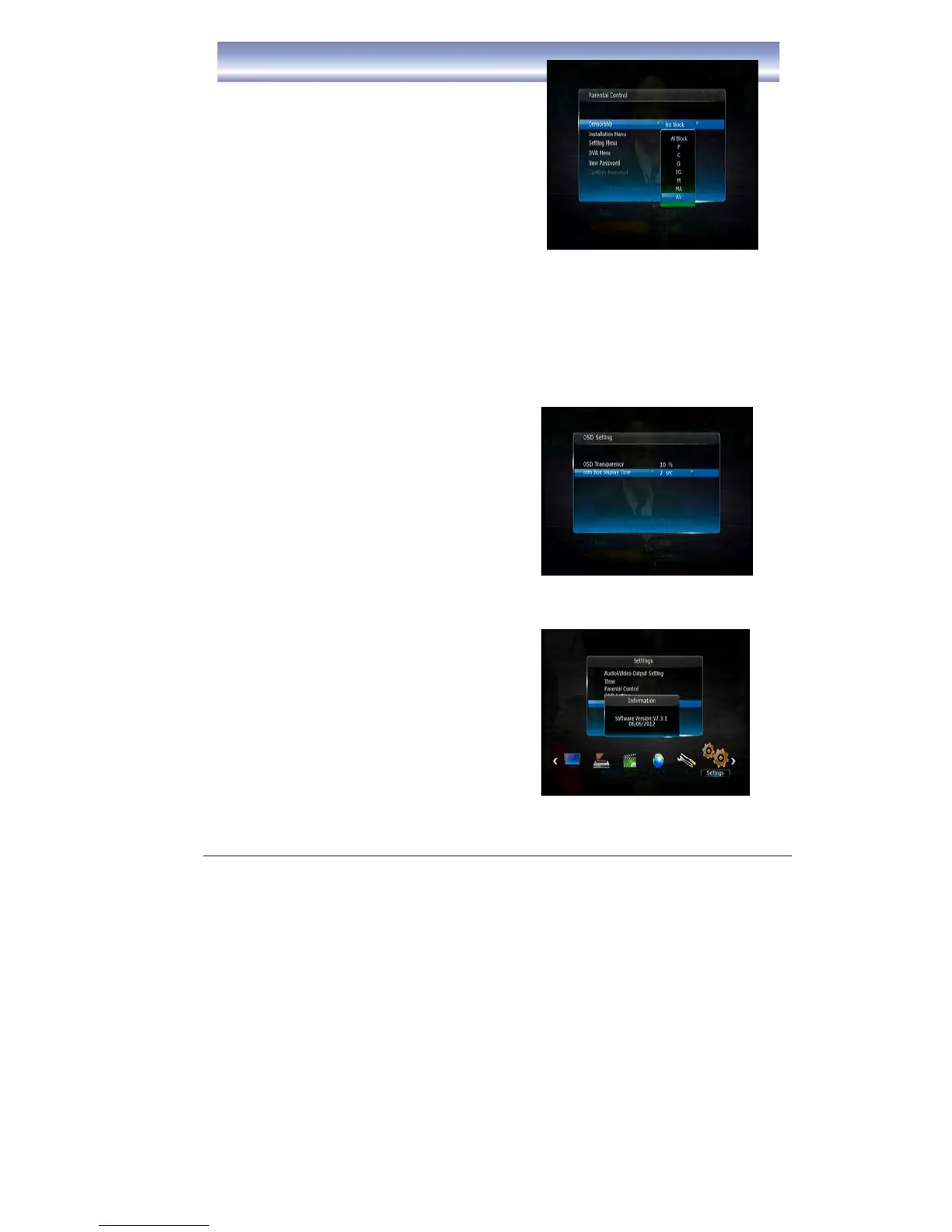
z Parental Control
z Censorship
z Installation Menu
z Setting Menu
z DVR Menu
z New Password
z Confirm Password
Note:
(1) If you select “Lock” in the Installation Menu/Setting Menu and DVR Menu, when
you select these menu options in the future you will need to enter a password to gain
access.
(2) The Factory default password is “0000”.
MAIN MENU
OSD Settings
z OSD Transparency
z Info Box Display Time
z System Information
Press OK to view the system information of
the unit.
z Firmware Update
-To upgrade the software of the unit.
(Details please refer to page 18)



 To Next Page