27
Recording Function
COPY FILE TO EXTERNAL DEVICE
1. Open DVR Menu by pressing [DVR] in Live TV
Mode.
2. Press [▲][▼] to select the programs you wish
to copy.
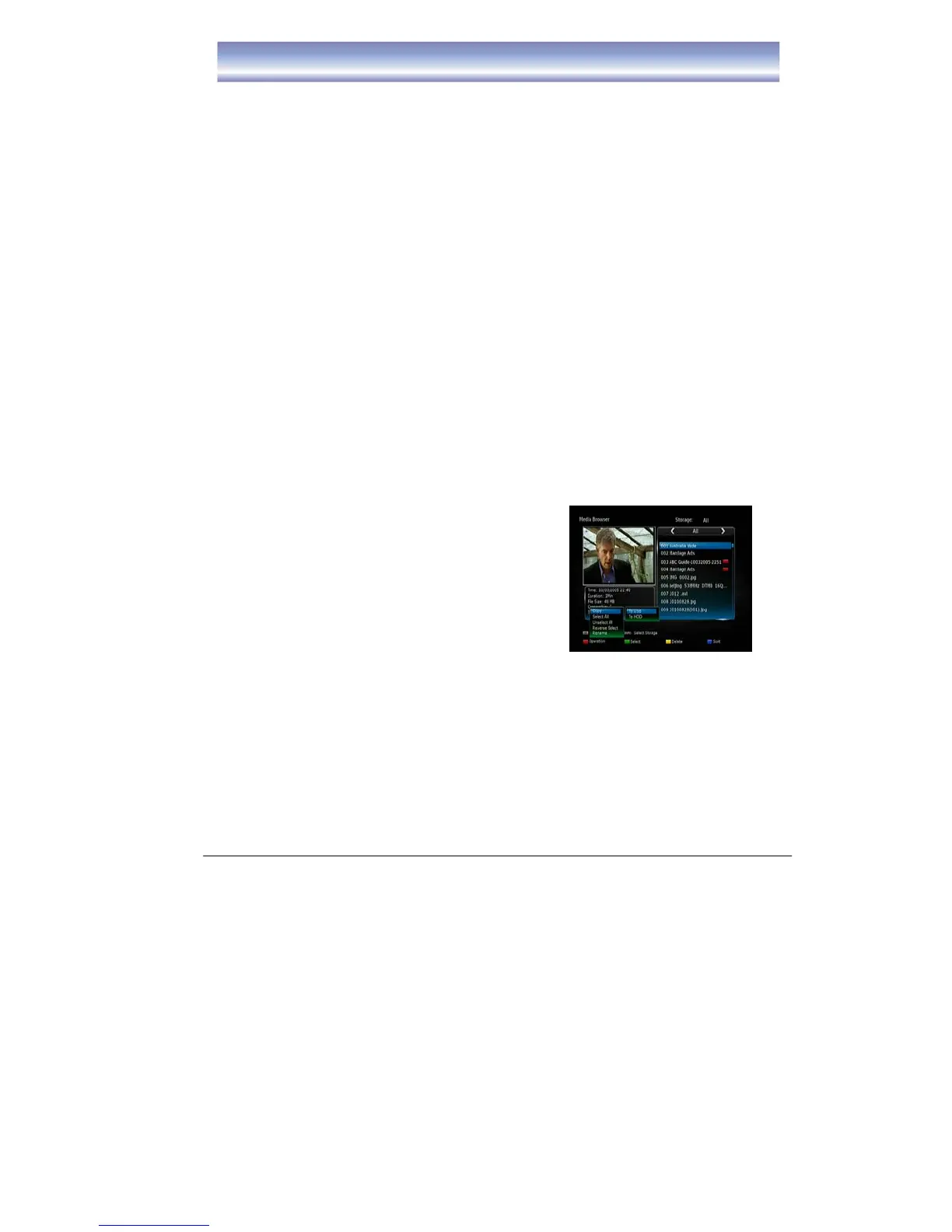
3. Press the Red button to display the list of
options. To copy a single file select Copy and
press the OK button. Then select which storage
device you wish to copy the file to. The options
are HDD & USB. USB refers to the external USB device you have connected to
the unit. You can also select all files to be transferred by selecting “Select All”
and pressing the OK button. Once you have selected all files then press the Red
button again and select Copy. Then select USB to transfer files to your external
USB device.
Note:
Please ensure that the external USB storage device is connected to the unit prior to
selecting files to be transferred.



 To Next Page