EasyManua.ls Logo

Stryker 1188-010-000 - User Manual

Stryker 1188-010-000
752 pages
Print Icon
To Next Page IconTo Next Page
Loading...
English
Français
Deutsch
Italiano
Português
Español
Nederlands
Dansk
Suomi
Norsk
Svenska
Polski
Ελληνικά
中文
日本語
한국어
User Guide
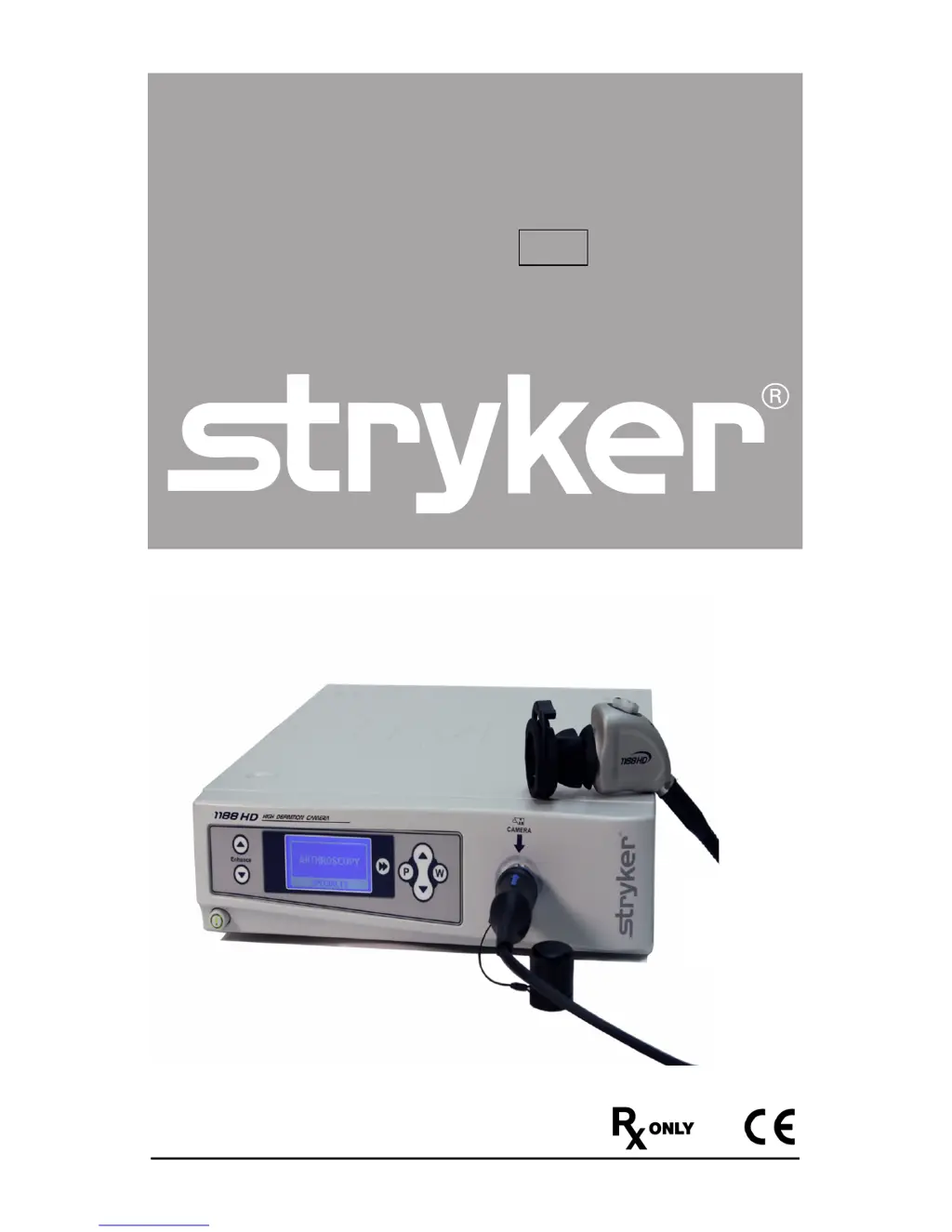
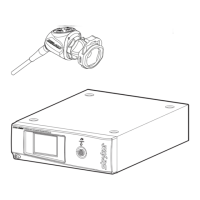
1188HD
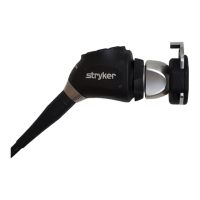
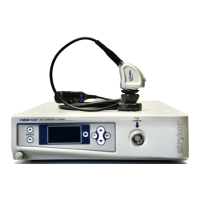
Video Camera
REF 1188-010-000
1188-210-105
1188-410-105
1188-710-105

Table of Contents

Questions and Answers

  • R
    robert34Aug 19, 2025
    What to do if there is no video picture when Stryker Camcorder camera head is plugged in?
    • A
      Allison PerezAug 20, 2025
      If you're not getting a video picture when the camera head is plugged into your Stryker Camcorder, first check that all devices are plugged in and powered on. Inspect the camera-head cable connector for any broken pins. Try detaching and reconnecting the camera head to the console. As a last resort, turn off the console, wait 3 seconds, and then turn it back on.
  • B
    Benjamin McknightAug 21, 2025
    How to fix Stryker Camcorder picture that is too dark?
    • J
      Jordan WilliamsonAug 22, 2025
      If the picture on your Stryker Camcorder is too dark, try these solutions: increase the camera light level using the camera head, increase the light-source output, and check the fiber-optic light cable for excessive broken fibers.
  • M
    michael03Aug 25, 2025
    How to adjust Stryker Camcorder picture that is too bright?
    • L
      Leonard PenningtonAug 25, 2025
      If the picture on your Stryker Camcorder is too bright, try the following: decrease the camera light level and decrease the light-source output. Also, ensure that the Shutter submenu in the Configuration menu has these settings: AGC Auto Shutter On.
  • C
    Craig WalkerAug 26, 2025
    Why is the Stryker Camcorder picture foggy?
    • J
      jasmine60Aug 26, 2025
      If you're experiencing a foggy picture with your Stryker Camcorder, resulting in loss of definition and clarity, try these steps: Refocus the camera and the coupler. Clean and dry both the scope and coupler windows. If moisture has built up between the coupler and camera head, remove the coupler and clear any moisture from these components.
  • B
    bobbybakerAug 27, 2025
    How to eliminate noise when using electrocautery probes with Stryker Camcorder?
    • M
      Mrs. Christy MaddenAug 28, 2025
      If you notice noise or snow on the picture of your Stryker Camcorder when using electrocautery probes, try these steps: plug the electrocautery generator into a separate electrical outlet and keep the 1188HD power cord separate from the electrocautery power cord. Also, keep the camera cable separate from the electrocautery cable. Finally, reposition the electrocautery grounding pad on the patient.
  • K
    Kaitlin VasquezAug 29, 2025
    How to resolve blurry picture on Stryker Camcorder?
    • J
      Javier AndersonAug 29, 2025
      If your Stryker Camcorder picture is blurry, make sure the coupler or C-Mount scope is in focus. You can also increase the enhancement. Ensure that the specialty switch is not set to FLEXI-SCOPE unless you are using a flexible scope.
  • C
    Christopher JordanAug 31, 2025
    How to clean dirty optics on Stryker Camcorder?
    • W
      williamhallAug 31, 2025
      If the optics of your Stryker Camcorder are dirty, rotate the scope to see if dust particles in the picture rotate with it; if they do, the dust is on the scope itself. Follow the manufacturer’s instructions for cleaning the eyepiece and negative lens. If the particles don’t move when you rotate the scope, the particles are on the coupler or camera. Remove the scope and clean the window on the front of the coupler with a dry or alcohol-tipped cotton swab. If dust particles lie between the coupler and camera, remove the coupler and clean the coupler and camera windows. Ensure all components are completely dry before reassembling them, or fogging may result.
  • J
    Jessica WallerSep 2, 2025
    What does “System Error” message (Color bar background) mean on Stryker Camcorder?
    • S
      Suzanne HaysSep 2, 2025
      If you receive a “System Error” message with a color bar background on your Stryker Camcorder, it means the camera head temporarily shut down due to overcurrent. To resolve this, turn off the console, wait 3 seconds, and turn it back on. After sterilization, make sure the camera head has cooled down before connecting it to the console.
  • R
    Robert LarsenSep 4, 2025
    What to do if white balance (WB) quality is not good on Stryker Camcorder?
    • S
      Scott WagnerSep 4, 2025
      If the white balance quality is not good on your Stryker Camcorder, refer to the solutions for “Picture is too dark” and “Picture is too bright.” Perform the white-balance procedure with the light source connected to the scope. Use metal-halide or xenon lighting (no fluorescent lighting).
  • M
    Michael JohnsonSep 7, 2025
    How to fix noise or snow on Stryker Camcorder picture without electrocautery probes?
    • B
      Brandon RaymondSep 7, 2025
      If you are seeing noise or snow on your Stryker Camcorder picture even when you're not using electrocautery probes, try reducing the enhancement setting. Also, check for and replace any faulty video cables.

Summary

Warnings and Cautions

Setup and Interconnection

Setting Up the Console

Instructions for connecting the camera console to power and video outputs.

Setting Up the Camera Head

Guide on connecting the camera head to the console securely.

Setting Up the Coupler

Instructions for attaching the C-mount coupler to the camera head.

Operation Instructions

Operating with a Light Source

Safety precautions and procedures for using the camera with a light source.

Troubleshooting Common Issues

Cleaning and Sterilization Procedures

Reprocessing the Camera Head

Detailed instructions for cleaning, disinfecting, and sterilizing the camera head.

Maintenance and Testing Schedule

Guidance on routine checks, inspections, and testing of the device.

Sterilization Method Guidelines

Outlines various sterilization cycles that can be performed.

User Maintenance and Disposal

Periodic Safety Checks

Schedule and procedures for periodic safety and performance checks every 12 months.

Electromagnetic Compatibility (EMC)

EMC Emissions and Guidance

Provides guidance and declarations regarding electromagnetic emissions and compliance.

EMC Immunity Standards

Details immunity test levels and compliance for various electromagnetic phenomena.

Warranty and Service Information

Service and Claims Procedures

Procedures for obtaining service, making claims, and contacting support.

Stryker 1188-010-000 Specifications

General IconGeneral
BrandStryker
Model1188-010-000
CategoryCamcorder
LanguageEnglish

Related product manuals