EasyManua.ls Logo

Stryker 0700410105 - User Manual

Stryker 0700410105
56 pages
Print Icon
To Next Page IconTo Next Page
Loading...
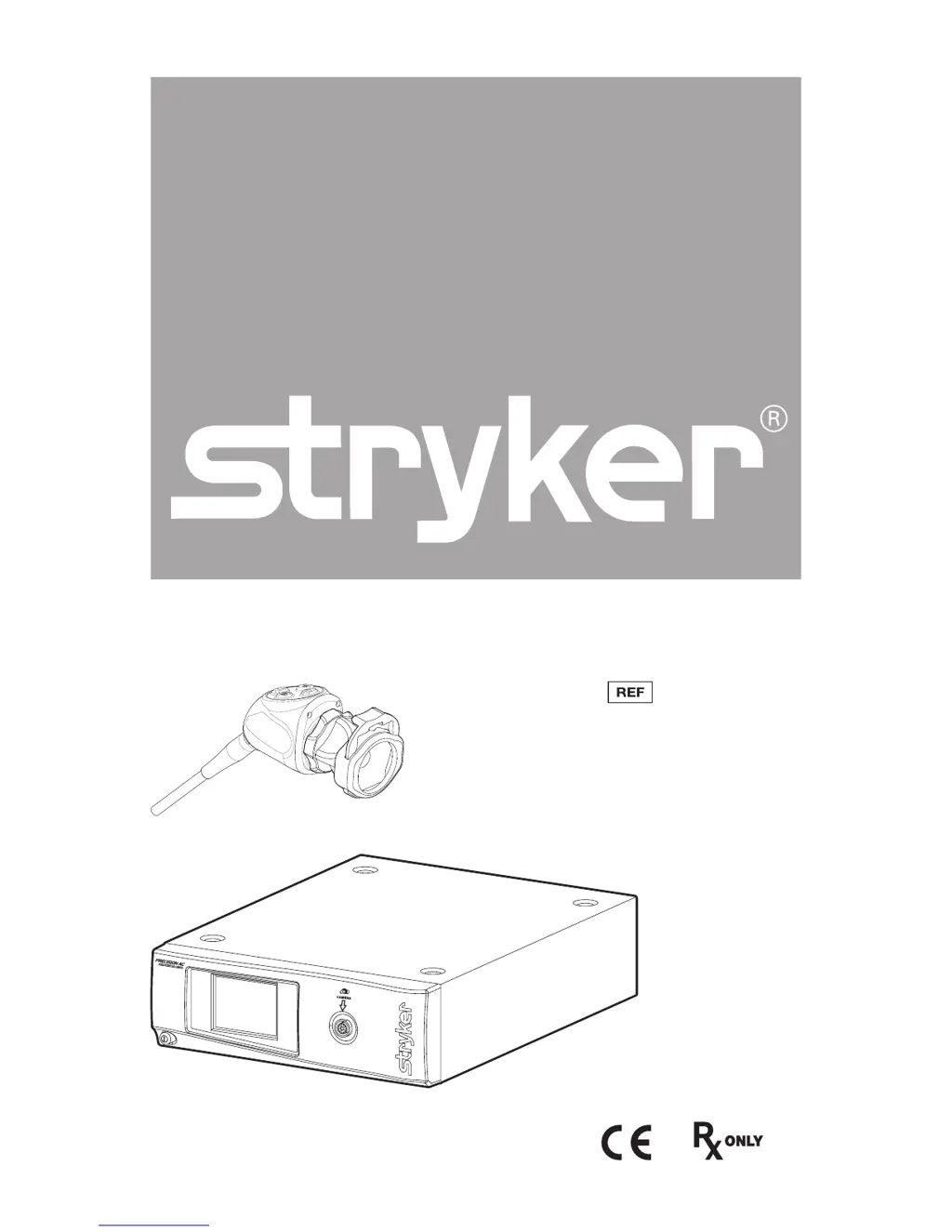
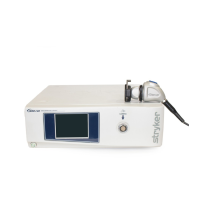
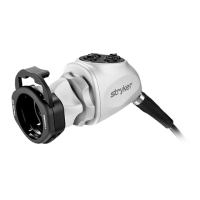
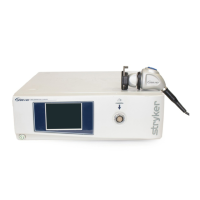
Precision AC Video Camera
0700010000
0700010001
0700410105

Questions and Answers

Summary

Warnings and Cautions

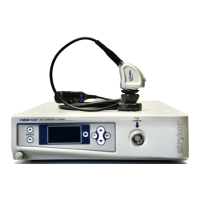
The Camera Console

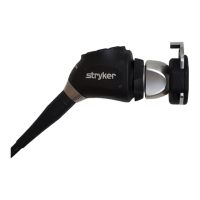
The Camera Head

Setup and Interconnection

Setting up the console

Provides instructions for connecting the console to power and video output devices.

Setting Up the Camera Head

Details the procedure for connecting the camera head to the camera console.

Setting Up the Coupler

Explains how to attach the coupler to the camera head and connect an endoscope.

Operation

Operating the Camera with a Light Source

Details safe operation of the camera system when used with a light source.

Powering the Console On;Off

Procedure for powering the camera console and monitor on and off.

Using the Camera Head Buttons

Describes the functions of the four-button keypad on the camera head.

Using the Touchscreen Interface

Explains how to navigate and use the controls on the console's touchscreen interface.

Performing the White-Balance Test

Step-by-step guide to perform white balance for accurate color reproduction.

Troubleshooting

Reprocessing

Cleaning, Disinfecting, and Sterilizing the Camera Head

Detailed steps for reprocessing the camera head, including required detergents and sterilization methods.

Instructions for Reprocessing

Provides detailed step-by-step instructions for manual and automated reprocessing procedures.

Technical Specifications

Electromagnetic Compatibility

Guidance and Manufacturers Declaration: Electromagnetic Emissions

Provides guidance on electromagnetic emissions and compliance for the camera system.

Guidance and Manufacturers Declaration: Electromagnetic Immunity

Details electromagnetic immunity tests and compliance levels for the camera system.

Summary

Warnings and Cautions

The Camera Console

The Camera Head

Setup and Interconnection

Setting up the console

Provides instructions for connecting the console to power and video output devices.

Setting Up the Camera Head

Details the procedure for connecting the camera head to the camera console.

Setting Up the Coupler

Explains how to attach the coupler to the camera head and connect an endoscope.

Operation

Operating the Camera with a Light Source

Details safe operation of the camera system when used with a light source.

Powering the Console On;Off

Procedure for powering the camera console and monitor on and off.

Using the Camera Head Buttons

Describes the functions of the four-button keypad on the camera head.

Using the Touchscreen Interface

Explains how to navigate and use the controls on the console's touchscreen interface.

Performing the White-Balance Test

Step-by-step guide to perform white balance for accurate color reproduction.

Troubleshooting

Reprocessing

Cleaning, Disinfecting, and Sterilizing the Camera Head

Detailed steps for reprocessing the camera head, including required detergents and sterilization methods.

Instructions for Reprocessing

Provides detailed step-by-step instructions for manual and automated reprocessing procedures.

Technical Specifications

Electromagnetic Compatibility

Guidance and Manufacturers Declaration: Electromagnetic Emissions

Provides guidance on electromagnetic emissions and compliance for the camera system.

Guidance and Manufacturers Declaration: Electromagnetic Immunity

Details electromagnetic immunity tests and compliance levels for the camera system.

Stryker 0700410105 Specifications

General IconGeneral
BrandStryker
Model0700410105
CategoryCamcorder
LanguageEnglish

Related product manuals