EENN
www.stryker.com 2971-109-0 01 REV B 1-41
Service
Foot box cover access (Continued)
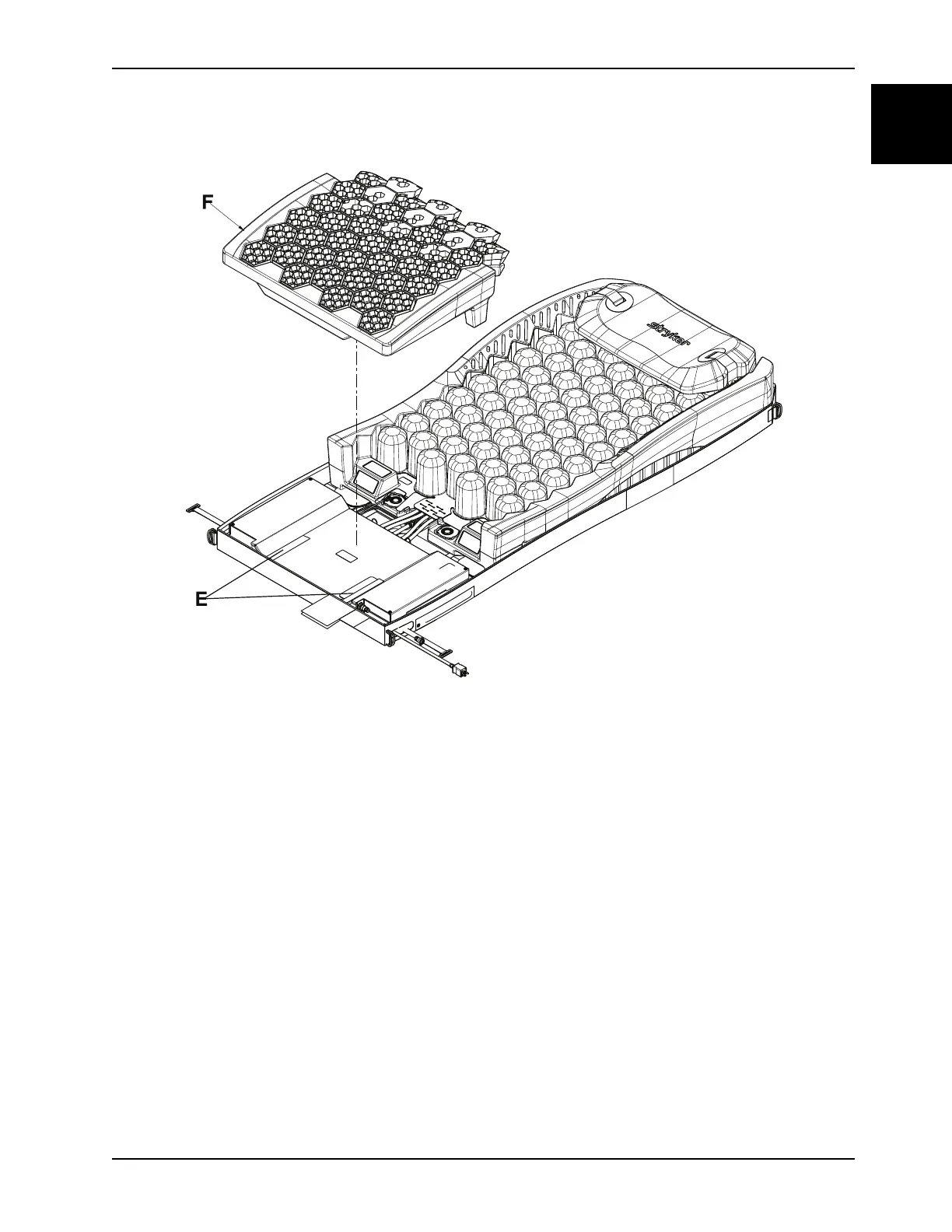
Figure 1-17: Gel crib
13. Using a T15 Torx driver, remove the nine ground screws (B) and nine star washers (D) (Figure 1-16 on page 1-40).
Save the ground screws and star washers.
Notes
• During reinstall, tighten the screws equally and do not over tighten. Torque (B) to 22 ± 4 in-lb.
• During reinstall, check the LAL fan cable (G) and grommet (H) are in place before replacing the foot box cover
(1-18 Foot box coveron page 1-42).
14. Remove the foot box cover (AF) (Figure 1-18 on page 1-42). Save the foot box cover.














 To Next Page