Vista 5 M2 Digital Mixing System
8 TFT Meters
Date printed: 09.06.11
SW V4.5
TFT Meter Setup
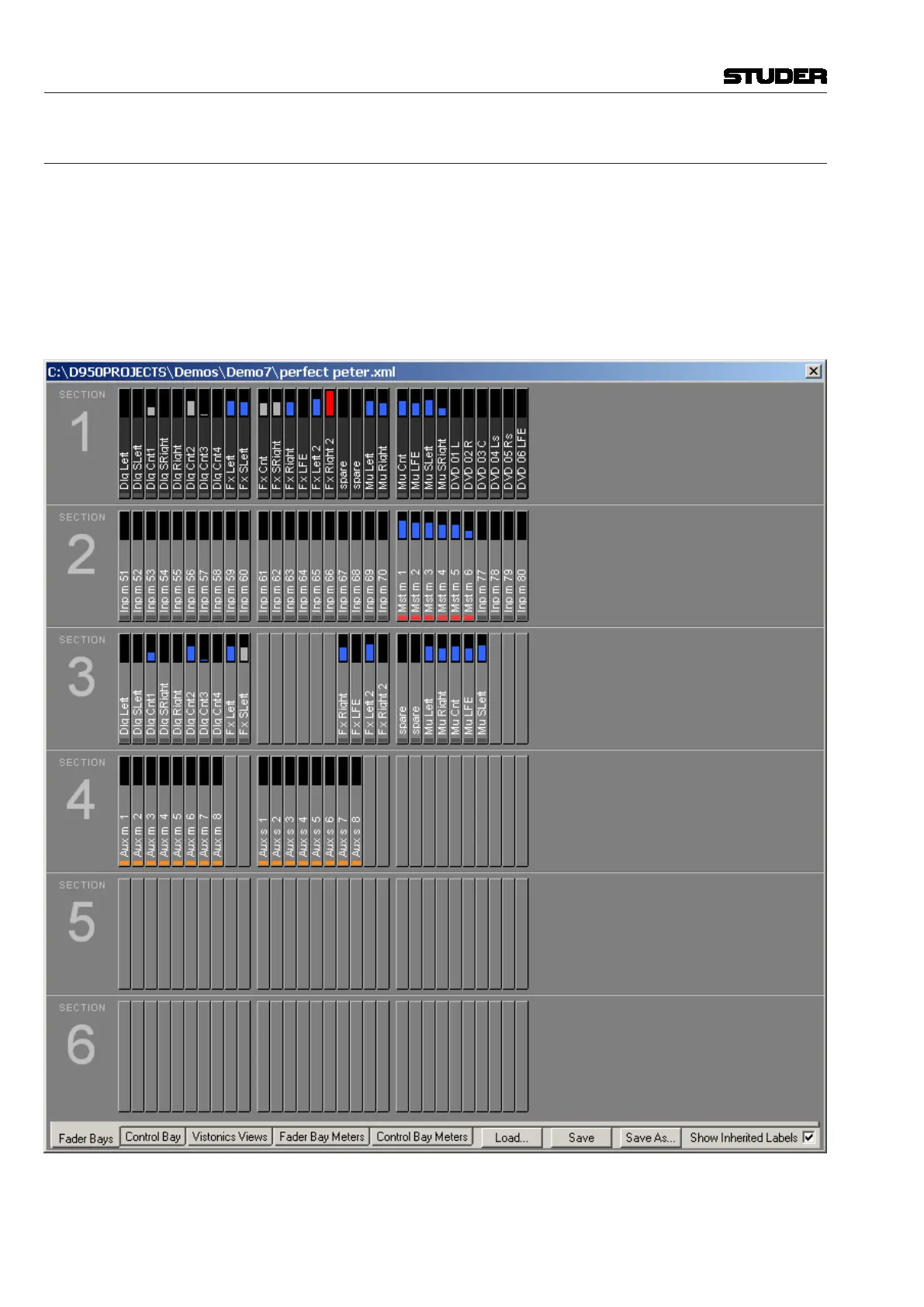
Strip Setup Window Ifthe‘FaderBays’or‘ControlBay’tabisactive,everychanneldisplayed
on the console surface also has a slowmeterinthestripsetupwindowthat
isaslowindicationofsignalactivityatthischannel’sinput.Colorisusedto
identifythechannel’sstatus.Abluemeterbarmeansthatthechannelhasits
faderopenandisswitchedon.Ifthemeterbarisgray,thenthechannelhasa
signalassociatedwithit,buteitherthechannelfaderisclosedorthechannel
ismuted(off).Ifthemeterbarisred,thechannelcurrentlyisinoverload
status.



 To Next Page