rent state of the switch, which may not directly correspond to whether the footswitch is pressed. See section 7 for informa-
tion on programming the switch modes and initial values.
Chain: If the chain function is being used, the selected chain (A through Z) will appear, followed by the current step num-
ber. If the selected chain has not been programmed, the step number will not appear.
csl 1 - csl 4: Labels selected.by the user to describe the function of the four control sliders in the preset. There are a total of
twenty-four characters in this line. This area may alternately be used to display any other general information concerning the
preset.
Preset Digits: There are sixty-four presets in the SL-2001 arranged in eight banks of eight presets. The optional memory card
stores an additional sixty-four presets. Throughout this operation guide, the word preset refers to the storage location of the
SL-2001. The word program refers to a particular sound setting of an external instrument. To call up a new preset, first use
the left or right arrow switches to select the desired bank (if different from the current hank). The first display digit will
change to the new bank, and the second digit will turn off. Next, use the eight PRESET switches to select the desired preset.
The new preset will be loaded and the text display will change to reflect the new preset. If the Conditional Preset Change
function (Section 6) is enabled, the SL-2001 preset will change only after all keys have been released from the keyboard and
the sustain pedal is released. The new preset number will Hash until these conditions are met. If the Conditional function is
off, any notes sounding on the MIDI sound modules will be turned off automatically before the preset is changed.
The SL-2001 presets are stored in non-volatile memory circuits powered by a lithium battery when the power is switched off.
After several years of operation, the battery will need to be replaced. A warning message will appear on the LCD display if
the battery voltage is too low. Contact your dealer for a replacement battery.
The sixty-four memory card programs are stored in eight banks of eight presets. The card program banks are stored con-
secutively with the internal banks. If you use the left or right arrow switches to select a bank number that is greater than
eight or less than one, the SL-2001 will enter the card memory area. When one of the eight PRESET switches is pressed, the
new card preset will be active. Card presets are denoted by square brackets around the preset name in the text display.
When receiving MIDI program change commands, the SL-2001 interprets program change numbers 0 through 63 as internal
presets (11 through 88), and program change numbers 64 through 127 as card presets.
The ZONE switches indicate whether each zone is active or disabled. These switches may be pressed at any time to enable
or disable a zone. Depending on the configuration of the preset, several zones may be sending MIDI information to the same
sound module. To prevent notes from sounding on this module, it will be necessary to turn off all zones associated with the
module. Any notes that are sounding when a zone is deactivated will be automatically turned off.
The two switches below the EDIT and STORE switches are the Star (*) and Alpha (a) switches. In Perform Mode, the func-
tion of these switches is fully programmable. They may be used to activate sound modules, send MIDI messages, or other
functions.
EDIT MODE
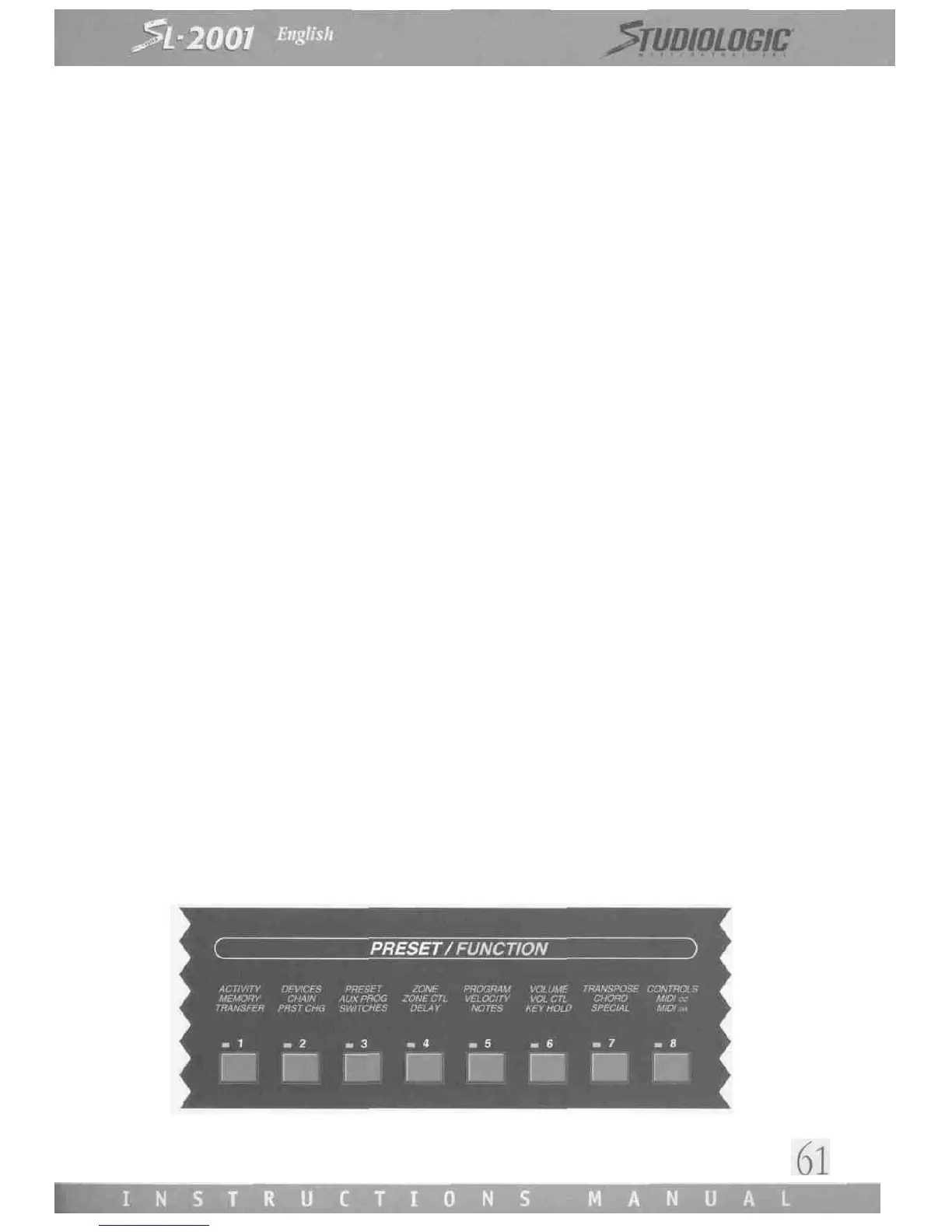
To edit a preset or create a new one, you must press the EDIT switch to enter Edit Mode (the red LED on the switch will light).
All SL-2001 functions are arranged into eight groups. The desired group is selected with one of the eight FUNCTION switches.














 To Next Page