Many special effects can be created by using multiple zones to control a single instrument. To create an echo effect, use two
zones assigned to the same input and output devices. The first zone will have delay set to zero, while the second zone is set
for the desired delay time. To create multiple echoes, use several zones, each set for a longer delay than the one before it.
Decaying echoes may be produced by adjusting the velocity scaling and offset of each zone.
ZONE BYPASS
For some applications (especially with a sequencer) it is useful to bypass a zone so that all MIDI data on all channels is passed
from an input to an output.
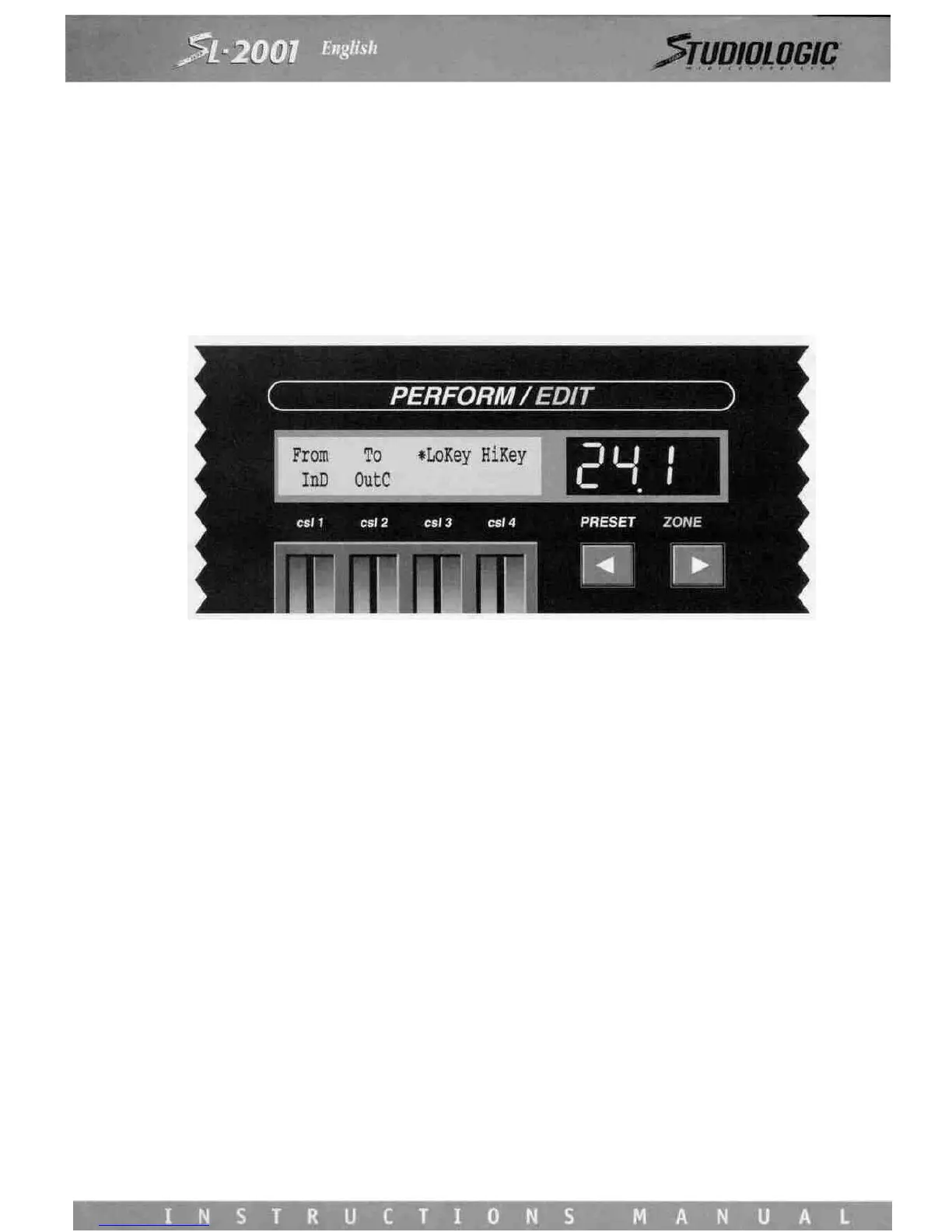
Use Control Slider 1 to select the desired input (IN A through IN D). By selecting an input port instead of a device name, the
zone is automatically bypassed, and will pass MIDI data on all sixteen channels. Control Slider 2 is used to select the desti-
nation. Notice that when MIDI input A through D is selected on Control Slider 1, the normal output devices do not appear
on Control Slider 2. This is because the output device names represent one specific
MIDI channel, whereas a bypassed zone passes MIDI data on ALL channels. MIDI processing functions (including the note
range) are not available for bypassed zones and their parameters will not be displayed.
ZONE PROGRAMMING
Once the zones have been configured and enabled, the SL-2001 functions as a programmable MIDI patch bay. MIDI mes-
sages from the master keyboard or external keyboards may be routed to multiple sound modules under full programmable
control. The next step is to program the many zone functions which make the SL-2001 a very powerful master keyboard.
The Program, Volume, and Transpose functions are fundamental to every SL-2001 preset. They permit initialization of the
program number, volume level, and transpose interval for each sound module used in the preset. To access these functions,
use FUNCTION switch 5, 6, or 7. Refer to section 8 for a detailed explanation of these functions.














 To Next Page