the MIDI volume messages that are sent to each device when SL-2001 preset is selected.
As in the PROGRAM screen, the top line displays the names of the devices (or ports) controlled by zones one through four.
The bottom line shows the value of the MIDI volume control message that will be issued as the SL-2001 preset is selected.
Use the four control sliders to adjust the initial volume setting for each device (the initial volume message is transmitted as
the slider is changed, which allows the relative volumes of all devices to be easily adjusted by ear). The initial volume para-
meter has a range of zero to 127. If no volume initialization is desired, adjust the control slider until two dashes appear under
the device name. For best signal-to-noise ratio, at least one of the zones should be set to maximum, and the others adjusted
below it to achieve the proper mix.
To select initial volumes for devices assigned to Paths five through eight, press the right arrow switch (>); the zone digits
will then display 58. If more than one zone is assigned to the same output device, the initial volume value may only be
entered for the first zone connected to the device; the volume values will be blank under the duplicate names. This prevents
conflicting volume messages from being sent to the same device.
If a zone is bypassed, its output port will be displayed. Volume initialization commands can not be sent from a bypassed path.
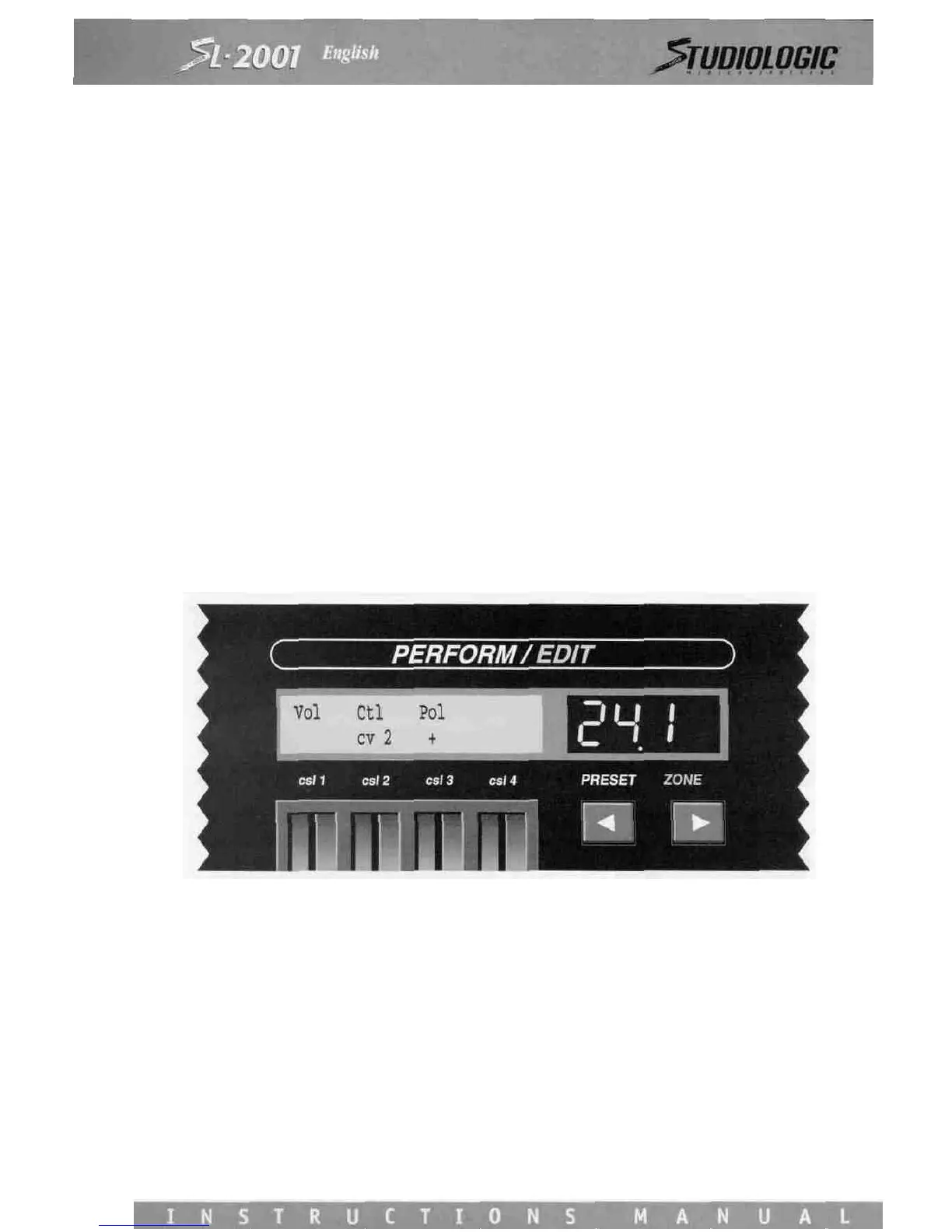
VOLUME CONTROL
Volume control is an essential means of expression in music performance. Each zone (and therefore each sound module)
may be programmed to respond to volume adjustments from a SL-2001 control slider, voltage (pedal) input, or any MIDI con-
troller (e.g., a mod wheel).
Control slider 2 is used to select the source of volume control. Select from any of the four control sliders (in Perform Mode),
control voltage input 1 or 2, Wheel A or B. If no adjustments are required during performance, select None.
Control Slider 2 selects the polarity. Positive (+) polarity means that an increasing controller value (e.g., pressing a voltage
pedal forward) results in an increasing volume. Negative polarity (-) means that an increase in controller value results in a
volume decrease. The polarity function can therefore used to cross-fade between two different sound modules as the source
controller is moved through its range. Set the polarity for one zone to positive, and the polarity another zone to negative to
achieve a cross fade. Since up to eight zones may be active at once, two multi-layer sounds may be cross faded.
The Volume Control function interacts with the settings on the main Volume screen. The volume control source is automat-
ically scaled by the initial volume setting. Moving the source controller (for example, a foot pedal) from zero to maximum
will result in a volume change from zero to the initial value set on the Master Volume screen. This automatic scaling feature
maintains the relative audio mix between all of the sound modules as the volume is changed. The effect is the same as if a
conventional mechanical volume pedal were used to adjust the volume of an audio mixer output.














 To Next Page