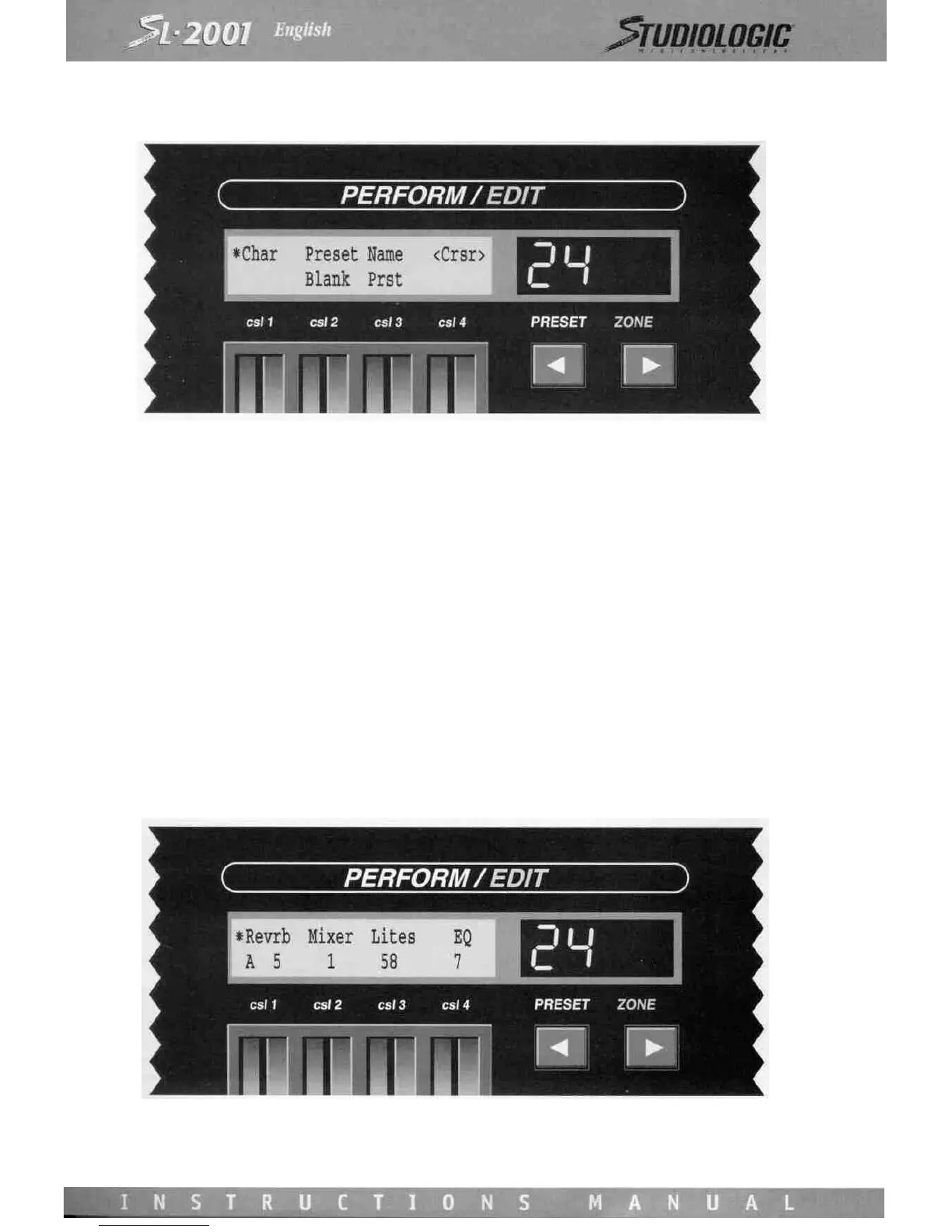
Upon entering this screen, a flashing character will indicate the current position of the cursor. Use Control Slider 1 to select
the desired character for this position, or press the appropriate key on the SL-2001 keyboard.. To change the position of the
cursor, use the left and right arrow switches (< >).
Each SL-2001 preset also includes a programmable text line which is used to indicate the function of the control sliders dur-
ing Perform Mode. There are twenty-four characters available on the bottom line of the display for this purpose. If desired,
this text line may be alternately used for any general notes or information concerning the preset (for example, to identify the
function of the footswitches). Use the Star switch to access the alternate screen. The text is entered using Control Slider 1
and the left and right arrow ( ) switches.
AUX PROG
During the Device Installation procedure (section 4) up to eight devices may be designated as Auxiliary devices. An Auxiliary
device is any MIDI device that does not require note or controller information, only program change messages (for example,
a reverb unit, programmable EQ, or a MIDI lighting controller). The Auxiliary Program function is used to issue program
change commands while leaving the zones free for controlling sound modules.














 To Next Page