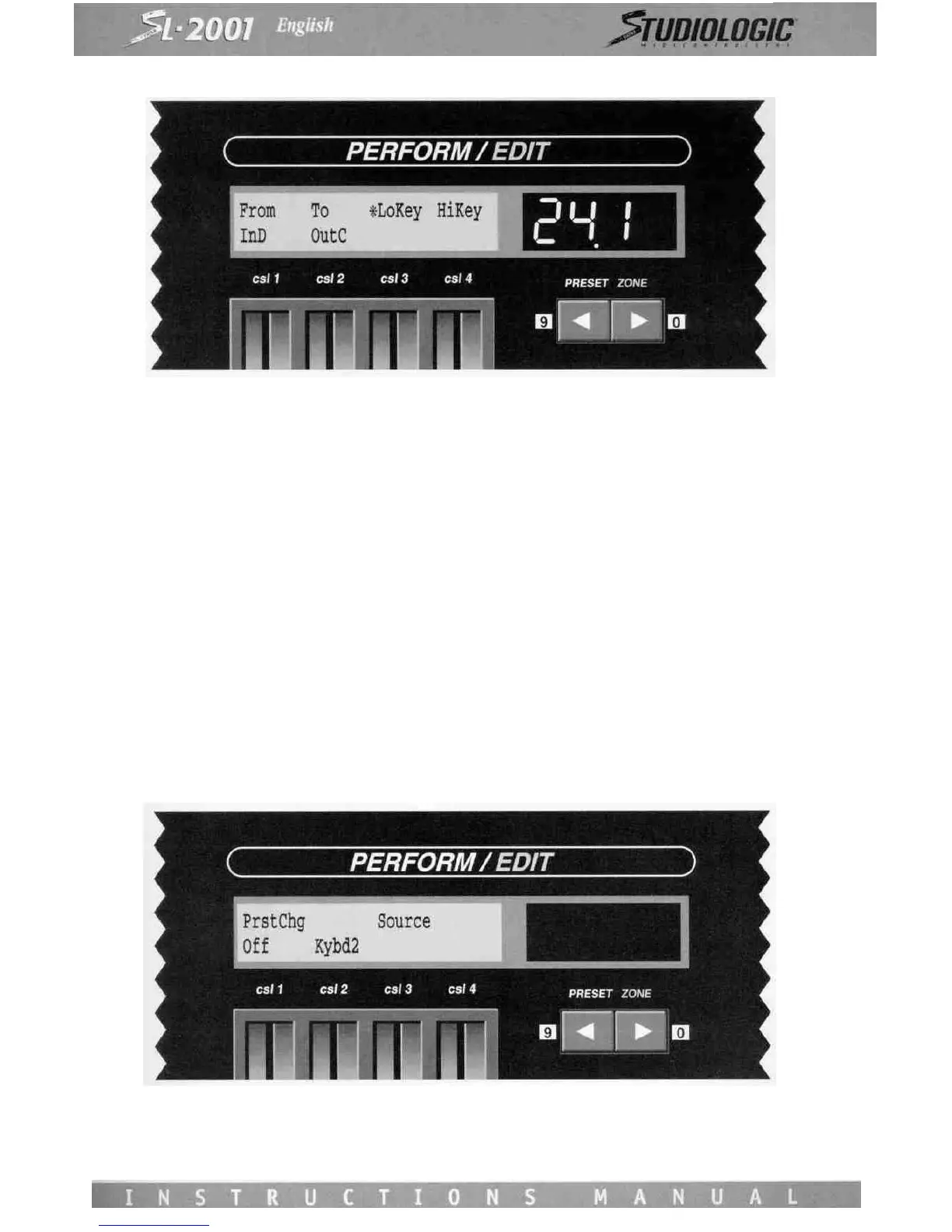
PRESET-CHANGE ENABLE
If the SL-2001 presets are to be selected via MIDI program change commands, it is necessary to specify the source of these
commands.
Control Slider 1 is used to enable SL-2001 preset changes via MIDI program change commands, Slider 3 is used to select the
device from which the SL-2001 will accept program change commands. Program changes from all input devices will be accep-
ted by selecting All on Slider 3.
The Conditional Preset Change function allows the SL-2001 preset change to be delayed under any of the following condi-
tions:
1) there are currently notes being held on the keyboard;
2) the sustain pedal is currently pressed;
3) one or more zones are using the delay function, and there are notes or other events which have not yet appeared on the
output of the zone(s).
The Conditional Preset Change function applies to the front-panel PRESET switches as well as a preset-change command
from any source (MIDI IN A through D, Inc/Dec). During the time that the preset change is delayed, the Preset digits will
flash until the conditions are met. If desired, the conditional program change may be forced by using the All-Notes-Off func-
tion (press the Edit and Store switches simultaneously). If the preset change is waiting for delayed Zone events, turning off
the zone(s) will force the preset change.














 To Previous Page