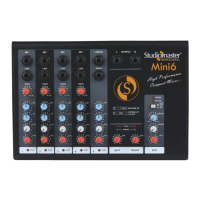
Thank you for buying the Studiomaster Professional MINI series Mixer. To ensure maximum performance and safety,
please follow this instruction manual carefully. Please retain this manual for future reference. For any complaint,
feedback or testimonials please contact our distributor/dealer. Retain the cartons for future use should the product
require servicing/maintenance.
1. Introduction
3. Input Section
2. Features at a Glance
• Gain control with 2band EQ per channel. • Built-in echo/delay processor with unique e- delay.
• MP3 music player with USB & Bluetooth. • Clip LED indication per channel.
• Signal & clip LED indication for master level. • 1/4 TS Unbalanced L/R main output.
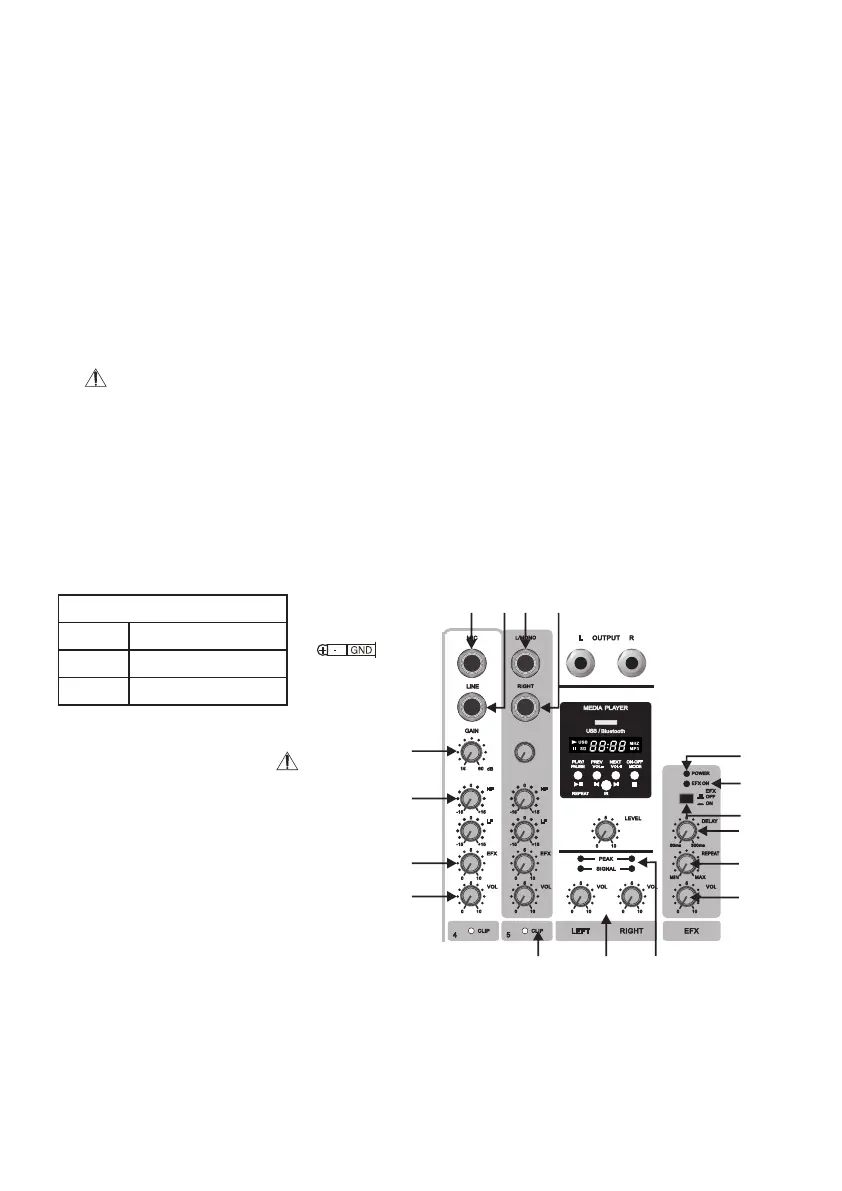
The input sections of the MINI series mixer have two connectors for ¼”MIC & Jack inputs.
Please do not use both the inputs at the same time. Doing this may permanently damage the mixer.
1. MIC Inputs: This electrically balanced jack input (¼” stereo (TRS) jack) is designed to accept low impedance
balanced signals from microphones.
2. Line Inputs: The line input will accept line level balanced signal using ¼” stereo (TRS) Jack. The line input is
designed for instruments like Keyboards, Guitars, Drum Machines & other electronic instruments.
3. Gain Control: This knob is used to control gains
of both MIC & Line input signals. Please do
not operate at high gain levels as this distorts
the signal & leads to audio clipping.
4. EQ Section: The MINI series has 2 Band
Equalizer .The EQ is designed to be easy yet
effective to use. It can be used to cut or boost
certain frequencies to achieve a particular tone,
or to eliminate any unpleasant characteristics.
2
• HF Control: The HF control can be used to cut or boost up to +/- 15dB at 10kHz.
Tip: This frequency band can be used to brighten up high frequencies.
• LF Control: The LF control can be used to cut or boost up to +/- 15dB at 100Hz
Tip: This frequency band can be used to get a punchy bass response.
15
14
13
16
16
17
7 12 11
1 2 8 9
3
4
5
6
Balanced TRS
Tip
Ring
Sleeve
+ve Phase
-ve Phase
Ground
Note: Both above jacks can accept unbalanced input also with quasi-balanced cable
(pin 2-signal, pin 1 & 3 shorted-GND)


 To Next Page
 Loading...