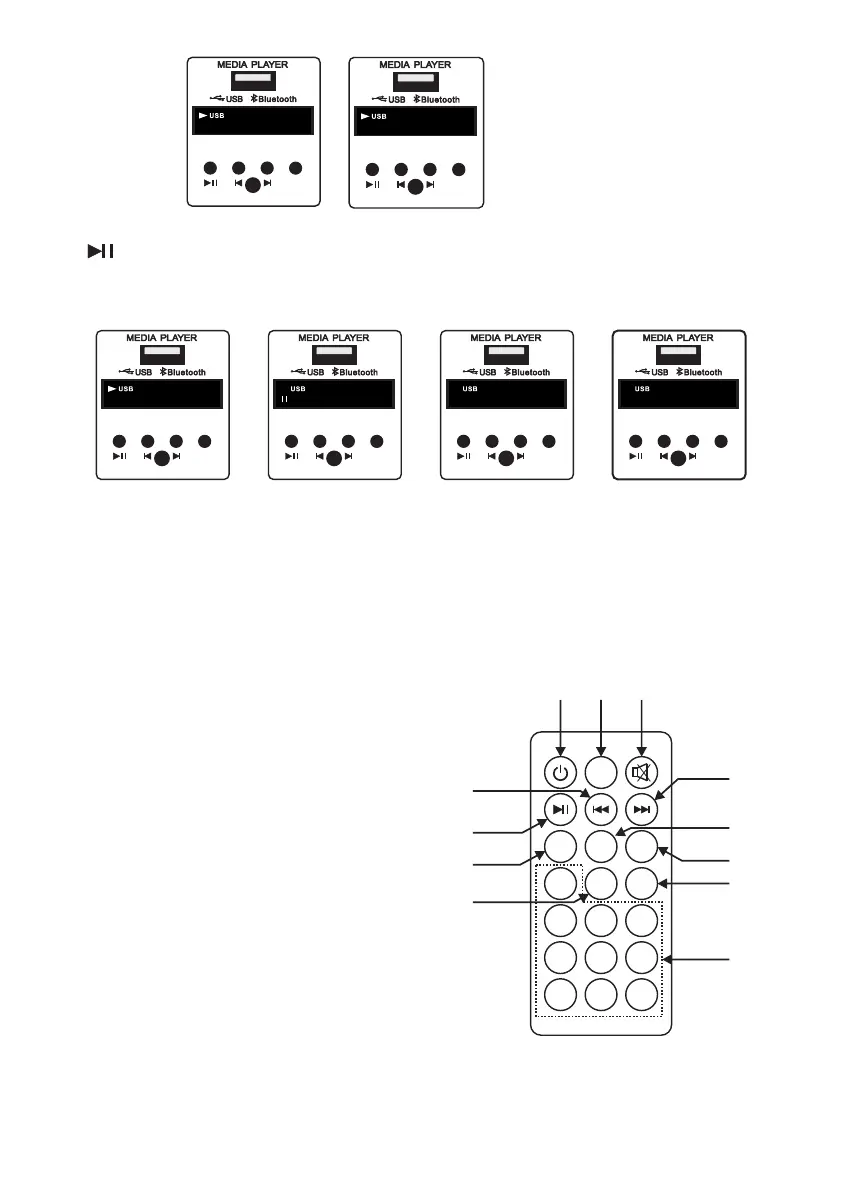
23. Play/Pause/Repeat:
• Single press will switch media player between play and pause state.
• Long pressing this switch will change repeat selection from single track to all track.
/
PREV/
VOL-
NEXT/
VOL+
ON-OFF/
MODE
PLAY/
PAUSE
REPEAT IR
ALL
All Track Repeat
/
PREV/
VOL-
NEXT/
VOL+
ON-OFF/
MODE
PLAY/
PAUSE
REPEAT IR
ONE
Single Track Repeat
/
PREV/
VOL-
NEXT/
VOL+
ON-OFF/
MODE
PLAY/
PAUSE
REPEAT IR
MP.3
PA U5
Pause ModePlay Mode
/
PREV/
VOL-
NEXT/
VOL+
ON-OFF/
MODE
PLAY/
PAUSE
REPEAT IR
MP.3
02:00
5
/
PREV/
VOL-
NEXT/
VOL+
ON-OFF/
MODE
PLAY/
PAUSE
REPEAT IR
MP.3
00:03
Previous Track
/
PREV/
VOL-
NEXT/
VOL+
ON-OFF/
MODE
PLAY/
PAUSE
REPEAT IR
MP.3
U 09
Volume -
24. IR Sensor: The IR sensor is provided for remote operation.
25. Gain Control: This knob is used to adjust media player.
1
0
2
3
4
5
6
7 8 9
RPT
U/SD
EQ
VOL-
VOL+
SCN
Mode
28
21
21
23
23
22
22
2020
26
27
29
26. Mute: Press the switch to mute the audio track.
27. EQ: Press the switch to select below effects to the audio track.
• Jazz (JAZ)
• Pop (POP)
• Classic (CLA)
• Rock (rOC)
• Normal (Nor)
• Cut (Cut) - Bypass low frequencies
28. U/SD: Not Active.
29. 0-9: Press switches to directly play track within the library.
Note: Remote control range is about it 6-8 meters insight
(Please insure that the remote batteries are fully charged).
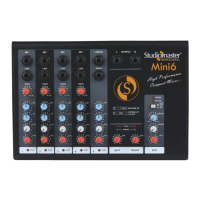
Remote Features:


 To Next Page