PREVIEWING THE ROUTE
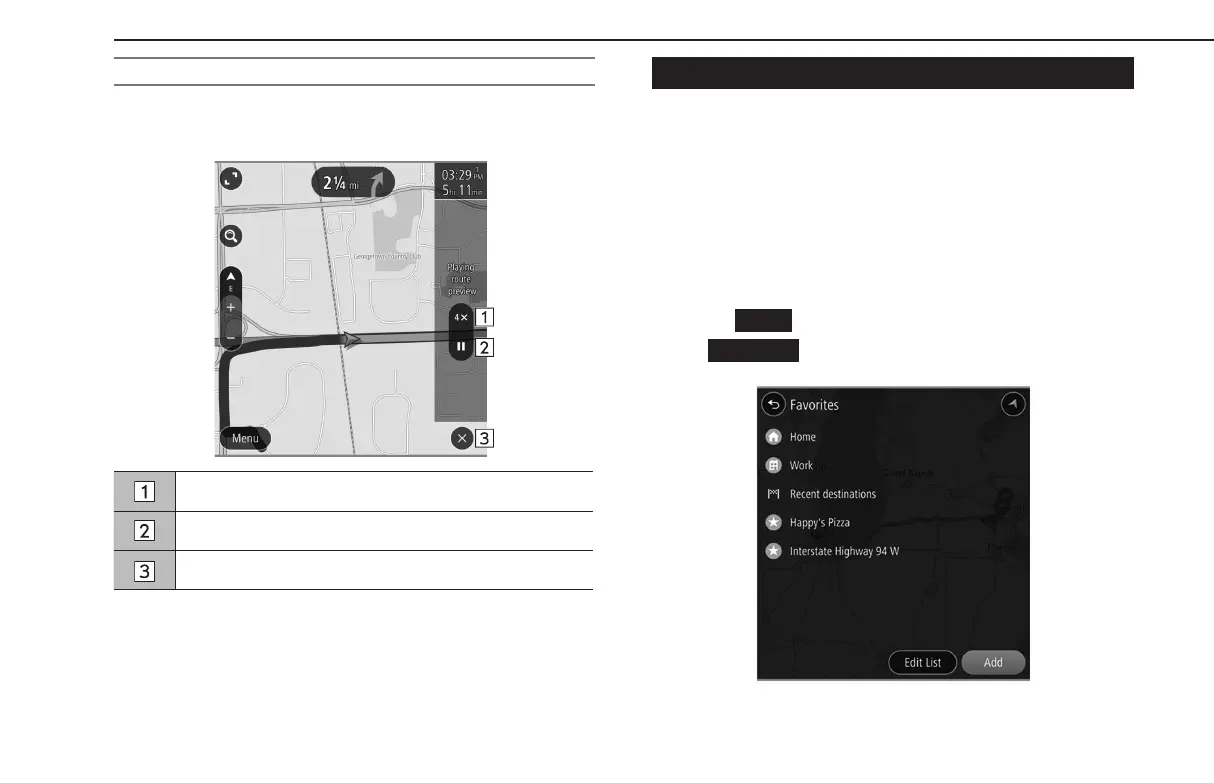
A selected route can be previewed.
The speed of the preview can be changed.
Select to change the preview speed to “1X”/“2X”/“4X”.
Select to temporarily stop the preview.
Select to exit route preview mode.
FAVORITES SCREEN
The desired point can be registered as home, work, or favorite.
The registered points can be set as a destination.
Registered points can be added, changed and deleted on the
favorites screen.
The favorites screen can be accessed with the following
methods:
1.
Display the map screen. (→P.186)
2.
Select
(Menu).
3.
→
(Favorites)
BASIC OPERATION
198
GB8_US.indb 198 2020/10/09 7:23:16














 To Next Page