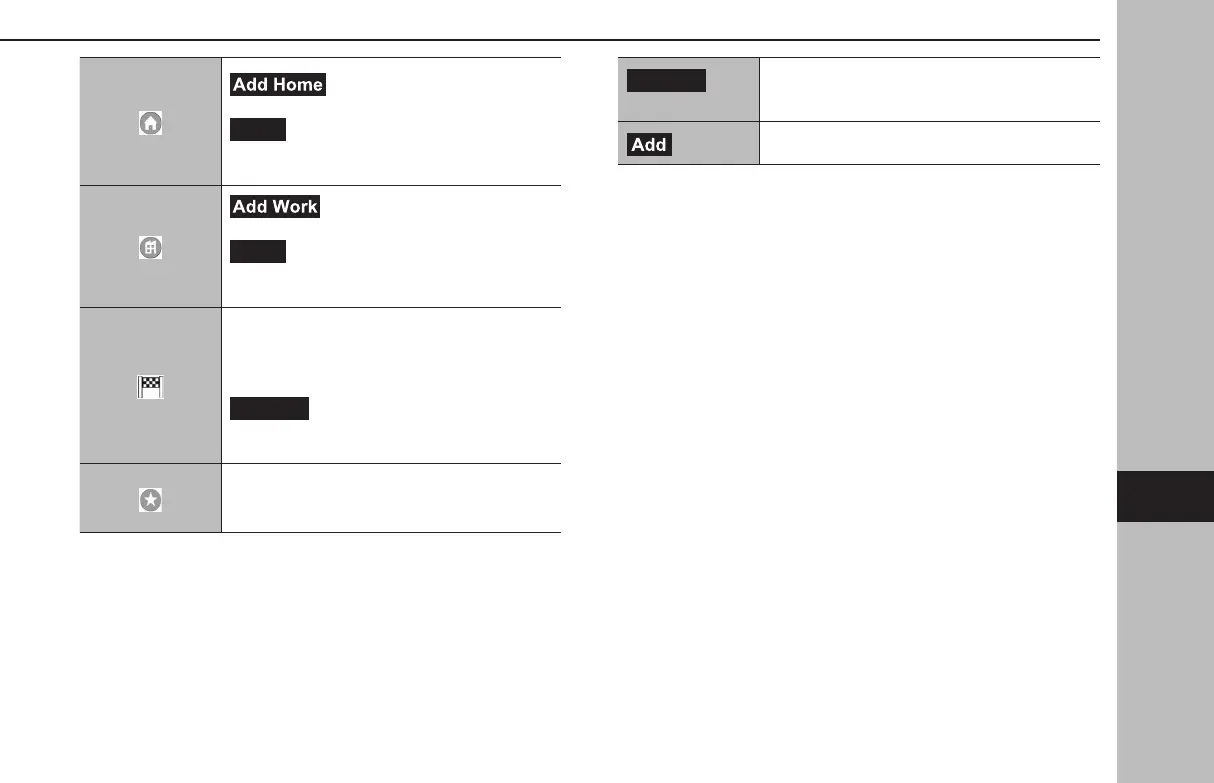
(Add Home): Select to register
the home. (→P.200)
(Home): Select to display the location
menu pop-up for the point registered as home
on the map screen. (→P. 188)
(Add Work): Select to register the
work. (→P. 200)
(Work): Select to display the location
menu pop-up for the point registered as work
on the map screen. (→P. 188)
Select to display the recent destination screen.
Recent destinations: Select a recent destination
to display the location menu pop-up for that
point on the map screen. (→P. 188)
(Edit List): Select to display the edit
list screen to delete the recent destinations.
(→P.200)
Select a favorite to display the location menu
pop-up for that point on the map screen.
(→P. 188)
(Edit List)
Select to display the edit list screen to delete the
favorites. (→P.200)
(Add)
Select to register the favorite. (→P.200)
BASIC OPERATION
199
Navigation System
GB8_US.indb 199 2020/10/09 7:23:16














 To Next Page