REGISTERING HOME/WORK/FAVORITE POINT
1.
Select (Add Home)/ (Add Work)/
(Add).
2.
Perform either of the following to display a point you wish
to register:
● Select
(Search) to display the search screen.
(→P.195)
● Select the desir
ed point on the map.
3.
→ / /
● Icons will be displayed on the map to indicate registered
points.
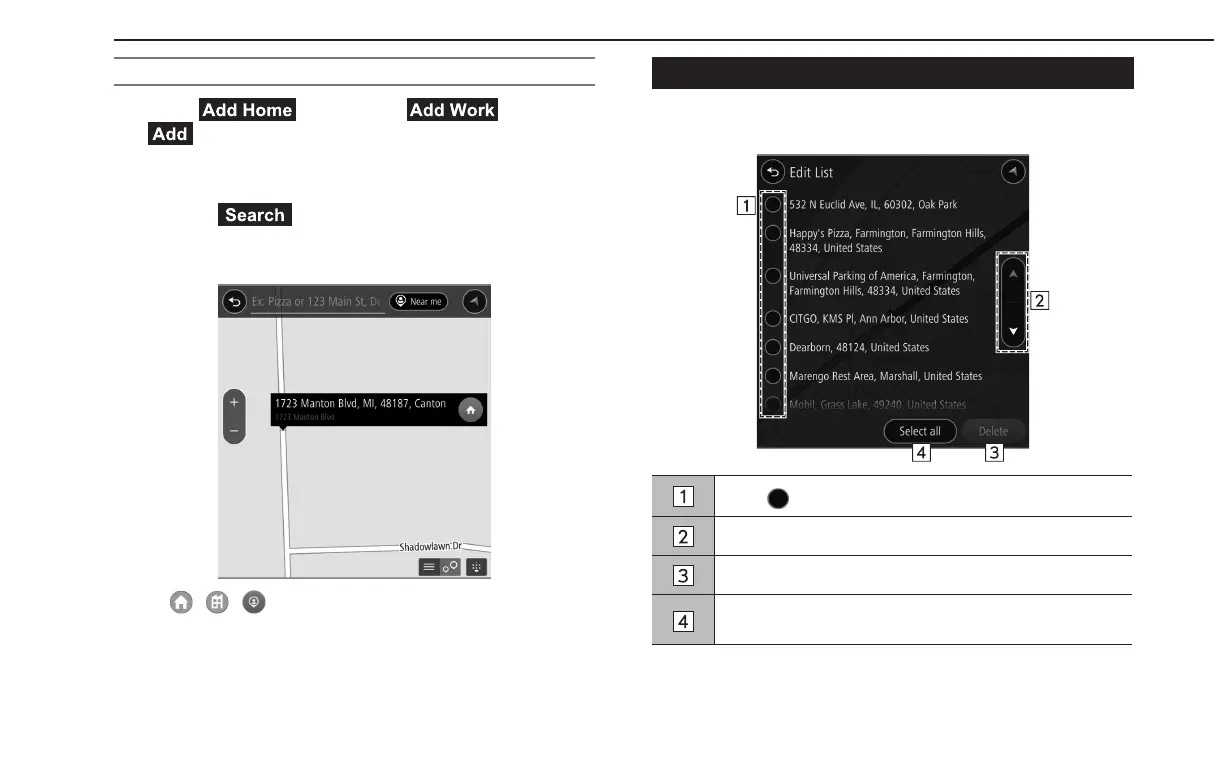
EDIT LIST SCREEN
Unnecessary items can be deleted on the edit list screen.
Select for the item you wish to delete.
Select to skip to the next or previous page.
Select to delete selected item(s).
Select to select all items.
Select again to deselect all items.
BASIC OPERATION
200
GB8_US.indb 200 2020/10/09 7:23:17














 To Next Page