9 Troubleshooting
25
■ Faults that Occur with a Single Drive
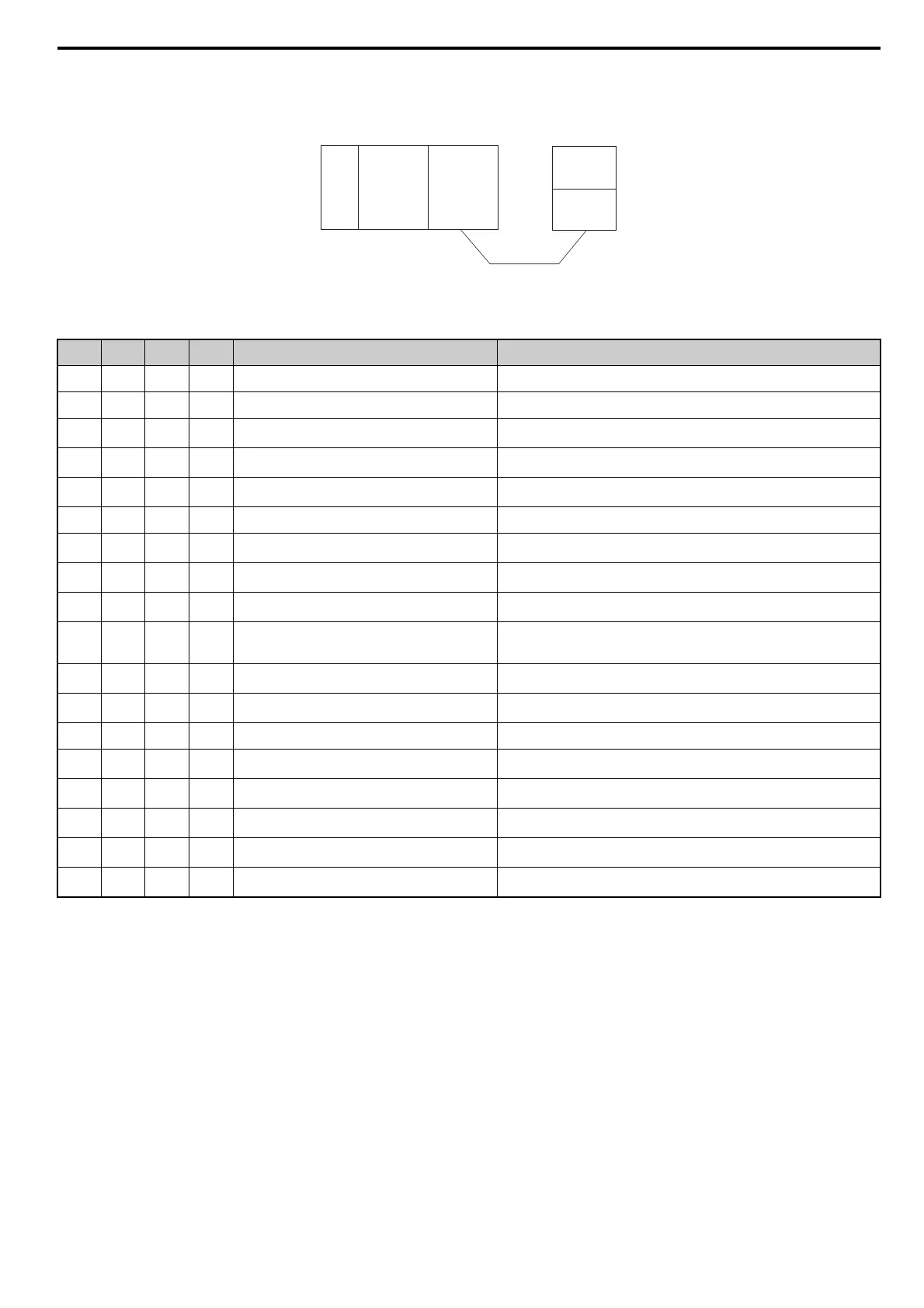
The example below demonstrates how to read the LED display on the CC-Link Option to determine the cause of a fault and corrective action.
Figure 17
Figure 17 Connecting a Single Drive
Table 16 LED Fault Display for CC-Link Option with a Single Drive
Note: SD and RD may appear to flash with slower baud rates.
: On / : Flashing / ×: Off / ∗: Either on or off
L.RUN SD RD L.ERR Cause Possible Solution
× Normal communications –
Error has occurred but communication is normal Remove the source of noise interference.
× Problem with the hardware
Try cycling the power.
Replace the CC-Link Option if the problem continues.
××Problem with the hardware
Try cycling the power.
Replace the CC-Link Option if the problem continues.
×
CRC error with the data received, and no response can be
sent
Remove the source of noise interference.
× × No station address received Check the PLC program and the operation where the problem occurred.
×× Problem with the hardware
Try cycling the power.
Replace the CC-Link Option if the problem continues.
×××Problem with the hardware
Try cycling the power.
Replace the CC-Link Option if the problem continues.
×
A response was received after polling, but a CRC error
occurred when the reflex data was checked
Remove the source of noise interference.
× × Problem with the hardware
Try cycling the power.
Replace the CC-Link Option if the problem continues.
See if the master device is actually set to function as a remote device station.
× × Problem with the hardware
Try cycling the power.
Replace the CC-Link Option if the problem continues.
× ××Problem with the hardware
Try cycling the power.
Replace the CC-Link Option if the problem continues.
××CRC errors occurs when the station address is checked. Remove the source of noise interference.
×× ×
• No station address
• Cannot receive station address due to noise interference
Remove the source of noise interference.
××× Problem with the hardware
Try cycling the power.
Replace the CC-Link Option if the problem continues.
××××
Data cannot be received (CC-Link communications cable
may be disconnected)
Check the wiring.
××∗
The station address or communications speed is set
incorrectly
Enter the proper settings and cycle power.
The station address or communications speed was changed
without cycling power afterwards.
Return any incorrect settings to their original values and cycle power.
Enter the proper settings and cycle power.
Power
supply
CPU
Master
device
Station 1
DRIVE
CC-Link
Option



 To Next Page