20
8 CC-Link Data Table
8 CC-Link Data Table
◆ Remote I/O
The drive takes up a single station address in the buffer memory or the PLC. The table below shows the drive I/O as seen from the PLC side.
Note: Refer to the PLC’s programming manual for information on the PLC’s buffer memory.
■ PLC → Drive
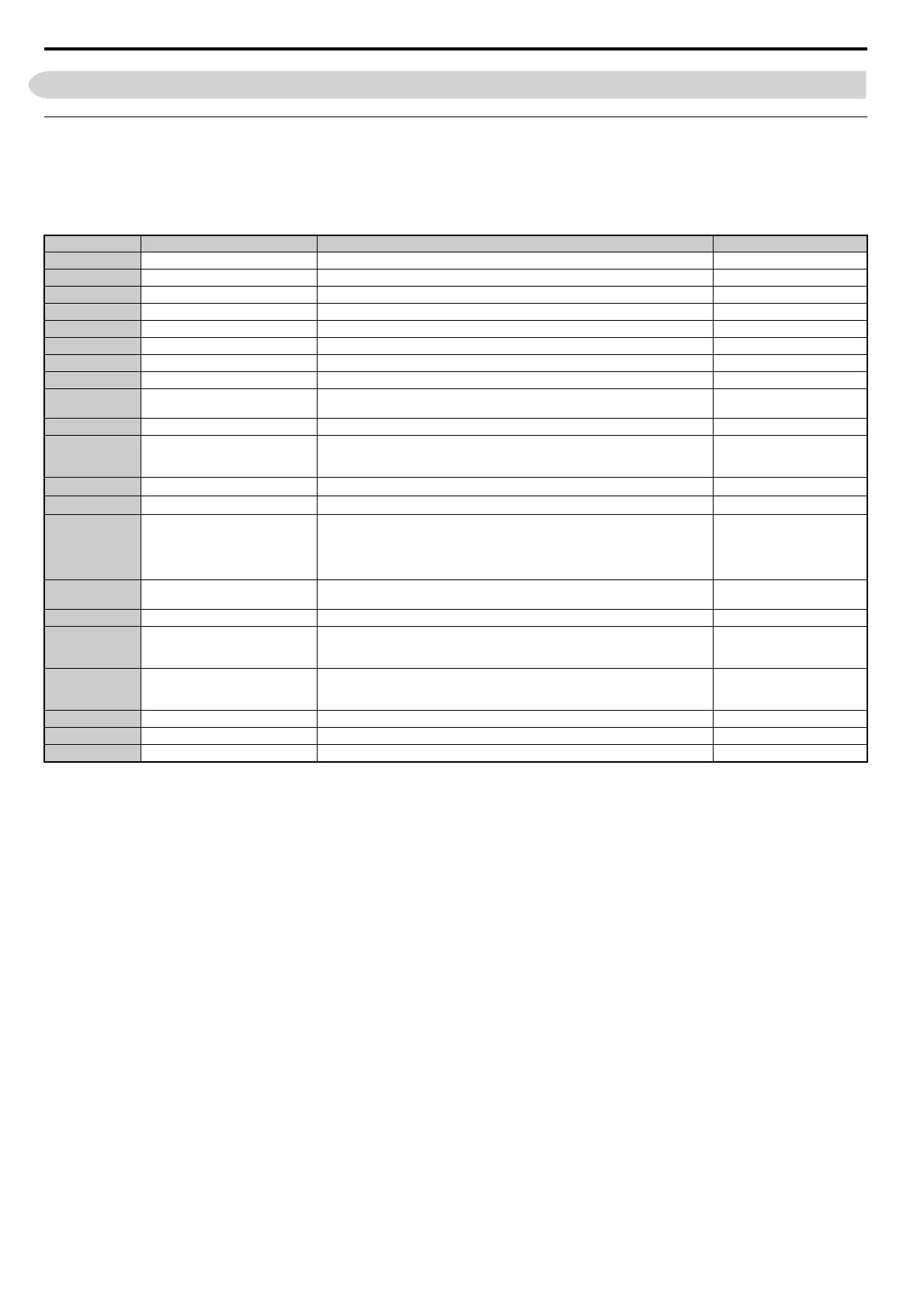
Table 9 Remote I/O Table (PLC → Drive)
Note: 1. If making frequent setting changes, use RYD (Frequency Reference 1 flag) for setting the register. Using RYE (Frequency Reference 2 flag) too often can shorten the
performance life of the drive's internal memory.
2. Although RYE and RYF are triggered by the rising edge of the signal, they are otherwise enabled depending on the value that is input.
When switching between monitors using RYC (Monitor Reference), RYC needs to be turned off and then back on again after the monitor code has been changed.
Signal Name Description Default
RY0 Forward Run ON: Forward Run Command, OFF: Stop –
RY1 Reverse Run ON: Reverse Run Command, OFF: Stop –
RY2 Terminal S3 Function Multi-function input: H1-03 (H1-03 = 24: External Fault)
RY3 Terminal S4 Function Multi-function input: H1-04 (H1-04 = 14: Fault Reset)
RY4 Terminal S5 Function Multi-function input: H1-05 (H1-05 = 3: Multi-Step Speed 1)
RY5 Terminal S6 Function Multi-function input: H1-06 (H1-06 = 4: Multi-Step Speed 2)
RY6 Terminal S7 Function Multi-function input: H1-07 (H1-07 = 6: Jog Reference)
RY7, 8 Reserved – –
RY9 Drive Output Interrupt
ON: Motor coasts to stop.
OFF: Drive will begin operating as soon as a Run command is given.
–
RYA External Fault ON: External Fault Input (EF0) –
RYB
Motor Revolutions / Output
Frequency Switch
Data contents for the remote register RW
R1
switches between motor revolutions and
output frequency.
Motor rotations are displayed
only when H6-01 = 3 and
A1-02 = 0.
RYC Monitor Reference
ON: Monitor data specified in the monitor code is set to remote register RW
R0
.
–
RYD Frequency Reference 1
Frequency set to remote register RW
W1
becomes the operating frequency for the drive.
–
RYE Frequency Reference 2
Sets the frequency in the remote register RW
W1
to parameter d1-01 (Frequency Reference
1) and as the drive’s main frequency reference at the same time.
Note: If the frequency reference is set to be provided by the LED operator
(i.e, b1-01 = 0), then switching on RYE changes the frequency
reference.
All parameter settings are saved
when this flag is switched on.
Triggered by the rising edge of
the signal.
RYF Command Code Execute Request Request to execute the command code.
Triggered by the rising edge of
the signal.
RY10 to 13 Reserved – –
RY14 Terminal S1 Function Multi-function input: H1-01
Function is disabled when for the
Forward Run Command (H1-01
= 40).
RY15 Terminal S2 Function Multi-function input: H1-02
Function is disabled when for the
Reverse Run Command (H1-02 =
41).
RY16 to 19 Reserved – –
RY1A Fault Reset Resets a drive fault –
RY1B to 1F Reserved – –



 To Next Page