7 Basic Functions
19
■ Command/Reference Source Priority Using a PLC
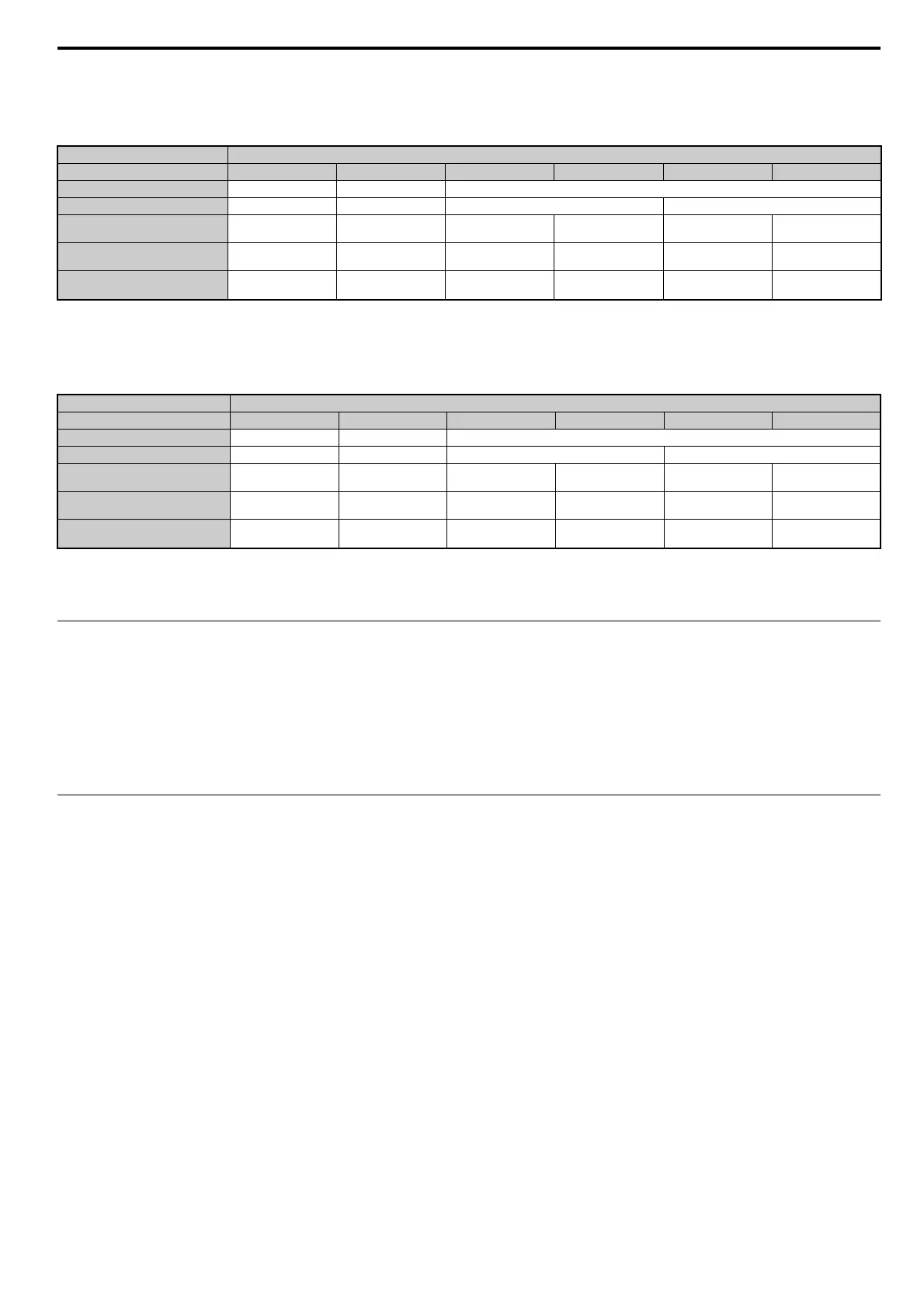
Run Command Source
Table 7 Run Command Source Priority
Note: Dash indicates that the setting has no effect on the source of the Run command.
Frequency Reference Source
Table 8 Frequency Reference Source Priority
Note: 1. When the multi-function input terminals are set up for Multi-Step Speed operation, parameters d1-01 through d1-16 take priority as the source of the frequency reference
(assuming that F6-07 = 1).
2. Dash indicates that the setting has no effect on the source of the frequency reference.
3. Refer to the HF-520 Technical Manual for more details on parameter settings.
◆ Monitors
The user can monitor drive operating status from a PLC.
To do so, the monitor should be set up as follows:
1. Sets the monitor code to the remote register RW
W0
.
2. Switch the RYC signal on.
• Data for the monitor code is stored in the PLC’s buffer memory.
Note: Monitor codes and units are listed in Monitor Codes on page 29.
◆ Reading and Setting Parameters
The PLC can write drive parameters, read drive data and operation status, and change settings.
Follow the directions below.
1. Set the command code to remote register RW
W2
.
• Set the write data to RW
W3
as needed.
2. Switch on the RYF signal (request to execute the command code).
• Drive executes the process and reply data that correspond with the command code.
• Command codes for drive parameters should be calculated by adding the values shown below to the MEMOBUS register number.
Read command code: MEMOBUS register + 1000H
Write command code: MEMOBUS register + 2000H
EXAMPLE: Acceleration time command code for C1-01 is 200H. Get the read command code by adding 1000H, yielding 1200H
Note: 1. For a list of command codes, write data units, and setting ranges, refer to Command Codes on page 27 and Extended Command Codes on page 28.
2. Refer to the MEMOBUS/Modbus Data Table in Appendix C of the HF-520 Technical Manual for a list of monitor data using the MEMOBUS/Modbus message area.
Setting Status
NetCtrl 1 0 0 0 0 0
LOCAL/REMOTE Selection – LOCAL REMOTE
Switching Command Source –– OFF ON
Run Command Selection 1
b1-02
––3not 3––
Run Command Selection 2
b1-16
––––3not 3
Run Command Source PLC Operator PLC Determined by b1-02 PLC
Determined by
b1-16
Setting Status
NetRef 1 0 0 0 0 0
LOCAL/REMOTE Selection – LOCAL REMOTE
Switching Reference Source –– OFF ON
Frequency Reference Selection 1
b1-01
– – 3 not 3 – –
Frequency Reference Selection 2
b1-15
––––3not 3
Frequency Reference Source PLC Operator PLC Determined by b1-01 PLC
Determined by
b1-15



 To Next Page