The information contained in this document is confidential, and only for the information of the intended recipient and may not be published or redistributed without the prior written consent of Summa NV.
Summa nv Tel +32 59 27 00 11 Fax +32 59 27 00 63 Email support@summa.eu Website www.summa.eu Page 3 of 6
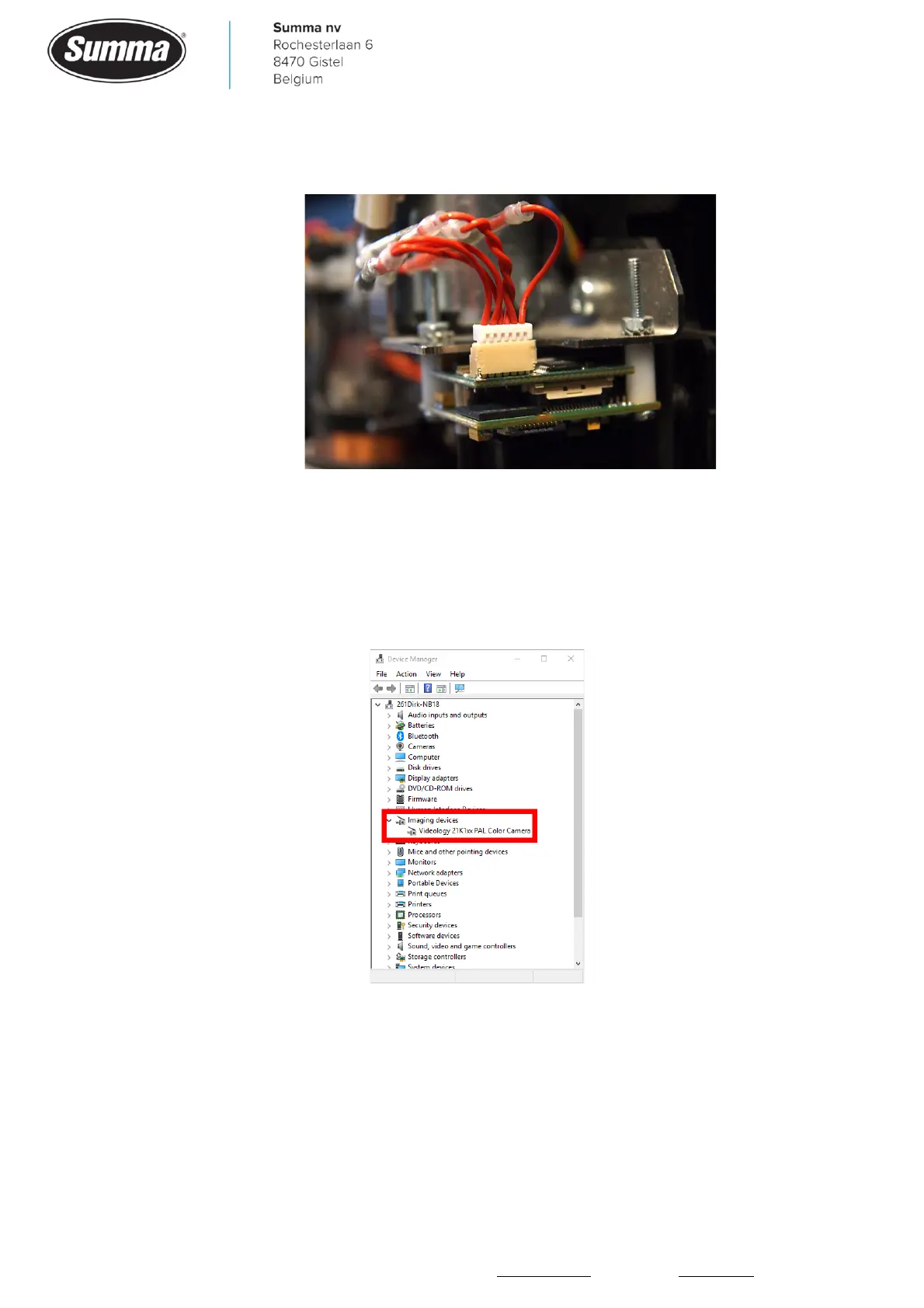
• Check the data wires of the cable: wire 2 and 3 should be twisted as illustrated in below
picture:
Probably those two wires were not sufficient twisted, this could result in occasional data
loss.
Check camera functionality
Check if the camera comes up in device manager:
When the device comes up in the device manager, use the Videology Viewer to verify the
images can be captured: [Start] – [Videology Cameras] – [Viewer].



 To Next Page