The information contained in this document is confidential, and only for the information of the intended recipient and may not be published or redistributed without the prior written consent of Summa NV.
Summa nv Tel +32 59 27 00 11 Fax +32 59 27 00 63 Email support@summa.eu Website www.summa.eu Page 5 of 6
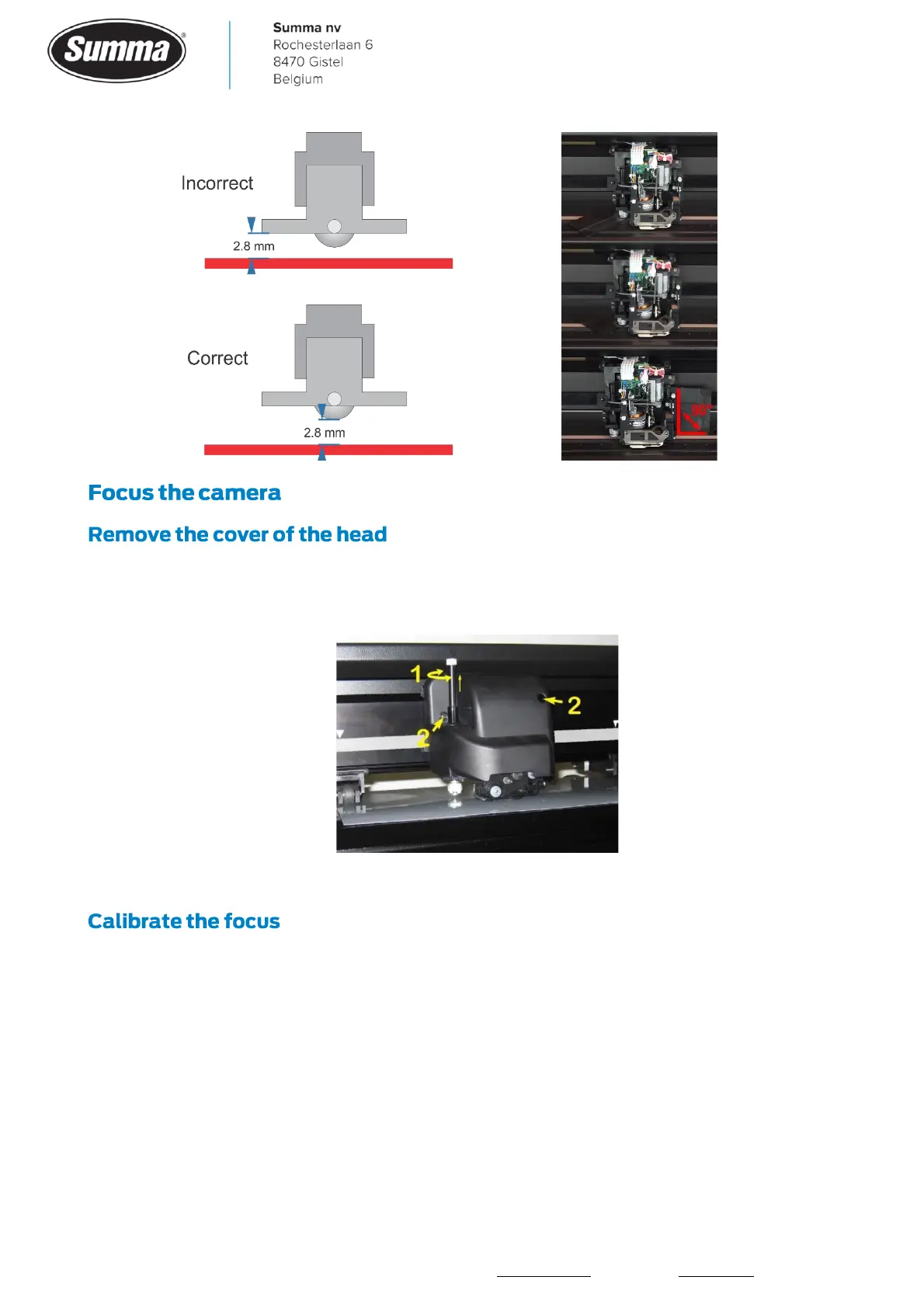
1. Remove the knife holder from the tangential head. (1)
2. Remove the cover from the tangential head by loosening the two screws. (2)
Switch the cutter on and start Summa Camera Control.
Loosen the hex screw (3 turns counterclockwise). This allows you to adjust the lens. Failing
to do so will damage the thread on the lens complicating obtaining correct focus.



 To Next Page