EasyManua.ls Logo

Summit 3000 - User Manual

Summit 3000
20 pages
Print Icon
To Next Page IconTo Next Page
Loading...
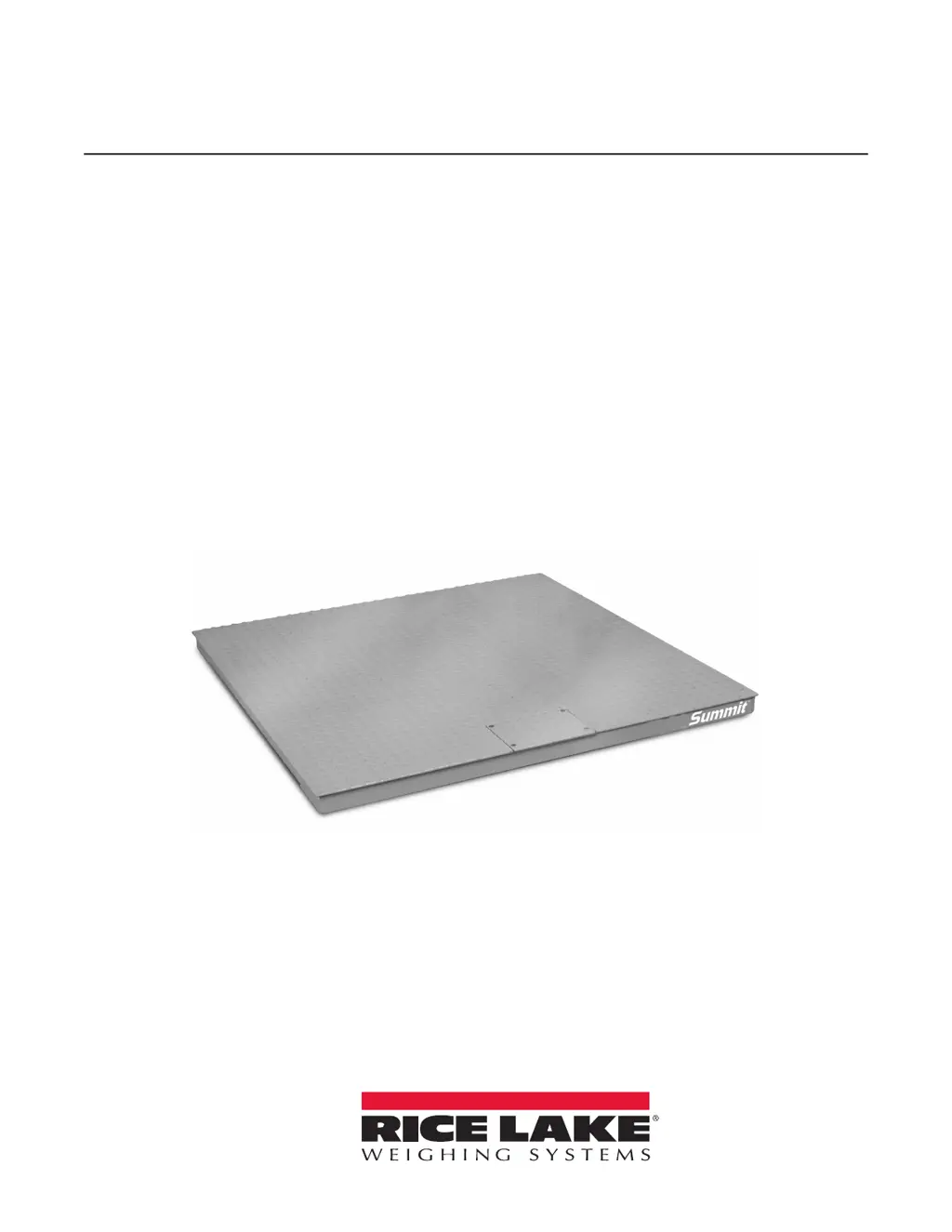
Summit 3000
Low-Profile Floor Scale
Installation Manual
PN 76012 Rev B

Questions and Answers

  • R
    Ronald ReedJul 28, 2025
    Why are my Summit Scales giving erratic weight readings?
    • R
      ramirezdeanJul 28, 2025
      If your Summit Scales are showing erratic weight readings, there might be several reasons: * Vibration near the scale: Eliminate the source of vibration or relocate the scale. * The platform isn't level: Adjust the feet, or use shims to level the scale (platform should be level to within 1/4 inch). * Water damage to the load cell or cable: Replace the load cell cable. * Debris is present under the load cells or platform: Clean the area, removing any debris. * The indicator is faulty: Test the indicator for stability using a simulator and service it, if needed.
  • C
    Christina PierceAug 3, 2025
    Why are my Summit Scales showing consistently high or low weights?
    • J
      Johnny SchneiderAug 3, 2025
      If your Summit Scales are consistently showing high or low weights, there are a few potential causes: 1. The indicator isn't properly adjusted to zero: Zero the indicator following the instructions in the indicator manual. 2. The platform is binding: Ensure there's enough clearance for the platform to move freely. 3. The indicator is not calibrated: Calibrate the scales according to the indicator manual. 4. The load cells are faulty: Test the load cells and replace them if necessary. 5. The feet are touching the deck underside: Adjust the feet downward to create clearance.
  • R
    rhodesstevenAug 11, 2025
    What to do if my Summit Scales system does not operate and there is no display?
    • C
      Carl NormanAug 12, 2025
      If your Summit Scales' system isn't operating and there's no display, check these potential causes: * The power is disconnected: Check the power connection and reconnect it if necessary. * The indicator fuse is blown: Replace the fuse and investigate the cause of the blown fuse. * The interface cable is cut or disconnected: Repair the cable.
  • S
    simonkennethAug 18, 2025
    What to do if the display stays at zero on my Summit 3000 Scales?
    • J
      Julia SuttonAug 18, 2025
      If the display on your Summit Scales stays at zero, it could be due to: * A faulty indicator: The indicator needs to be serviced. * Faulty load cell connections: Check the cable connections in both the junction box and at the indicator.

Summary

Introduction

Operating Requirements

Details electrical grounding, load cell excitation, grade level requirements, and safe static overloading capacity.

Safety

Defines safety signal definitions and provides general safety instructions for operating the scale.

Installation

Overview

Outlines the standard installation steps for the Summit 3000 floor scale.

Site Preparation

Covers considerations for selecting a site, protecting the interface cable, and ensuring the floor is level.

Unpacking

Instructions for removing packing material, inspecting the scale, and proper lifting techniques.

Assembly

Details the process of adjusting scale feet and installing anchor plates for secure mounting.

Electrical Interface to Indicator

Step-by-step guide for wiring the junction box to the weight indicator, including cable connections.

Pit Frame Concrete Details

Provides concrete details and drawing dimensions for installing the Summit 3000 in a shallow pit frame.

Access Ramps

Explains how to use and orient access ramps for the Summit 3000 floor scales, noting alignment.

Adjustments and Calibration

Mechanical Adjustments

Instructions for adjusting scale feet to accommodate minor floor unevenness and rechecking deck level.

Corner Correction

Details the process of corner trimming using potentiometers at the junction box to match load cell outputs.

Calibration Procedure

Steps for performing a zero calibration and span calibration, including exercising the scale before calibration.

Service Information

Troubleshooting Guide

A table listing common problems with their symptom descriptions and suggested solutions for the Summit 3000 scale.

Periodic Maintenance

Guidelines for cleaning between the platform and pit frame, and recommendations for washdown applications.

Load Cell Replacement

Instructions for replacing defective load cells, including lifting the scale, disconnecting cables, and positioning new cells.

Load Cell Wiring to Junction Box

Details on wiring load cells to the junction box using corner numbering and cable color codes.

Summit 3000 Specifications

General IconGeneral
BrandSummit
Model3000
CategoryScales
LanguageEnglish