32
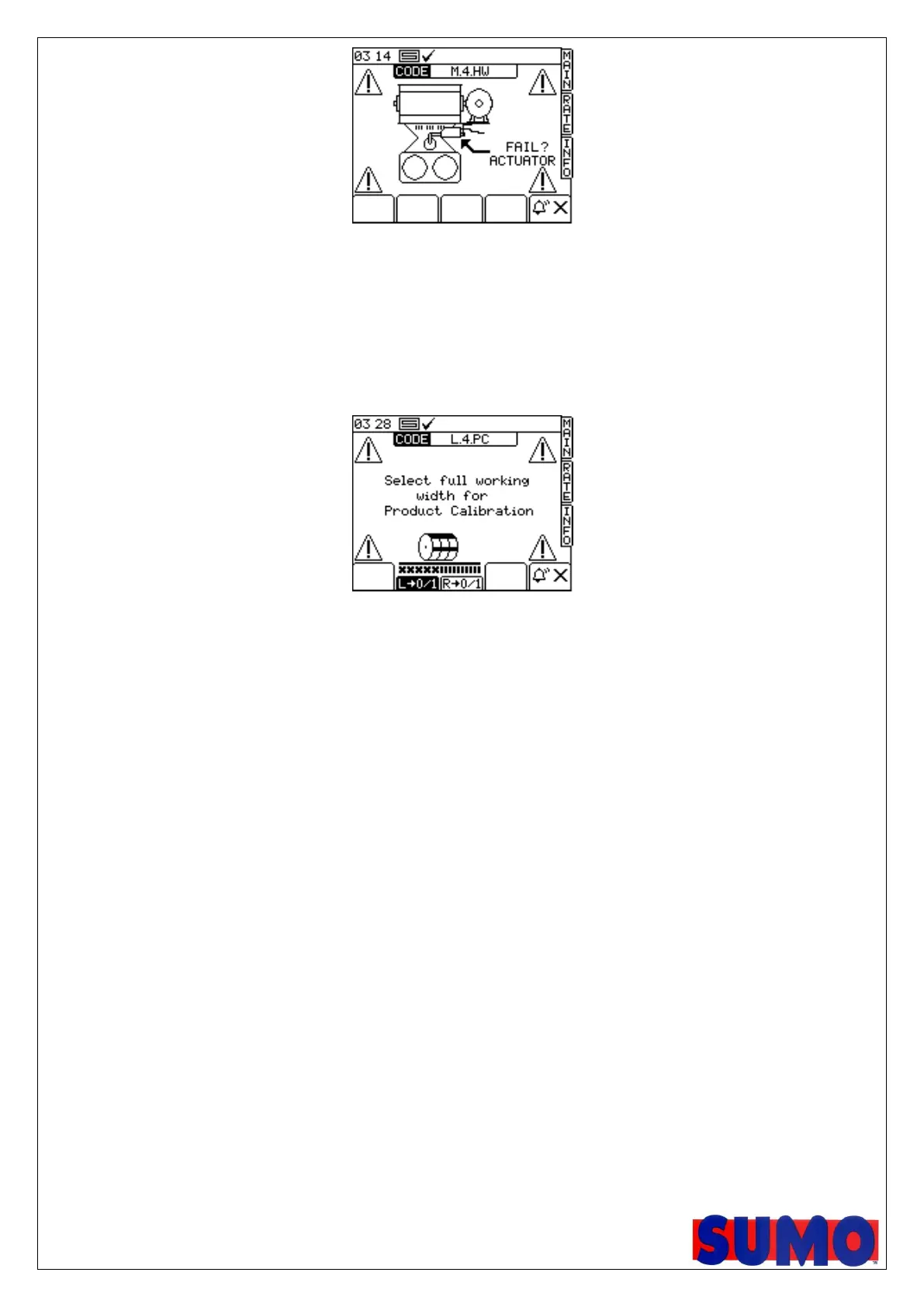
Depending upon settings the actuator should not take longer than 5 seconds to achieve its target position.
This alarm screen is shown after 10 so therefore should normally never be seen. If it is it could be a
problem with the actuator or the wiring. To continue drilling ½ width position will need to be found
manually (by removing and disconnecting the actuator wiring) and the half width function will need to be
turned off.
If left or right is switch off and a product calibration is initiated the following screen is shown:
The appropriate side can then be turned back on again. This screen will remain shown until the actuator
gets to the centre position when the product calibration can then be commenced normally.
If the alarm cancel button is pressed the PSi simply goes back to the previously shown screen.



 To Next Page