35
3.1 Head Unit Configuration - Port Settings
Having connected the hardware to the appropriate port(s), you need to configure the port settings.
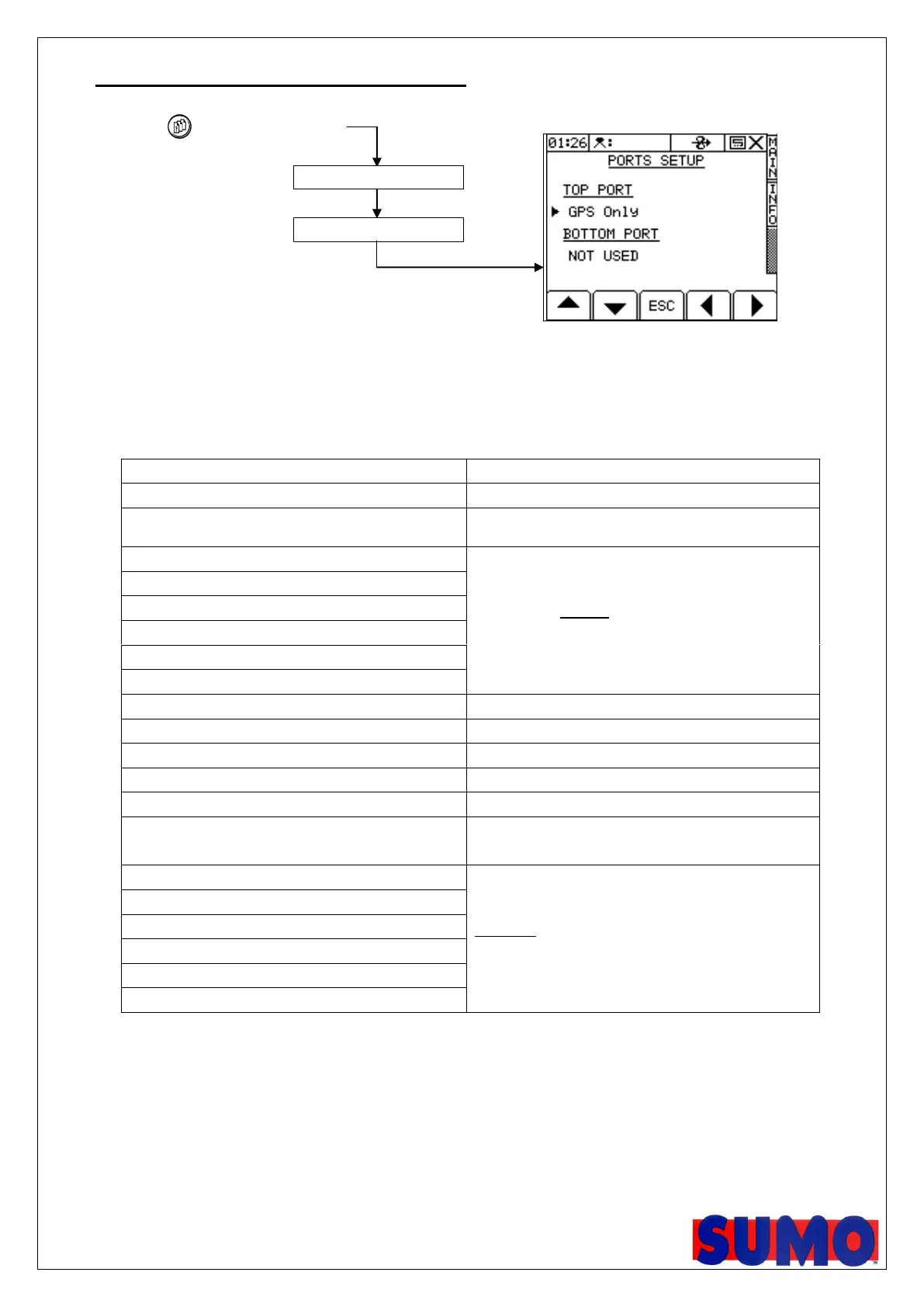
Press to select SETUP then,
The ‘Ports Setup’ screen can also be accessed via the Technician Config menu (PIN=1234). Use the arrow keys to
select the correct option and press ENTER to confirm.
Table 1: Port Options
GPS input for a standalone RDS P.F. control
system
Third-party interface:
GPS input + sending Variable-rate Treatment (VRT)
instructions to an OEM third-party rate controller.
Printing Field Summary data / Calibration data
Enables the internal Data Card Module
Using an (older) external RDS Data Card Module
Third-party interface:
Receiving Variable-rate Treatment (VRT) instructions
from an OEM third-party rate controller.
* INSERTING A DATA CARD DISABLES THE BOTTOM PORT!



 To Next Page