Chapter 3 Working With Projects 23
3.3 Manipulating MIDlets
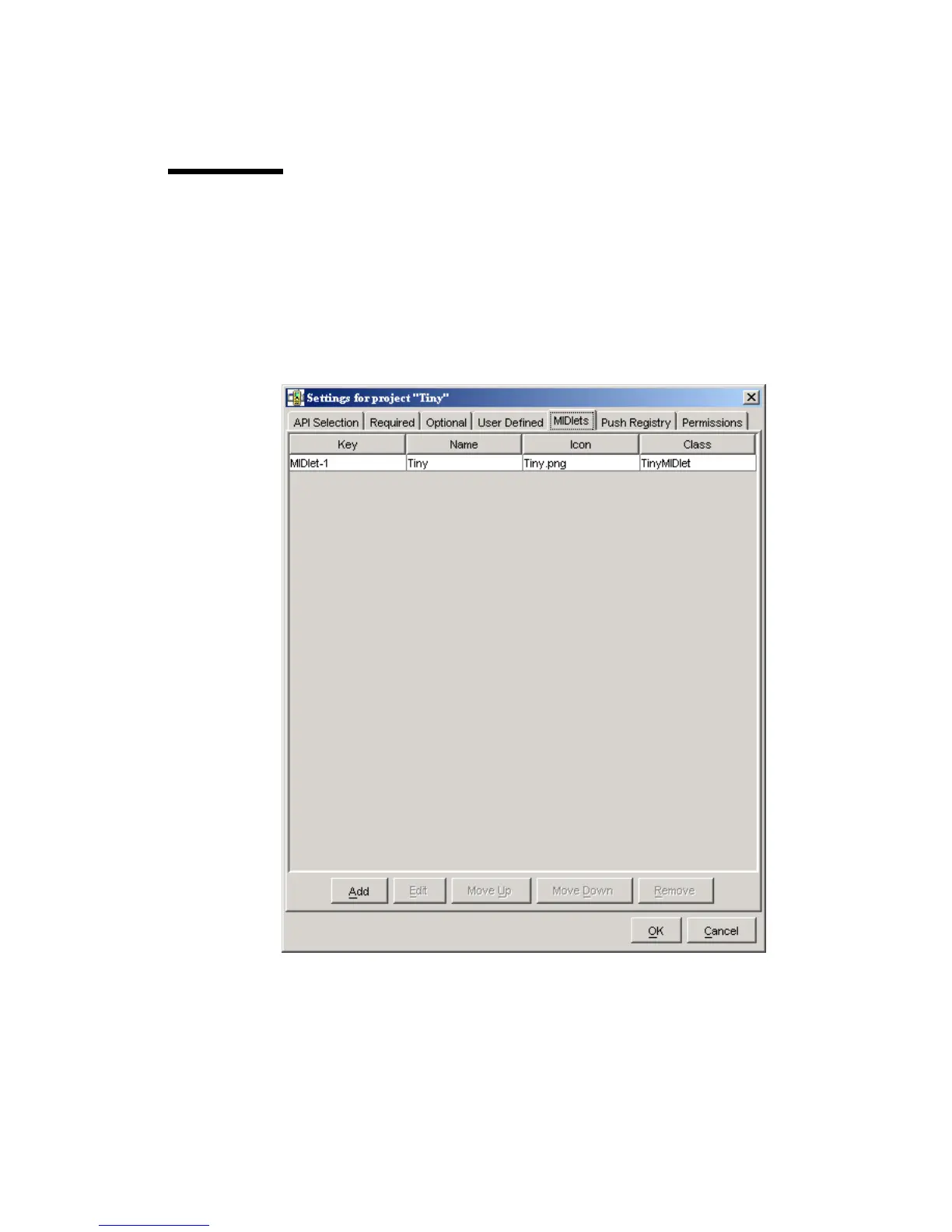
The project settings also provide a way to add or modify the MIDlets that are
contained in the current MIDlet suite project. To see how this works, start KToolbar
and open an existing project. Click on Settings... and choose the MIDlets tab. You
will see a list of all MIDlets in the project. If you just created a new project, the
toolkit automatically fills in the first MIDlet entry.
FIGURE 15 The list of MIDlets in a project
To add a new MIDlet, click on Add. Fill in the name, icon file name, and class
name. You can leave the icon file name blank if you wish. To change values or
remove MIDlet entries, use the Edit and Remove buttons.



 To Next Page