Introducing the Sun Fire V215 and V245 Servers 9
Front Panel
This section contains views of the front panels of the servers. These views will help
you become familiar with the features on the front panels so that you can install the
servers, set up the cabling, or operate the servers.
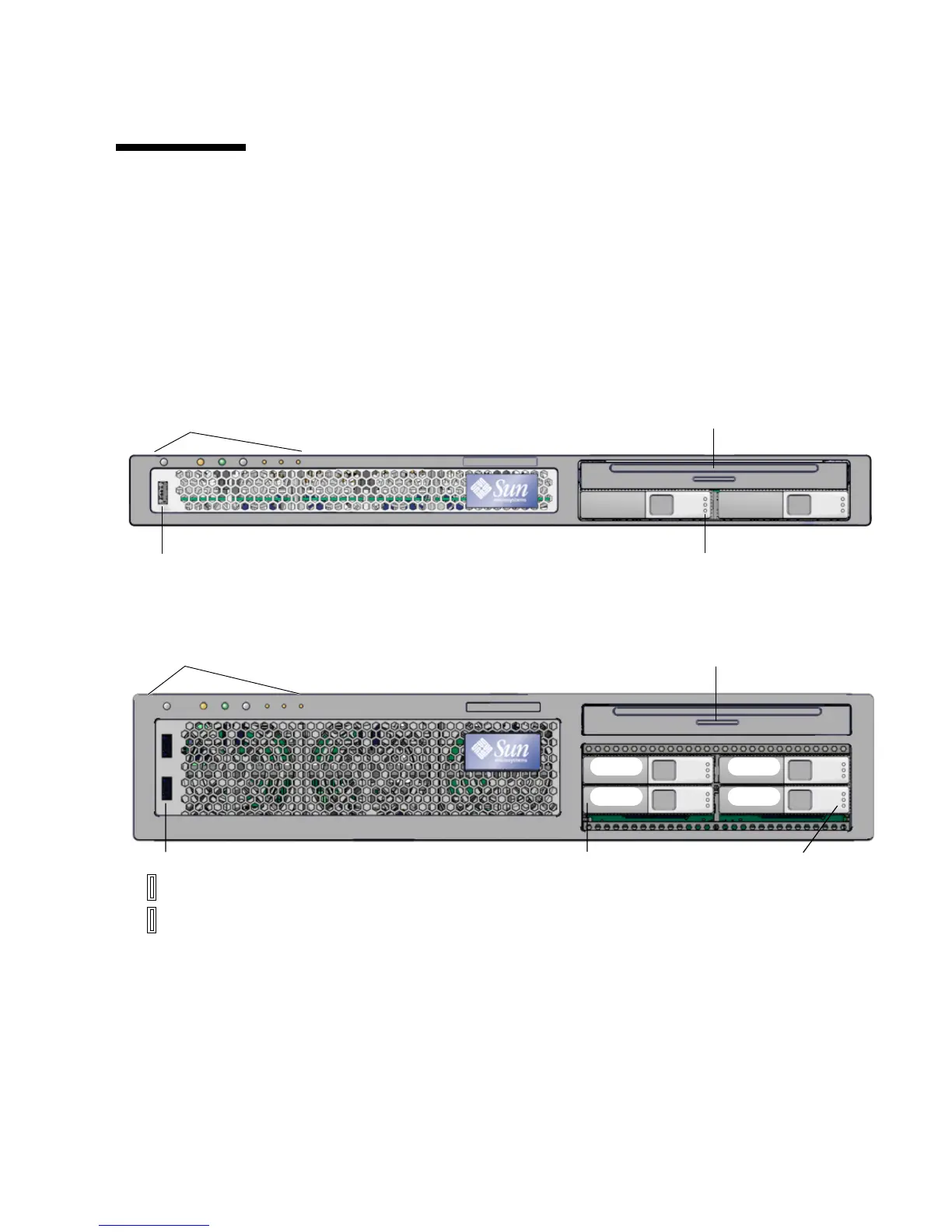
On each server, the front panel contains the DVD dual drive, hard drives, status
indicators, and USB port(s).
FIGURE 1 shows the front panel on the Sun Fire V215
server, and
FIGURE 2 shows the front panel on the Sun Fire V245 server.
FIGURE 1 Front Panel on the Sun Fire V215 Server
FIGURE 2 Front Panel on the Sun Fire V245 Server
Hard drive indicators
DVD dual drive (optional)
Hard drive 0
Indicators and buttons
Hard drive 1
USB Port 2
Hard drives
DVD dual drive (optional)
Drive 0
Indicators and buttons
Drive 2
Drive 1
Drive 3
2
3
USB ports
Hard drive indicators












 To Next Page