T5
10
OPERATION
Function Menu Screen
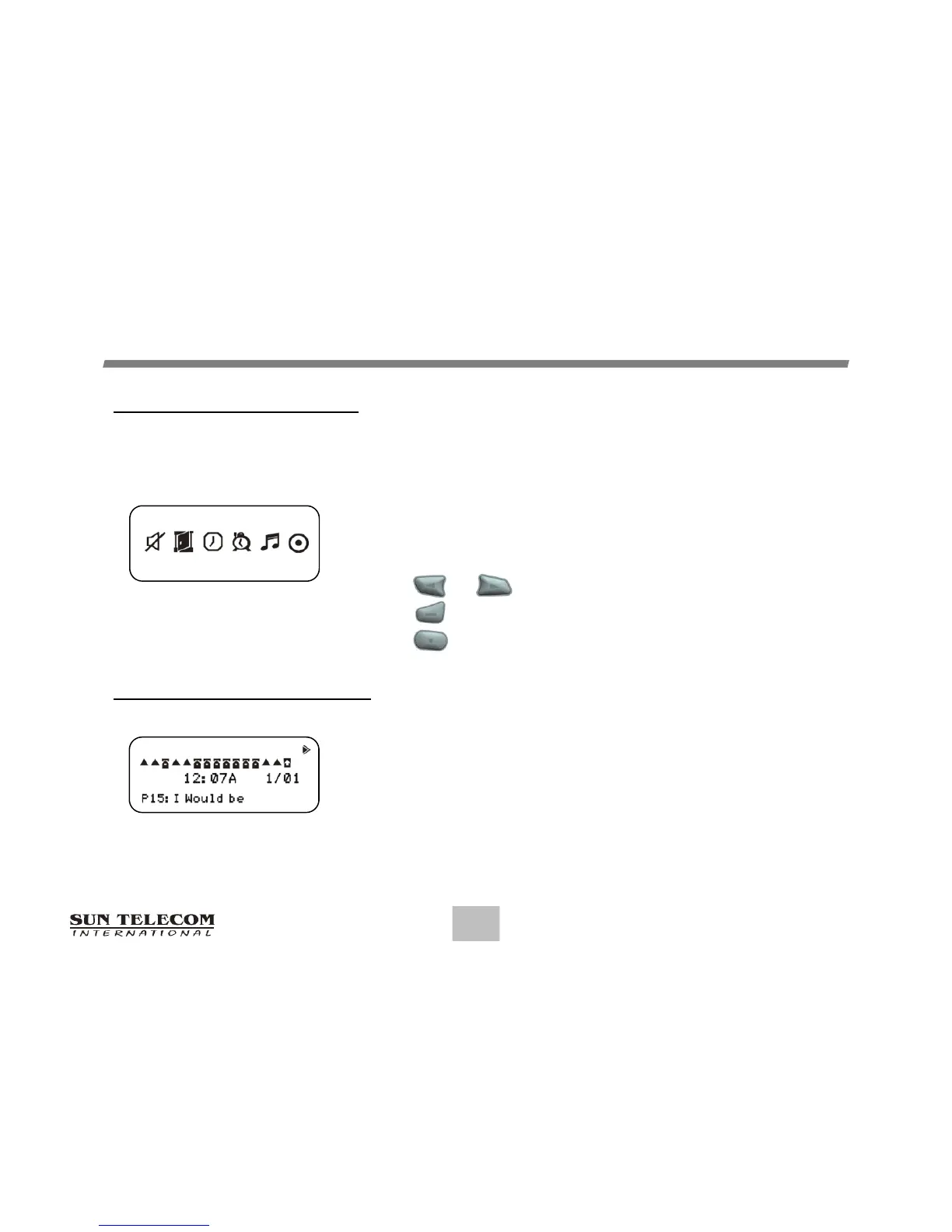
The Function Menu provides access to the many features incorporated in the T5.
As you navigate through the Function menu, the Function
Icon will reverse to indicate the current location of the cursor.
Press or to navigate through the Function menu.
Press to enter the current menu.
Press to exit the Function menu.
Inbox Message Screen
The Inbox Message Screen shows the current status of
Inbox messages by displaying the first line of your
message. (Message Preview)
Function Menu Screen
SET AUDIBLE OFF
Inbox Message Screen

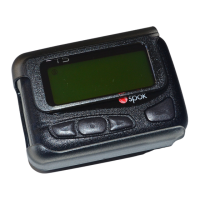

 To Next Page