T5
7
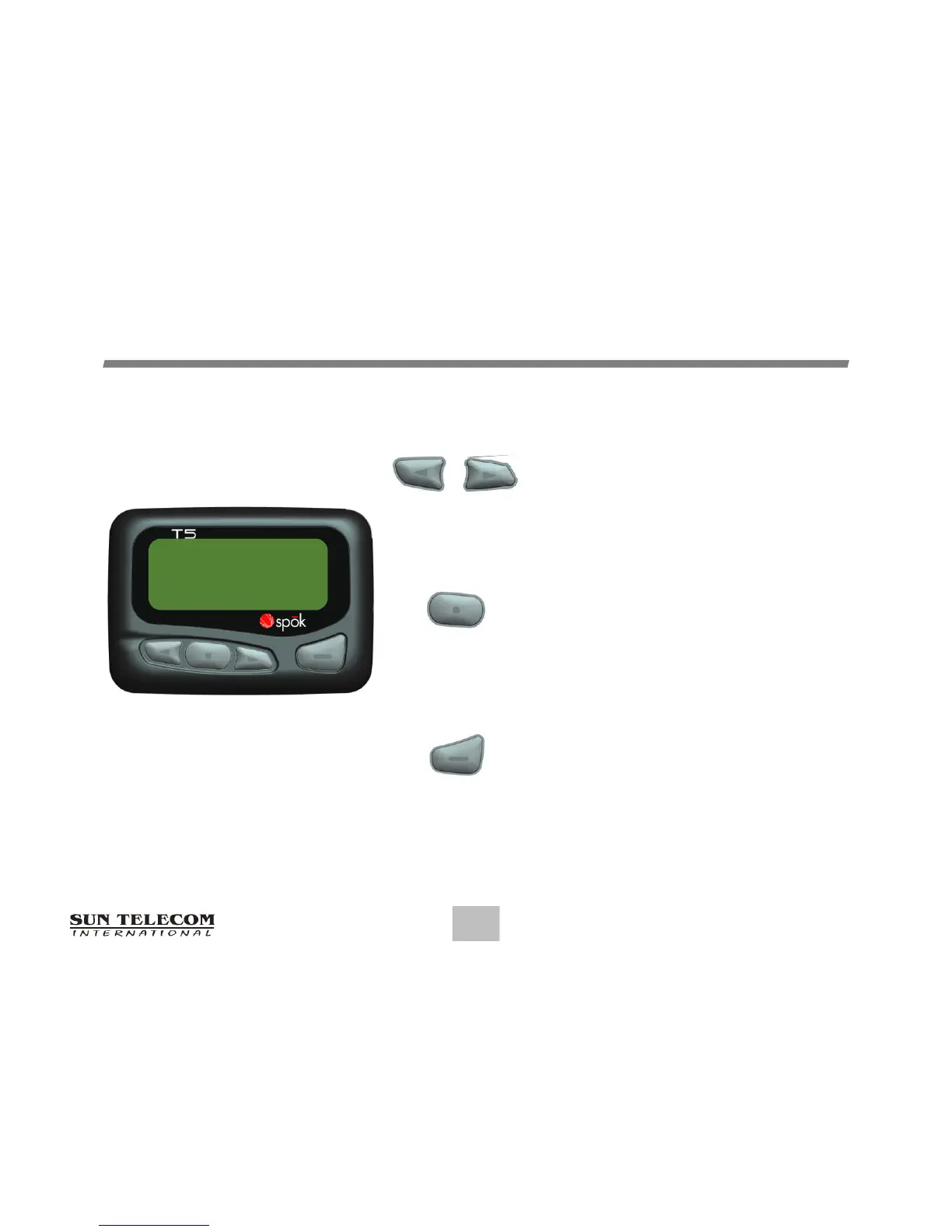
CONTROLBUTTONS
• Use to navigate through the Function
menu and through your messages.
• Use to navigate through time, alarm,
and date setting function
• Use to enter the Function menu mode.
• Use to turn the Backlight off.
• Use to exit to current Function mode.
• Use to turn the pager on and off.
• Use to read the received message.
• Use to activate your selection.
• Use to adjust the time, alarm, and
date setting functions.


 To Next Page