T5
Turning the Pager On
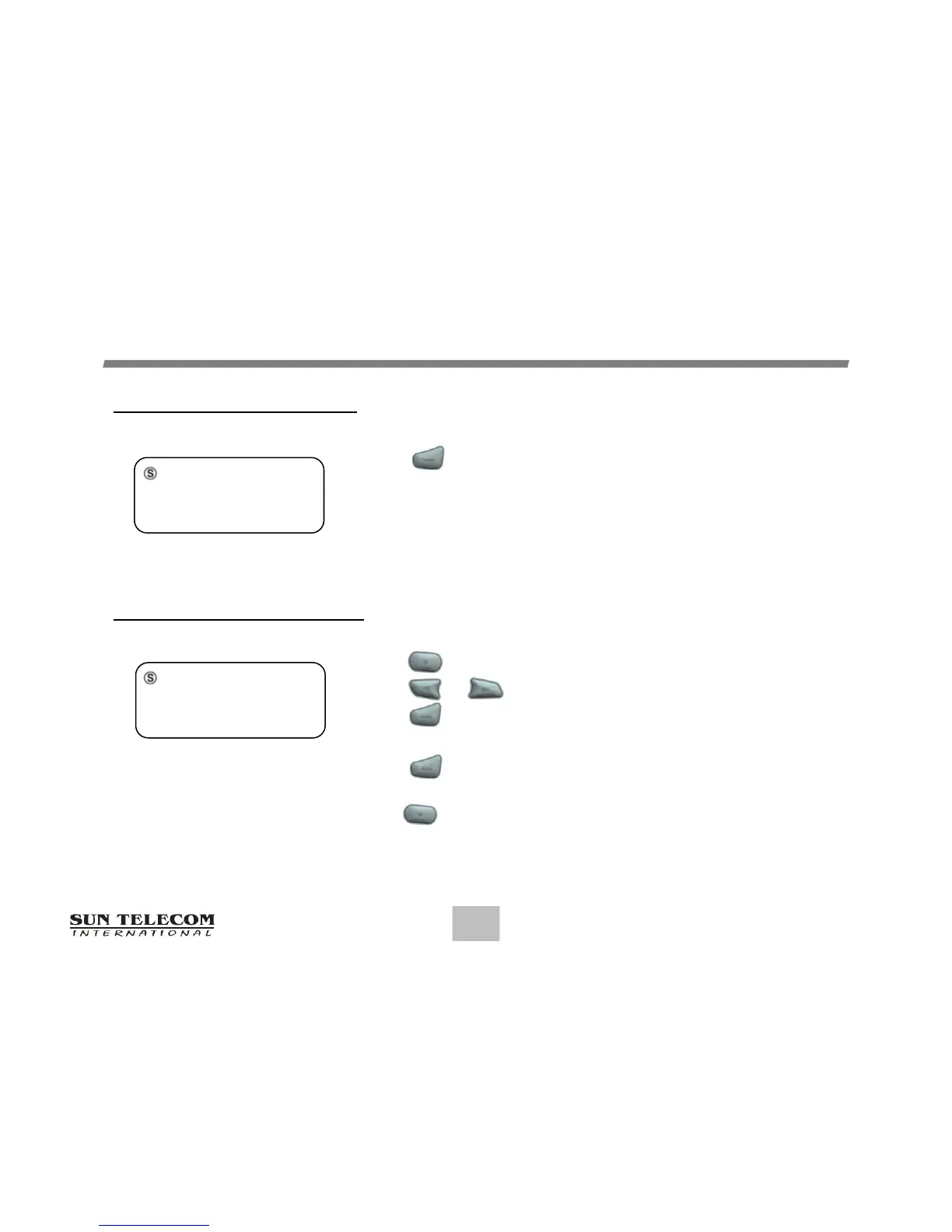
Press for two (2) seconds to turn the pager on.
A start-up screen is momentarily displayed and the pager
alerts the currently selected alert-mode.
(Vibrator, Audio, Sleep)
8
OPERATION
Note: If you choose the function key while the pager is off, the pager will display Pager Off
Mode and the time and date. The display disappears after eight (8) seconds or after you
press any of the pager keys.
Turning the Pager Off
Press button to display the Function menu.
Press or button to move the cursor on OFF icon.
Press button.
"TURN PAGER OFF?" is displayed.
Press button again to turn the pager off.
PowerUp Screen
SPOK
12:00A 1/01/15
Time/Date display on Pager Off
PAGER OFF MODE
12:00A 1/01/15



 To Next Page