T5
9
OPERATION
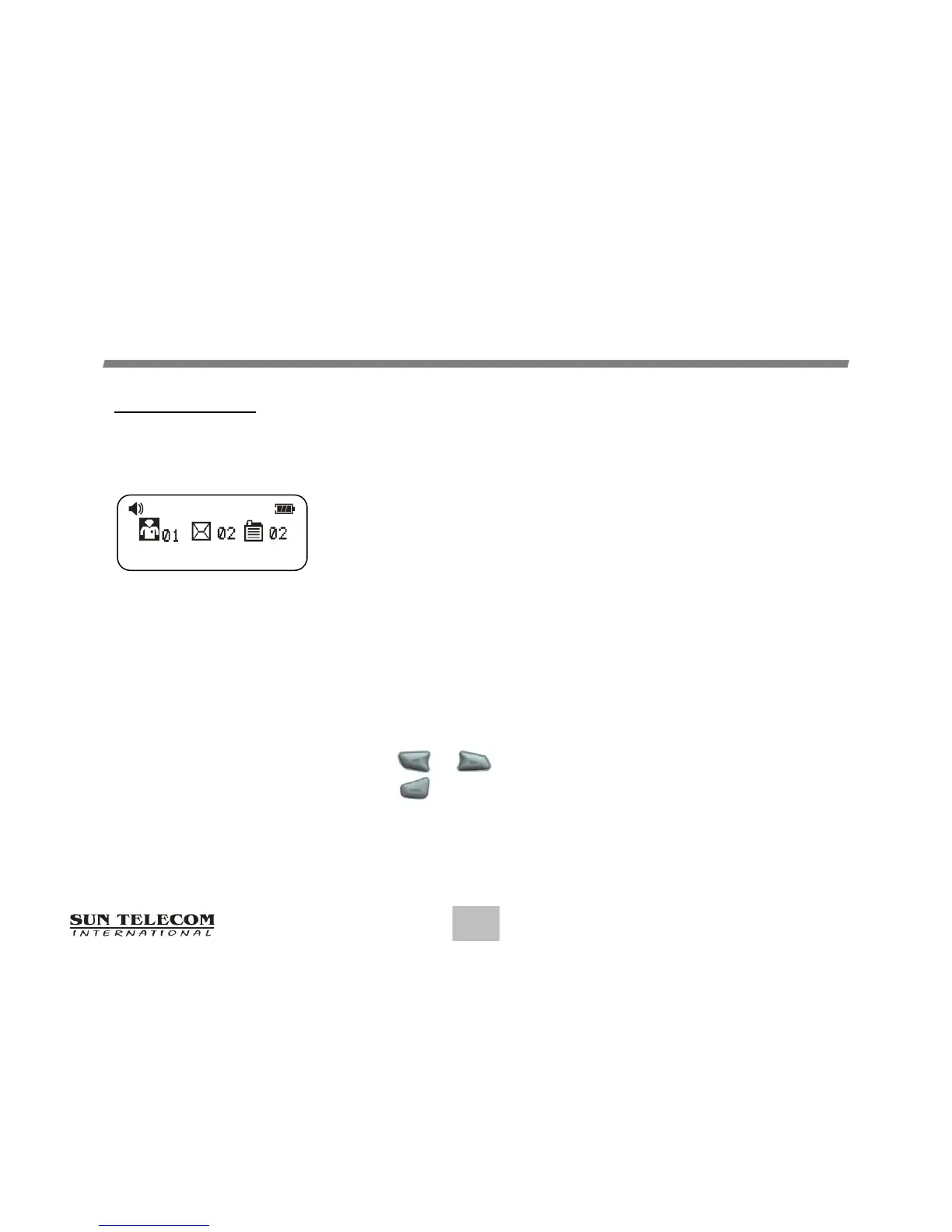
Main Screen
Pressing any of the buttons on the Standby Screen will
provide access to the Main Screen.
The Main Screen shows both the current status of message
folders (Inbox / Info / Saved) and the time and date.
The Main Screen also displays any activated pager settings
in the split screen.
When the Main Screen is initially displayed, the Inbox
Folder icon is the first icon followed by the Info and
Saved icons. The Inbox folder is also highlighted.
Choosing either arrow button will highlight the other icons.
Press or to move the cursor within the Message Folder.
Press to enter the selected Folder.
Main Screen
12:00A 1/01/15


 To Next Page