T5
13
FUNCTIONMENU
Setting the Time and Date
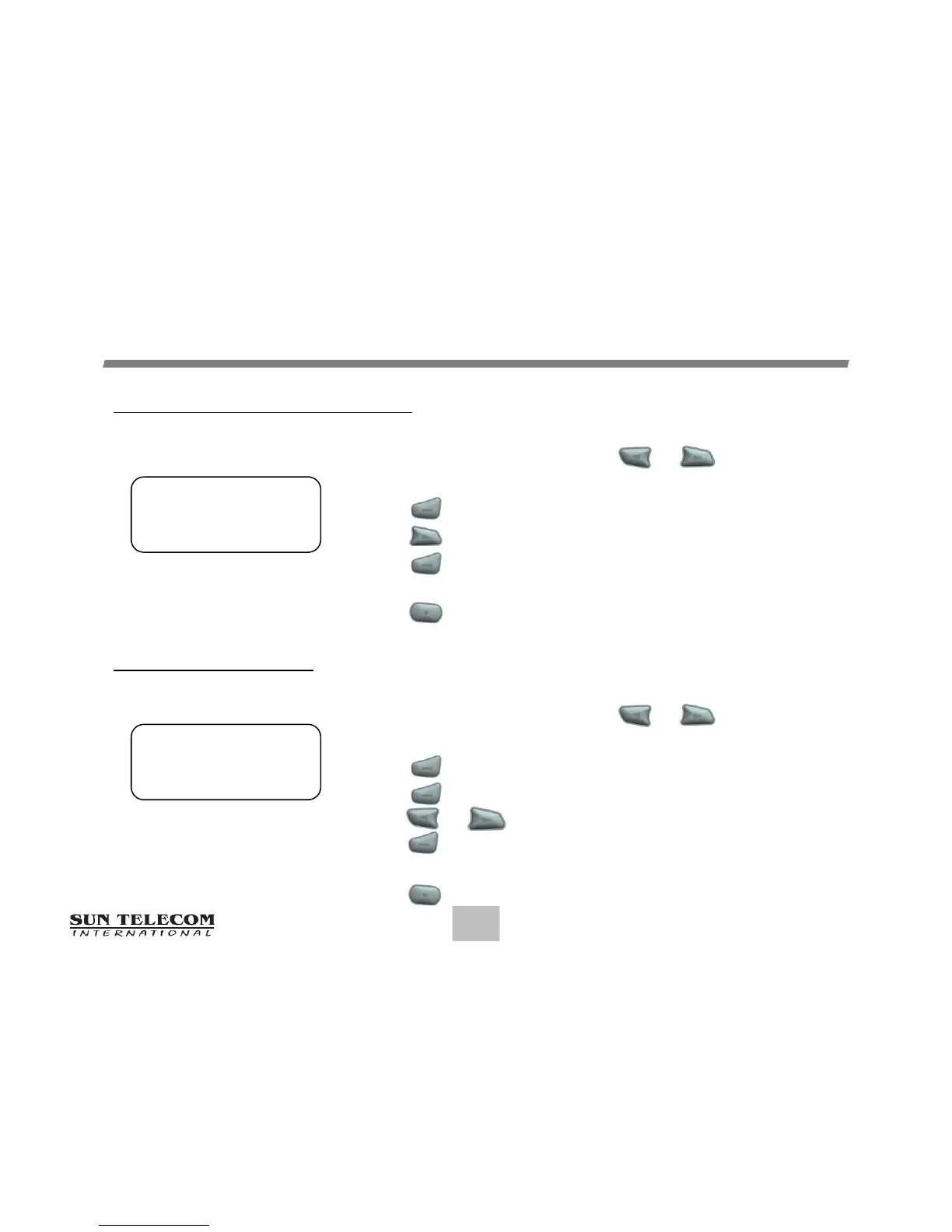
From the Function menu, press or to move
the cursor to display "SET TIME".
Press to display the Set Time screen.
Press to move the cursor to the next digit.
Press to adjust the current digit.
Repeat the two previous steps to adjust all time digits.
Press to activate the time and date setting.
Setting the Alarm
From the Function menu, press or to move
the cursor to display "SET ALARM".
Press to display the Set Alarm screen.
Press again to select Daily or 1Time alarm
Press or to move the cursor to the time digits
Press to adjust the current digit.
Repeat the two previous steps to adjust all the time digits.
Press button to activate the current setting.
Set Time Screen
12:00A 1/01/15
Set Alarm Screen
DAILY 12:00A



 To Next Page